Slide 6 of 8 from Golf Ball Shapes for PowerPoint
1193-golf-ball-6
Golf Balls - Different Ball Sizes Slide
- Media Layout
- Image + Text Split
- Product Overview Slide
- 16:9
- 100% Editable
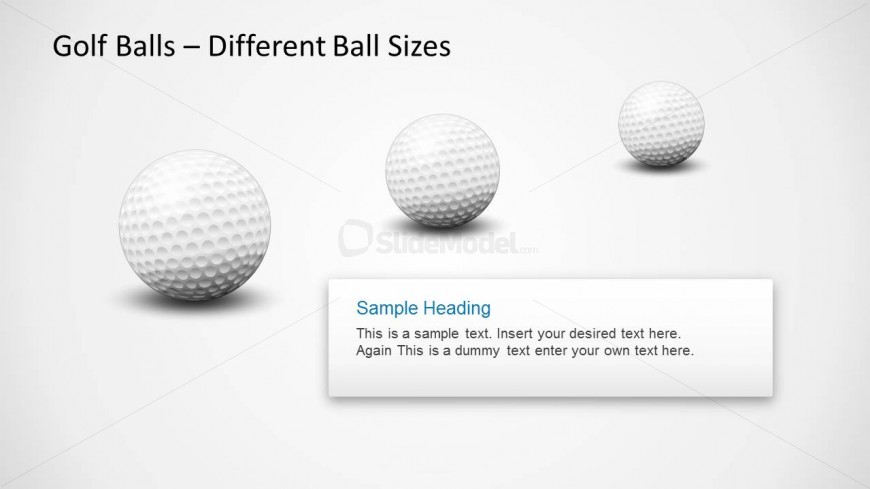
The Golf Balls - Different Ball Sizes slide from the Golf Ball Shapes for PowerPoint template offers a clear visual comparison of golf ball sizes, ideal for sports training and product feature discussions. This slide layout uses editable shapes and vector icons to highlight equipment specifications effectively within a business presentation or pitch deck template.
What’s on This Slide
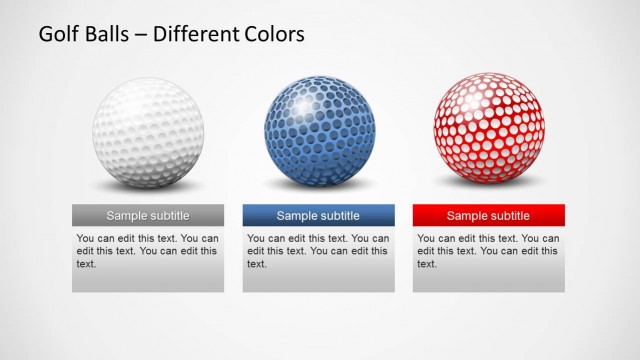
The slide features three golf ball illustrations arranged horizontally across the top. Each ball is a different size, with the largest on the left and the smallest on the right. Below the balls, there is a rectangular text box aligned to the left, containing a sample heading and two lines of placeholder text. The background is a light gradient, enhancing the visibility of the balls and text. The visual hierarchy emphasizes the balls, with the text box serving as a supportive element.
How to Use It
This layout serves to compare different sizes of golf balls, making it suitable for discussions on equipment or product variations. It fits well in a presentation sequence that addresses product features or specifications. This slide can be used in contexts such as sports training, product launches, or recreational event planning, where visual comparisons are necessary to illustrate differences effectively.
Text Placeholders & Capacity
Keep your copy within these limits so it fits without resizing. Body slots can hold roughly 30-40 words each.
| Placeholder | Count | Max characters (approx.) |
|---|---|---|
| Slide title | 1 | 30 |
| Body paragraph | 1 | 150 |
Slide Keywords
Download unlimited PowerPoint templates, charts and graphics for your presentations with our annual plan.
DOWNLOADReturn to Golf Ball Shapes for PowerPoint.