Slide 6 of 8 from Globe Shapes for PowerPoint with Map Markers
6040-01-globe-shapes-6
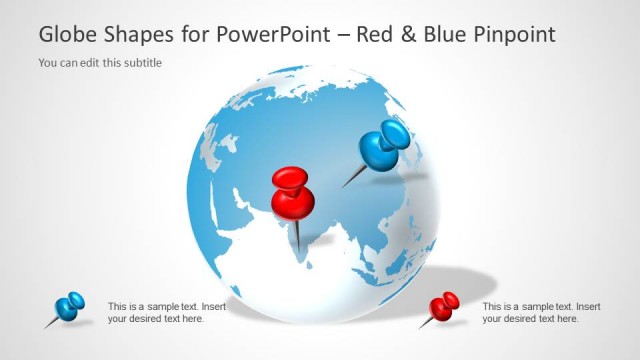
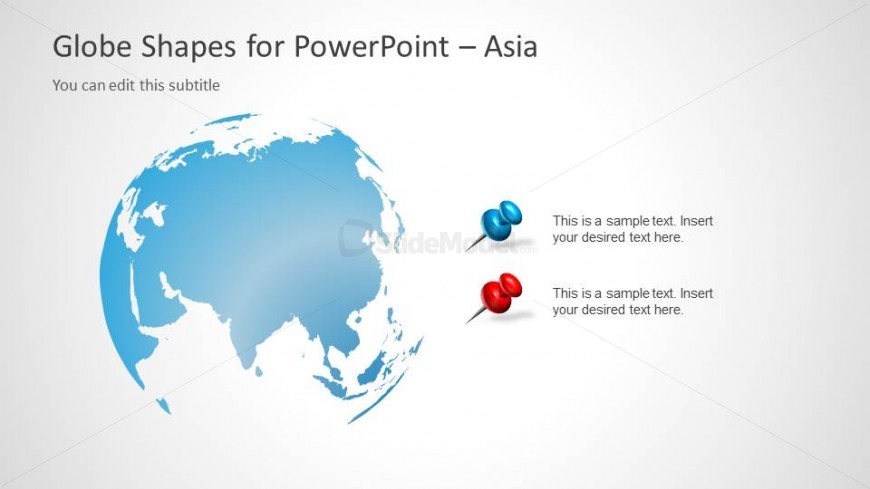
Globe with Map Pins for Asia
- Media Layout
- Other
- Context Slide
- 16:9
- 100% Editable
The Globe with Map Pins slide from the Globe Shapes for PowerPoint with Map Markers template offers a clear visual layout for regional analysis and location-specific presentations. Featuring editable shapes and vector icons, this slide supports business presentations focused on market opportunities in Asia. It integrates seamlessly into corporate slide decks, providing a professional design that highlights geographic data with precision.
What’s on This Slide
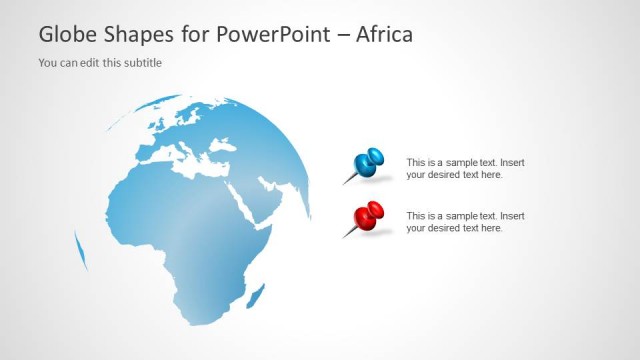
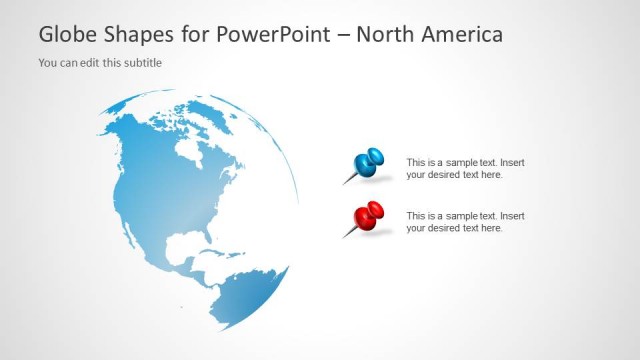
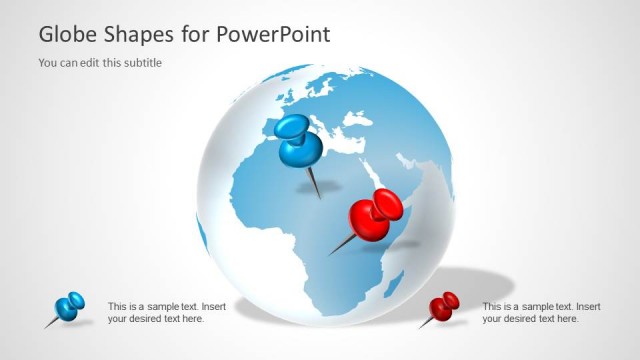
The slide features a globe illustration centered on Asia, with a light blue color scheme. The globe occupies the left side, displaying geographic details. To the right, two map pins are positioned vertically, one blue and one red, each accompanied by text placeholders for descriptions. The title is prominently displayed at the top, with a subtitle placeholder directly below it. The visual hierarchy emphasizes the globe and pins, while the background is a subtle gradient, enhancing the overall clarity and focus on the globe and pins.
How to Use It
This layout serves as a visual representation of geographic information, ideal for presentations discussing regional topics or global strategies. It fits well in a sequence after introductory slides, providing a focused view of Asia. This structure is useful for businesses presenting location-specific data, market opportunities, or regional strategies, allowing for effective communication of key points related to Asia's market or geographical significance.
Text Placeholders & Capacity
Keep your copy within these limits so it fits without resizing. Node body slots can hold about 8-10 words each.
| Placeholder | Count | Max characters (approx.) |
|---|---|---|
| Slide title | 1 | 30 |
| Subtitle | 1 | 50 |
| Item body | 2 | 50 |
Slide Keywords
Download unlimited PowerPoint templates, charts and graphics for your presentations with our annual plan.
DOWNLOADReturn to Globe Shapes for PowerPoint with Map Markers.