Slide 5 of 8 from Globe Shapes for PowerPoint with Map Markers
6040-01-globe-shapes-5
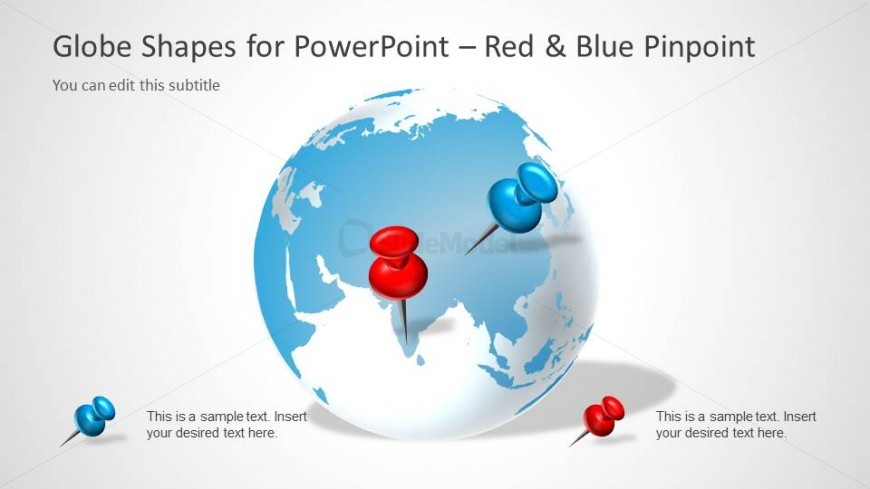
Globe with Red and Blue Pins for PowerPoint
- Media Layout
- Other
- Context Slide
- 16:9
- 100% Editable
The Globe with Red and Blue Pins slide from the Globe Shapes for PowerPoint with Map Markers template offers a clear visual tool for illustrating global locations in business presentations. This slide layout is ideal for showcasing international marketing strategies, trading plans, or communications efforts using editable shapes and vector icons to highlight key regions effectively within a corporate presentation or pitch deck template.
What’s on This Slide
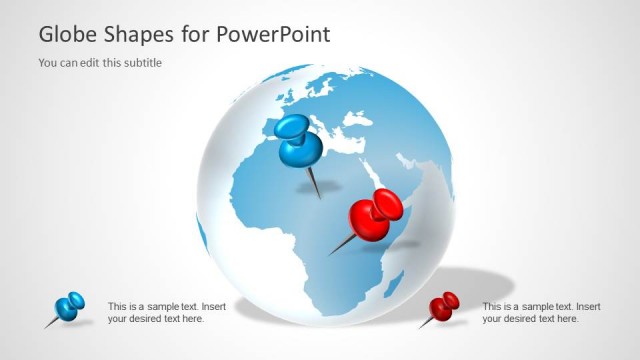
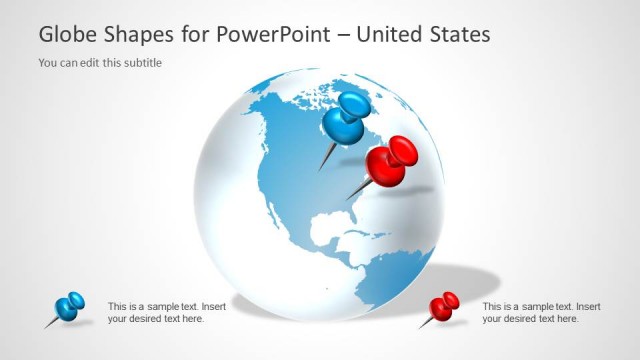
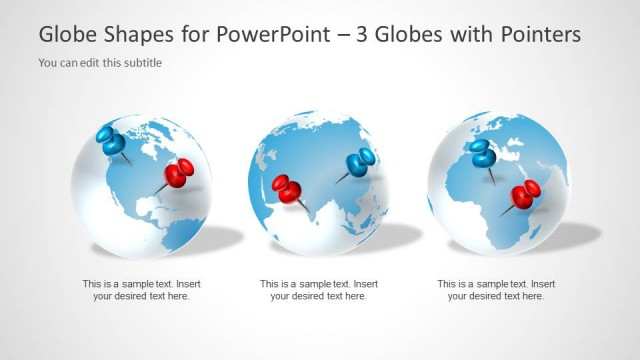
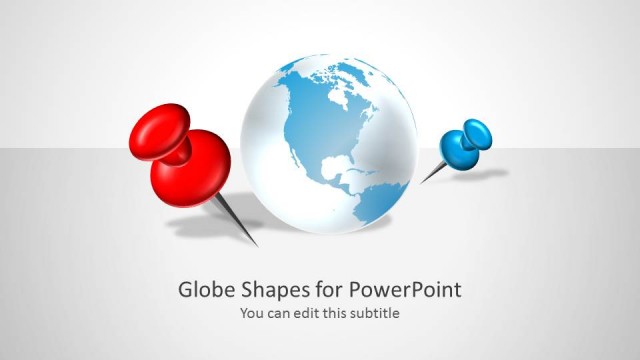
The slide features a globe illustration centered in the layout, with two map pins positioned on the globe. A red pin is located in the eastern hemisphere, while a blue pin is placed in the western hemisphere. The background is a light gradient, enhancing the globe's visibility. Text placeholders are present at the top for the title and subtitle, and at the bottom for additional text, all aligned left. The overall composition emphasizes the globe and pins, creating a clear visual hierarchy.
How to Use It
This layout serves as a visual representation of global locations, suitable for presentations discussing geographical data or location-based strategies. It fits well in a sequence following a problem slide, illustrating solutions or key points. Use this slide to highlight specific regions or locations relevant to trading, communications, or global outreach efforts, making it effective for business presentations focused on international markets.
Text Placeholders & Capacity
Keep your copy within these limits so it fits without resizing. Body slots can hold about 10-12 words each.
| Placeholder | Count | Max characters (approx.) |
|---|---|---|
| Slide title | 1 | 40 |
| Subtitle | 1 | 40 |
| Body paragraph | 3 | 50 |
Slide Keywords
Download unlimited PowerPoint templates, charts and graphics for your presentations with our annual plan.
DOWNLOADReturn to Globe Shapes for PowerPoint with Map Markers.