Slide 1 of 8 from Globe Shapes for PowerPoint with Map Markers
Globe Shapes for PowerPoint Presentations
Globe with Map Pins for Presentations
- Media Layout
- Other
- Context Slide
- 16:9
- 100% Editable
The Globe with Map Pins slide from the Globe Shapes for PowerPoint with Map Markers template offers a clear visual context for global trade and communication strategy presentations. This slide layout includes editable shapes and vector icons, making it suitable for business presentations or geographical discussions. Its balanced design and focus on global elements help set the stage effectively in professional slide decks and pitch deck templates.
What’s on This Slide
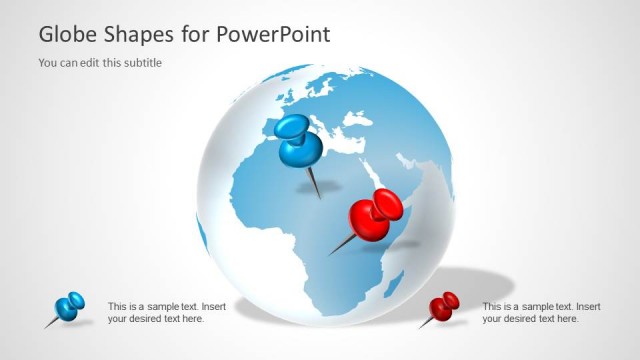
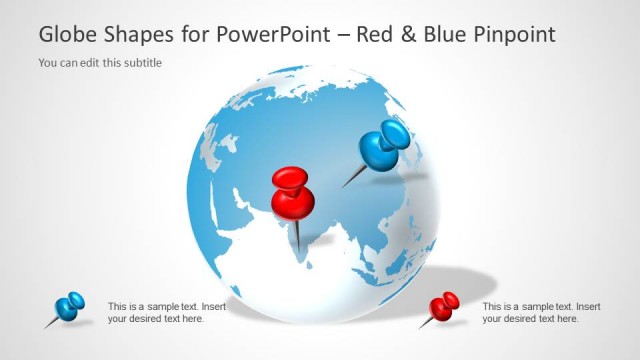
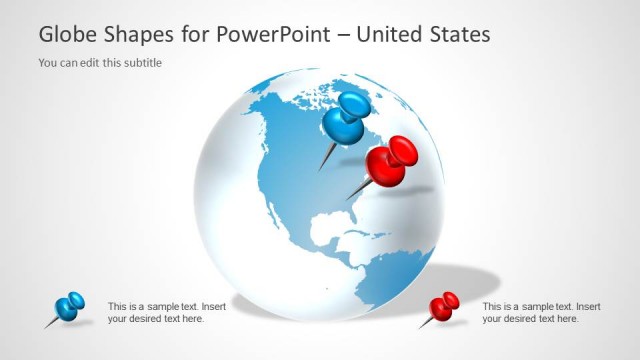
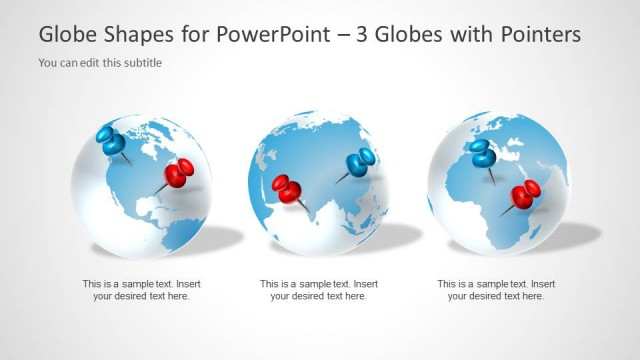
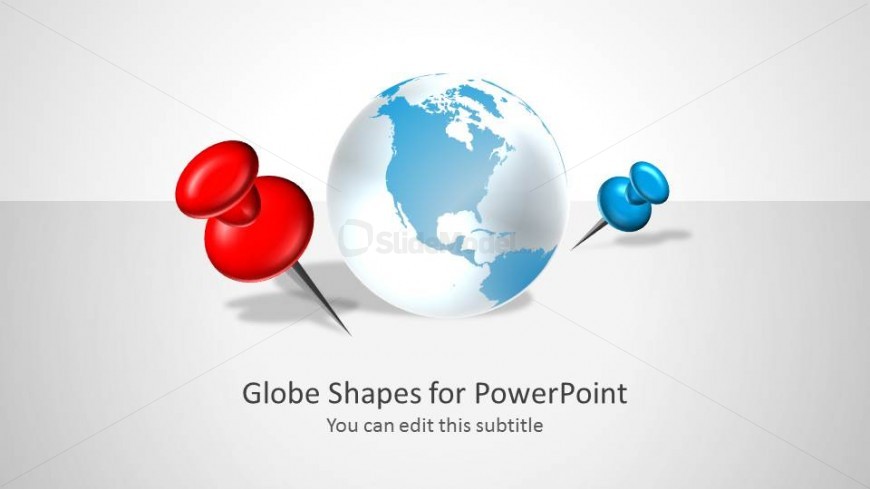
The slide features a central globe illustration depicting the Americas, flanked by two map pins, one red and one blue. The globe is positioned in the center, while the red pin is located to the left and the blue pin to the right. The background is a light gradient, enhancing the visual appeal. Below the globe, there are two text placeholders: the main title is centered and bold, while the subtitle is smaller and positioned directly beneath the title. The overall composition is balanced, with a clear visual hierarchy emphasizing the globe and pins.
How to Use It
This layout serves as an introductory slide, ideal for presentations focused on global topics such as geography, trade, or communication strategies. It effectively captures attention and sets the stage for subsequent slides that may delve into specific regions or data. The globe and pins can symbolize various global initiatives or projects, making it suitable for business or educational contexts. It fits well at the beginning of a presentation to outline the global scope of the discussion.
Text Placeholders & Capacity
Keep your copy within these limits so it fits without resizing. Title slot can hold about 6-8 words; subtitle slot can hold about 10-12 words.
| Placeholder | Count | Max characters (approx.) |
|---|---|---|
| Slide title | 1 | 40 |
| Subtitle | 1 | 50 |
Slide Keywords
Download unlimited PowerPoint templates, charts and graphics for your presentations with our annual plan.
DOWNLOADReturn to Globe Shapes for PowerPoint with Map Markers.