Slide 4 of 4 from Funnel Diagram for PowerPoint
Funnel Analysis Slide Design with Chart
Funnel Analysis Diagram for PowerPoint
- Diagram
- Funnel
- Process Slide
- 16:9
- 100% Editable
The Funnel Analysis Diagram slide from the Funnel Diagram for PowerPoint template provides a clear visual of customer journey stages using editable shapes and vector icons. Ideal for marketing presentations and sales strategy discussions, this slide helps illustrate process flows and conversion rates effectively within a corporate presentation or pitch deck template.
About This Slide
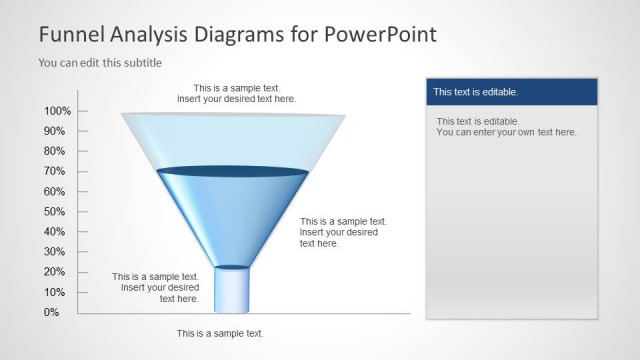
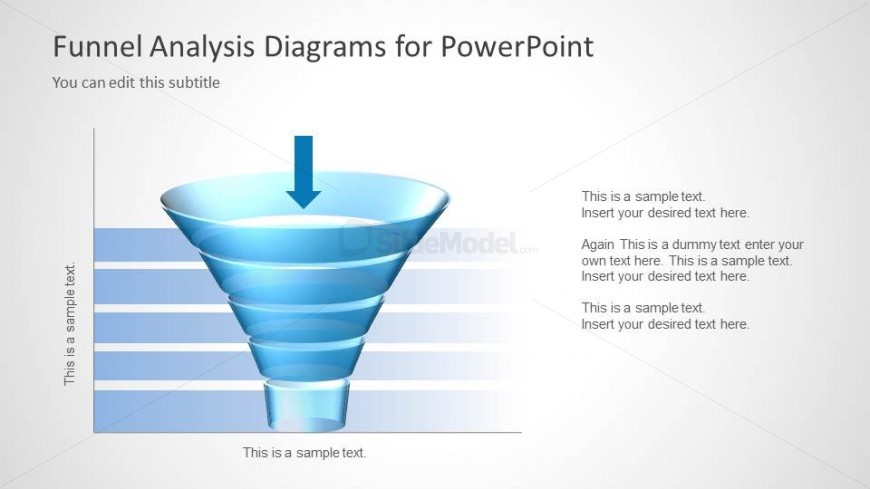
A Funnel Analysis Slide Design with Chart is featured on this Office template. The funnel can be used to demonstrate the filtering system of an analytic process. The presenter can use each stage of the funnel as a specific stage of the process.
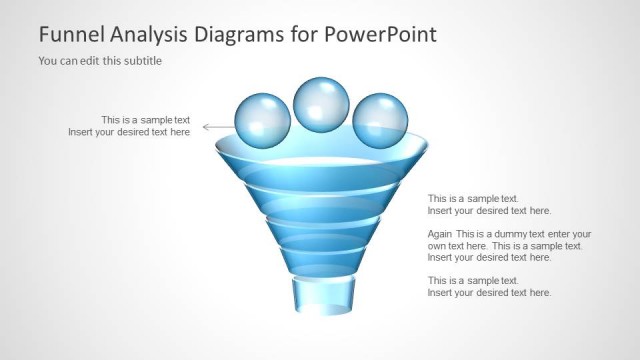
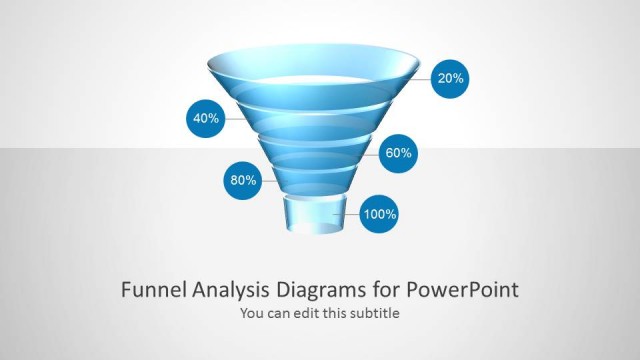
On the left side of the slide is a funnel diagram that is created to resemble a transparent, plastic funnel. Text placeholders are provided on the slide, to allow the presenter to insert the topic discussion. Any alteration regarding the color and size will not affect the graphic resolution of the PowerPoint icons.
What’s on This Slide
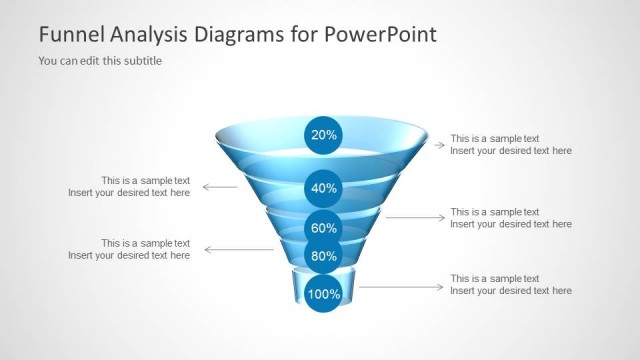
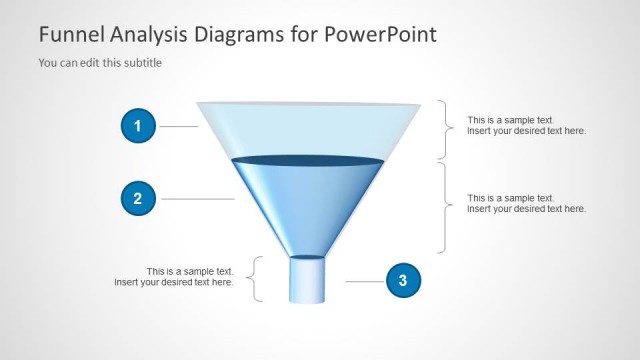
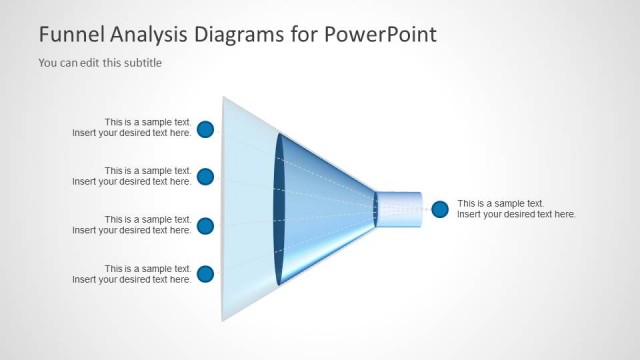
The slide features a central funnel graphic, oriented vertically, with an arrow pointing downward. The funnel is composed of several horizontal layers, each represented by blue gradient shapes. Text placeholders are positioned on the left and right sides of the funnel, with a subtitle above the funnel and a title at the top. The placeholders are aligned to allow for multiple lines of text, with the left side containing three text areas and the right side having three corresponding text areas. The overall layout emphasizes the funnel shape, guiding the viewer's attention toward the center.
How to Use It
This layout serves as a funnel analysis diagram, suitable for illustrating stages in a process or marketing funnel. It fits well in presentations discussing sales strategies, customer journeys, or marketing effectiveness. This slide can be used to display data-driven insights, showing how potential customers progress through various stages. It is particularly effective when presenting to stakeholders or teams focused on improving conversion rates or understanding customer behavior.
Text Placeholders & Capacity
Keep your copy within these limits so it fits without resizing. Body slots can accommodate about 10-12 words each.
| Placeholder | Count | Max characters (approx.) |
|---|---|---|
| Slide title | 1 | 30 |
| Subtitle | 1 | 50 |
| Body paragraph | 6 | 50 |
Slide Keywords
Download unlimited PowerPoint templates, charts and graphics for your presentations with our annual plan.
DOWNLOADReturn to Funnel Diagram for PowerPoint.