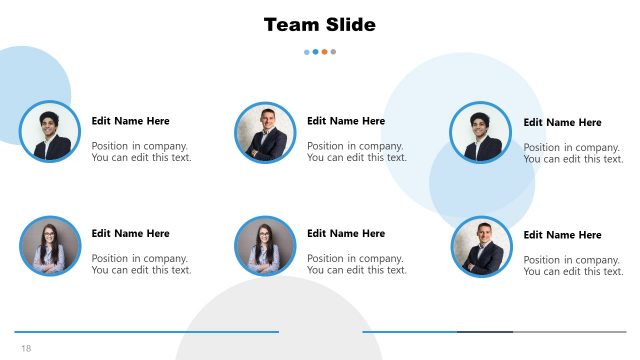
Slide 12 of 13 from Formal Elevator Pitch Template for PowerPoint
Elevator Pitch PowerPoint Team Slide
Team Overview Slide for Presentations
- Media Layout
- Other
- Team Slide
- 16:9
- 100% Editable
What’s on This Slide
The layout features a top-centered title reading 'OUR TEAM' in bold text. Below, four circular images are arranged horizontally, each containing a placeholder for a name and a role. The images are evenly spaced, with a light blue background that contrasts with the white space. Each image is encircled by a thin border, enhancing visual separation. The text placeholders are aligned centrally beneath each image, maintaining a consistent visual hierarchy. The overall composition is clean and organized, emphasizing team members clearly.
How to Use It
This layout serves as a team introduction slide, ideal for showcasing team members in a presentation. It fits well in the middle of a pitch deck, following sections that outline the problem or solution. Use this slide to highlight key personnel involved in a project, emphasizing their roles and contributions. It is suitable for business contexts such as startup pitches, investment meetings, or team introductions in corporate presentations.
Text Placeholders & Capacity
Keep your copy within these limits so it fits without resizing. Node labels can hold about 3-4 words each, while body text is tighter.
| Placeholder | Count | Max characters (approx.) |
|---|---|---|
| Item heading | 4 | 20 |
| Item body | 4 | 15 |
| Slide title | 1 | 15 |
Slide Keywords
Download unlimited PowerPoint templates, charts and graphics for your presentations with our annual plan.
DOWNLOAD