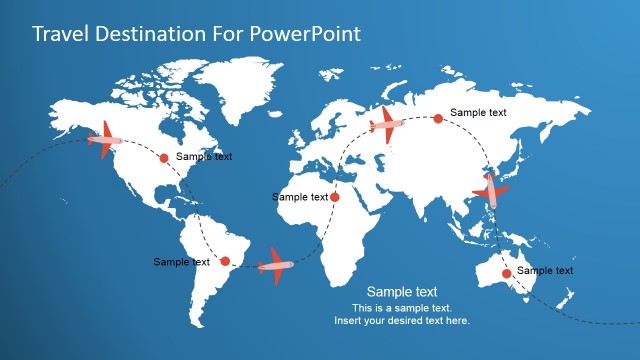
This is a presentation template with flying concepts and it can be used to make presentations on travel destinations or agencies. The flying PowerPoint template design includes transitions between slides and flying metaphors such as plane illustrations flying over the slide and cloud shapes.
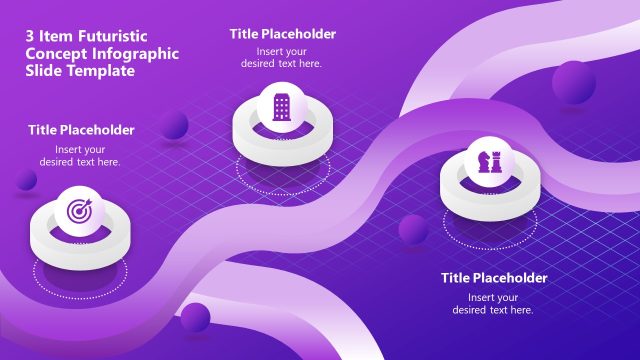
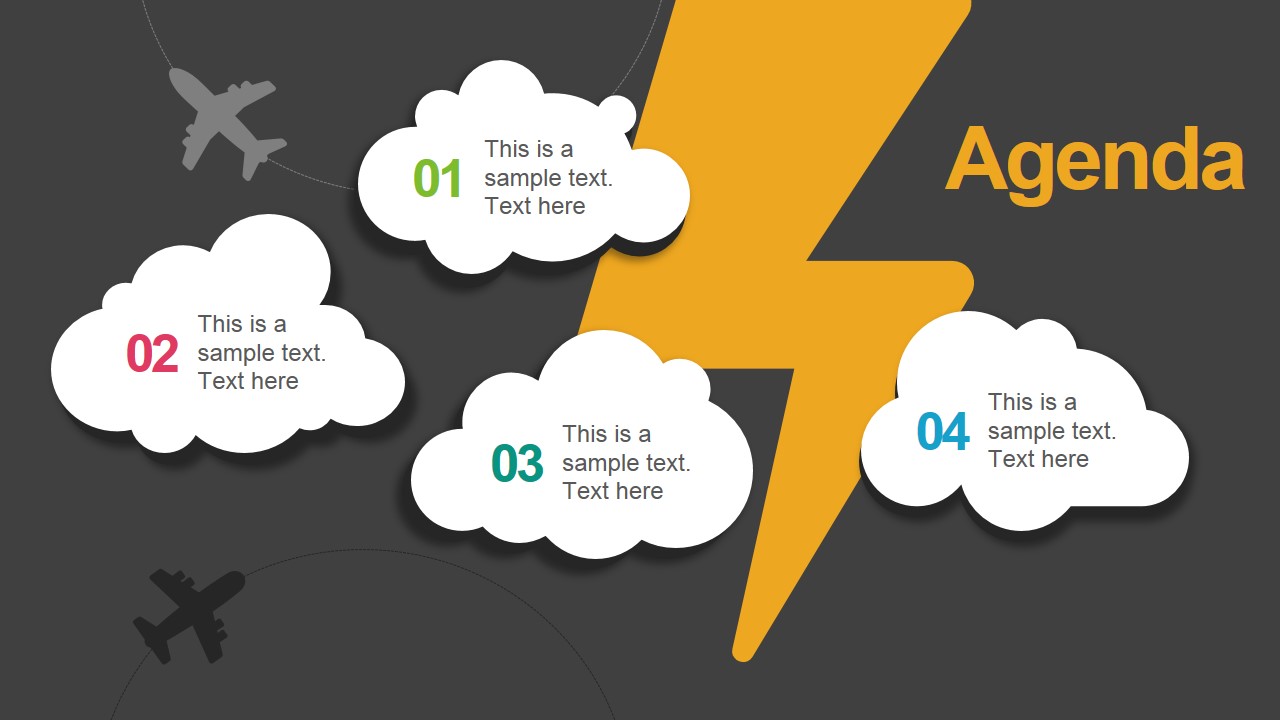
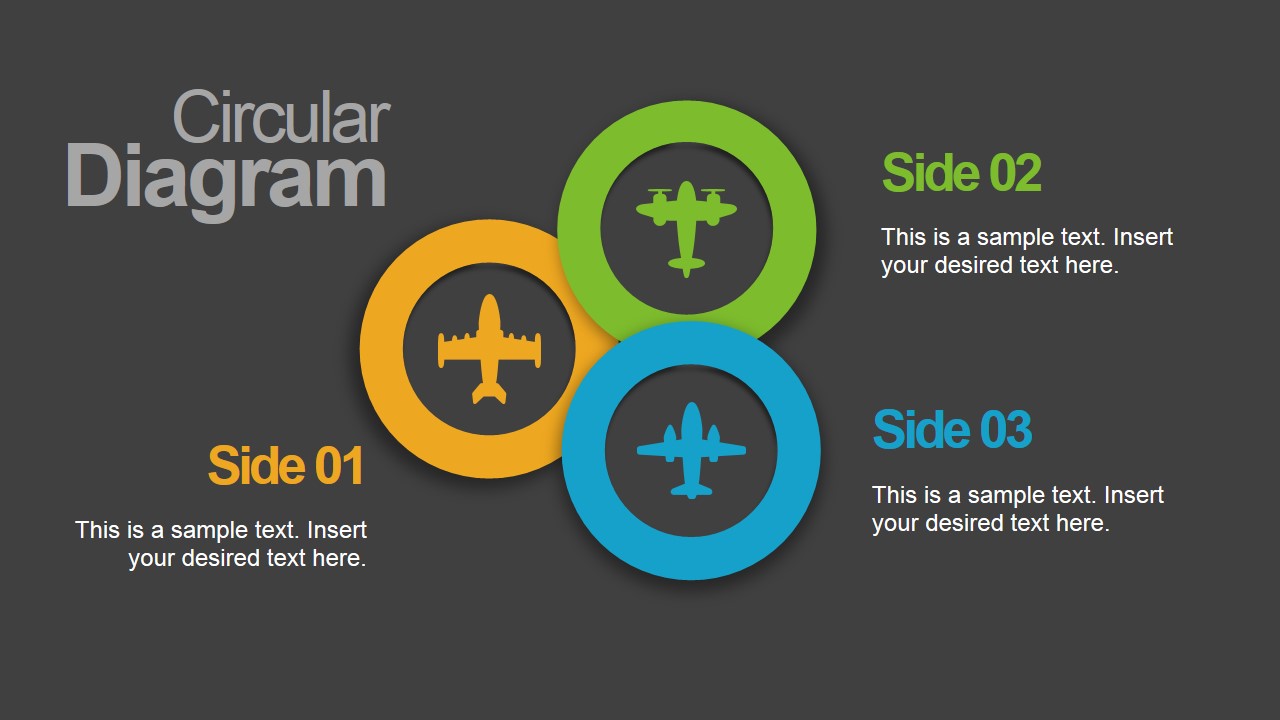
The flying concept design for PowerPoint presentations include useful presentation slides like the agenda slide, timeline slides as well as business diagrams with circles that are very useful to present up to three concepts or topics.
What’s inside this template
Example presentation scenarios
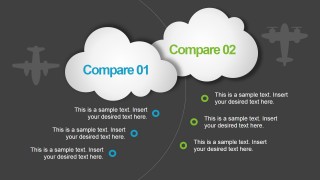
- A travel agency presenter can introduce a destination package, organize the itinerary with the agenda slide, and compare two offers using the cloud comparison layout.
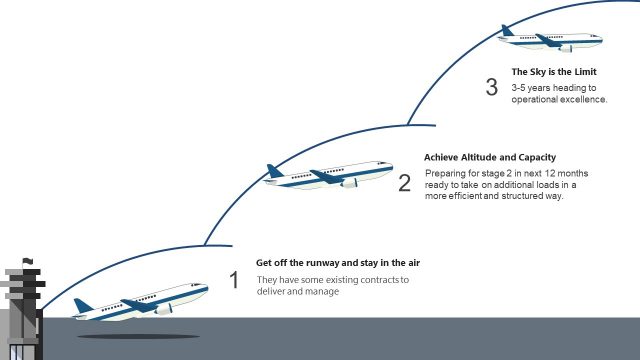
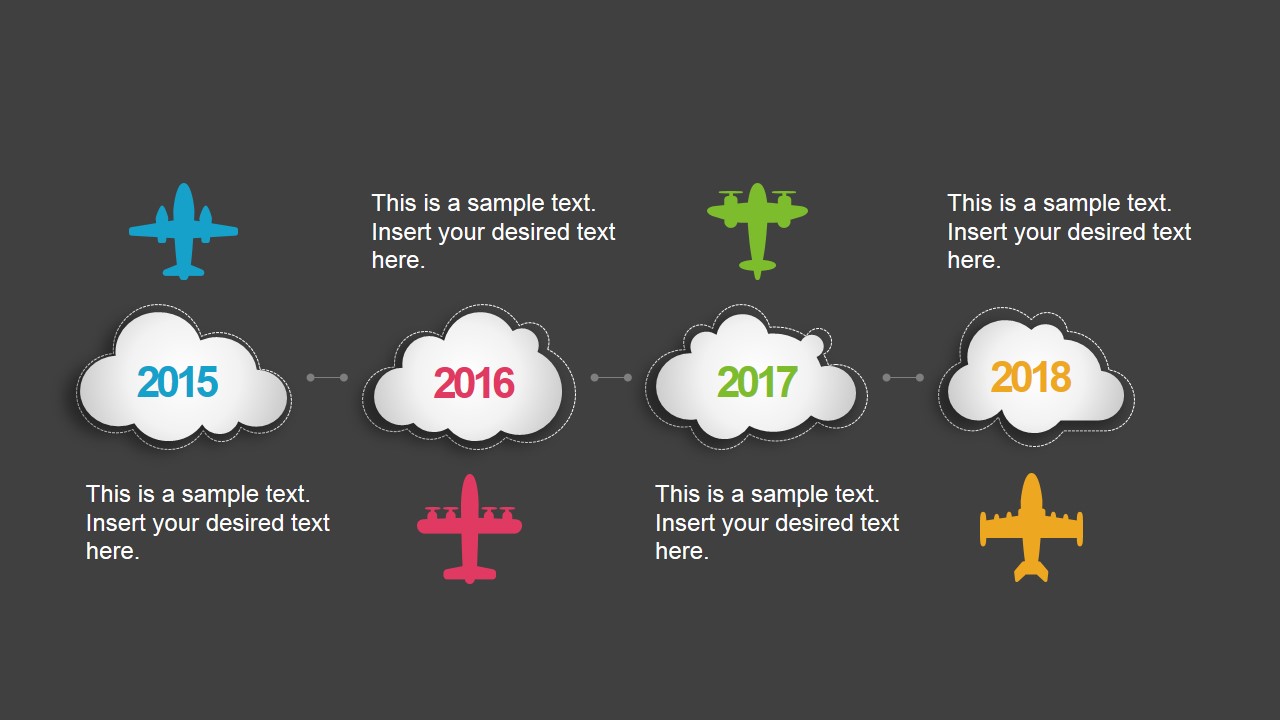
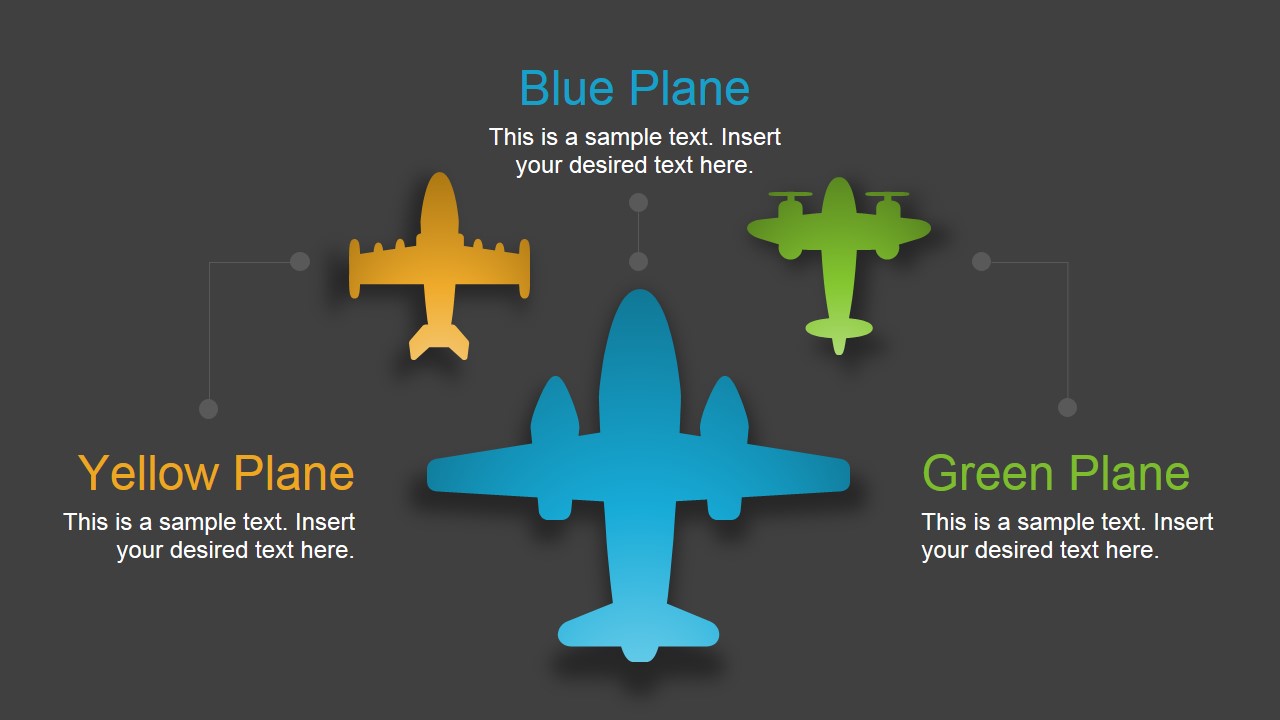
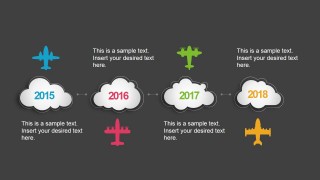
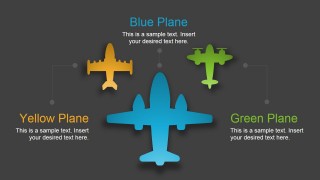
- An aviation team can explain route planning or service milestones with the 2015 to 2018 timeline and reinforce key aircraft categories with the three-plane concept slide.
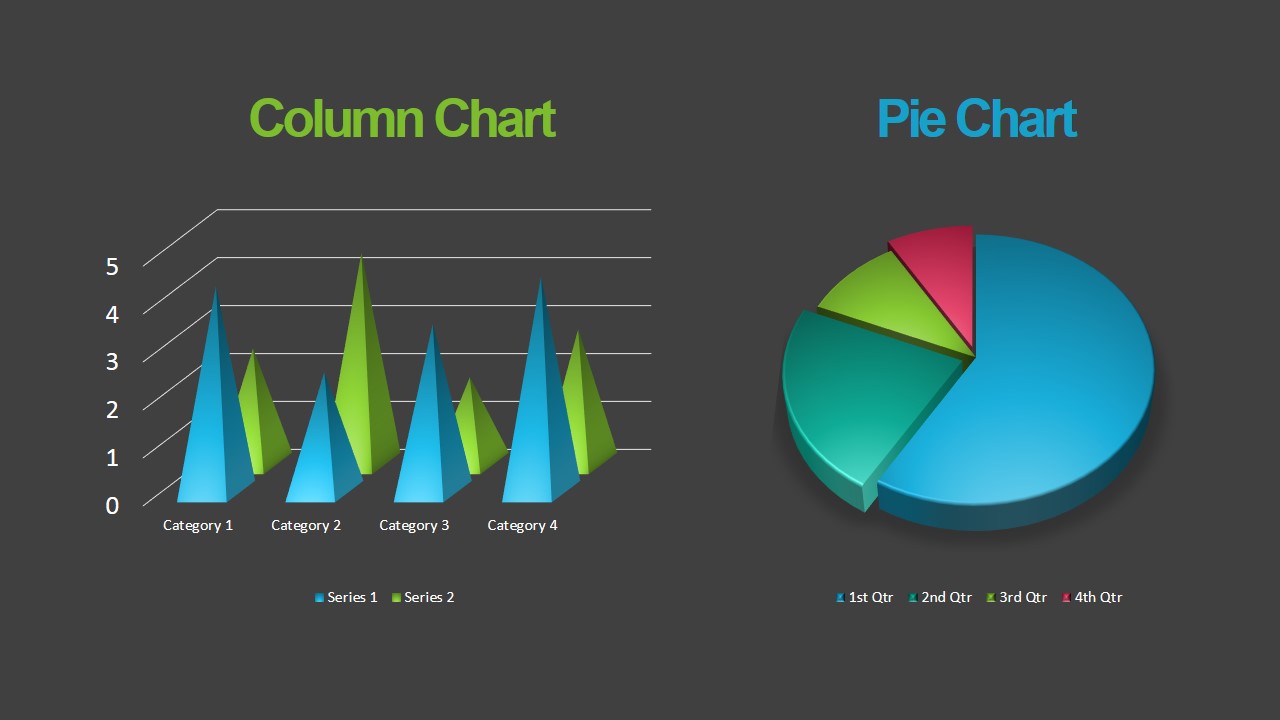
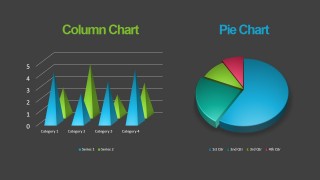
- A tourism marketer can pitch a campaign concept by opening with the cloud title slide, showing performance with the column and pie charts, and ending with the contact slide.
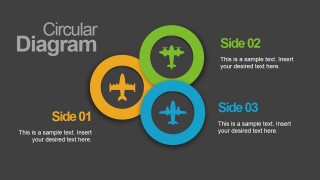
- A consultant can use the flight metaphor to explain a client journey, placing stages in the circular diagram and summarizing next steps on the logo closing slide.
Features
- 100% editable presentation template
- Compatible with Microsoft PowerPoint and Google Slides
- 16:9 aspect ratio slides
- Scalable vector shapes, icons and illustrations
- AI-Ready for Microsoft Copilot and Claude
- Instant access and download
Frequently asked questions
Q: How should a presenter use the flight theme without letting it distract from the business message?
A: Keep each airplane or cloud as a cue for movement, sequence, or comparison rather than decorative filler. Start with the cover and agenda, then use the timeline for progress, the comparison slide for options, and the circular diagram for grouped concepts. Replace sample text with short labels so the theme frames the message clearly.
Q: Who is this template best suited for, and what type of message does it support?
A: It fits presenters in travel, tourism, aviation, and service businesses who need to introduce an offer, plan, itinerary, or journey. The cloud title, timeline, charts, and contact slide support an overview-style presentation where the audience needs orientation first, then supporting details, then a clear next contact point.
Q: Why do the cloud and airplane metaphors work for agenda, timeline, and comparison content?
A: The visuals create a sense of motion and direction, which helps audiences read the deck as a journey. Clouds work well as containers for headings and milestones, while airplanes point attention toward stages, categories, or options. This makes abstract planning content easier to follow without adding dense explanation.






Flying Concept PowerPoint Template
9-slide presentation template with airplane clouds, agenda, timeline, charts, and circular diagram layouts
Flying Concept PowerPoint Template is a 9-slide aviation-themed presentation template with cloud title pages, an agenda, a year timeline, comparison slide, column and pie chart slide, circular diagram, contact page, and logo close. It is built for travel, airline, agency, or business presenters using Microsoft PowerPoint or Google Slides.
- Category
- Template Backgrounds
- Rating


 Loading...
- Aspect ratio
- 16:9
- Item ID
- 12038-01
- Colors
 Microsoft PowerPoint
  Microsoft Copilot
  Claude for PowerPoint
 Other formats supported
Subscribe today and get immediate
access to download our PowerPoint templates.