Slide 2 of 7 from Flat SWOT Analysis Design for PowerPoint
Flat SWOT Analysis PowerPoint Diagram
SWOT Analysis Matrix for Presentations
- Diagram
- Matrix Quadrant
- Strategic Analysis Slide
- 16:9
- 100% Editable
The SWOT Analysis Matrix slide from the Flat SWOT Analysis Design for PowerPoint template offers a clear 2x2 quadrant layout for strategic planning and team brainstorming. This slide template features editable shapes and color-coded sections to effectively present strengths, weaknesses, opportunities, and threats, making it suitable for corporate presentations and stakeholder discussions within a business presentation or pitch deck template.
About This Slide
The Flat SWOT Analysis Diagram can be used in business presentations to analyze the aspects of the business plan thoroughly. A SWOT diagram is composed of four aspects, namely, strengths, weaknesses, opportunities, and threats. They are four complementing elements that examine all angles of the plan.
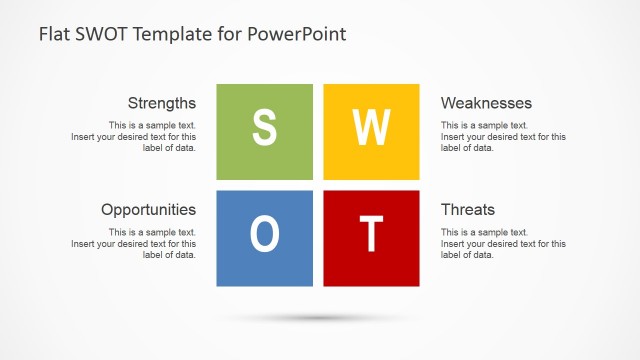
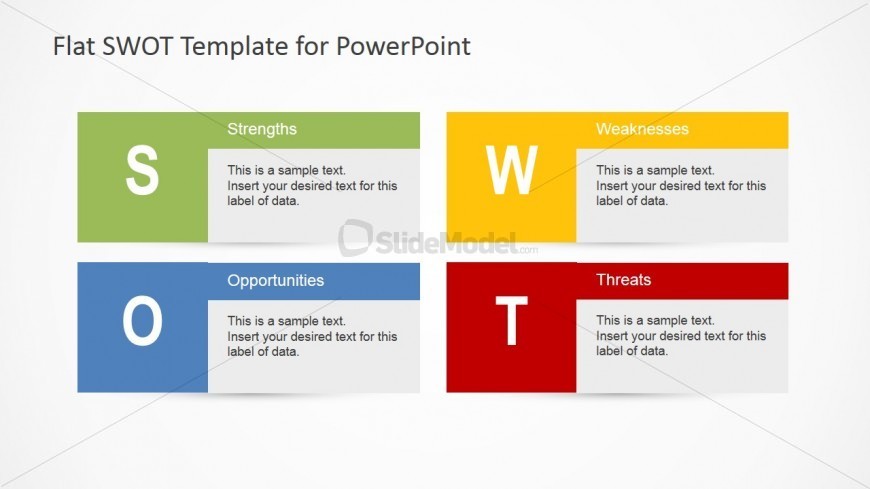
The SWOT elements are arranged in a two by two grid, with headers in solid colors, such as green, yellow, blue, and red. An enlarged capital letter representing the element can be found on the left side of the header Text placeholders are provided for labels and descriptions to understand the discussion of the analysis. Any modification will not affect the image resolution of the design.
What’s on This Slide
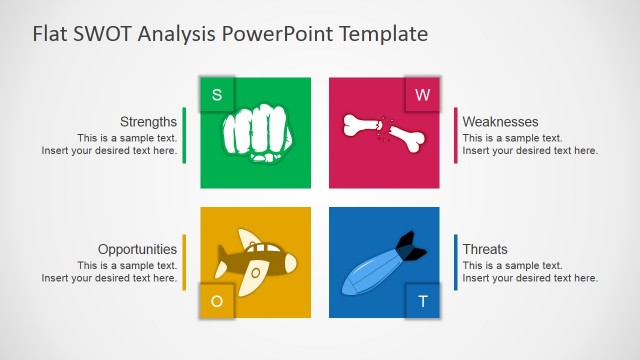
The layout consists of four quadrants arranged in a 2x2 matrix. Each quadrant is labeled with a letter: S for Strengths, W for Weaknesses, O for Opportunities, and T for Threats. The quadrants are colored differently, with Strengths in green, Weaknesses in yellow, Opportunities in blue, and Threats in red. Each quadrant contains a text placeholder for a title and a larger placeholder for descriptive text, aligned centrally. The overall composition is balanced, with clear visual separation between quadrants and a light background.
How to Use It
This layout serves as a SWOT analysis matrix, ideal for summarizing strengths, weaknesses, opportunities, and threats in a business context. It fits well in a presentation sequence after introducing a problem or strategy. This structure is useful for strategic planning sessions, team discussions, or stakeholder presentations, allowing for a concise overview of key factors influencing a business decision.
Text Placeholders & Capacity
Keep your copy within these limits so it fits without resizing. Node body slots can accommodate roughly 20 words each.
| Placeholder | Count | Max characters (approx.) |
|---|---|---|
| Slide title | 1 | 30 |
| Item heading | 4 | 15 |
| Item body | 4 | 100 |
Slide Keywords
Download unlimited PowerPoint templates, charts and graphics for your presentations with our annual plan.
DOWNLOADReturn to Flat SWOT Analysis Design for PowerPoint.