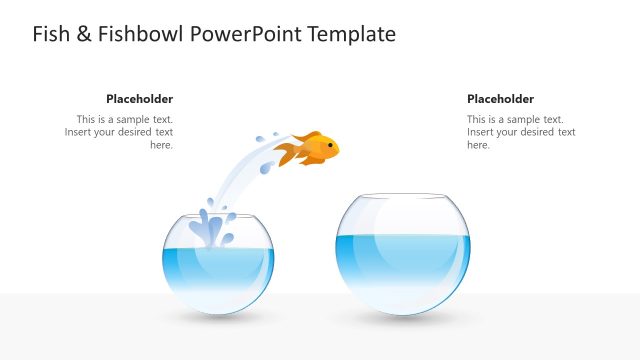
The Fishbowl Shapes for PowerPoint uses a fishbowl analogy with a fish jumping into a bowl. It features helpful business concepts. The PowerPoint graphics are done in light colors. This makes a comfortable presentation design. This results in a report that is easy to relate to and understand.
The fishbowl analogy features a water-filled bowl and a fish. It presents the fish as being trapped in a single bowl. This can act as a metaphor for a company. The fishbowl represents the company’s current market. Using this fishbowl template, the transition to other markets can be shown. An increase in the market coverage can be demonstrated.
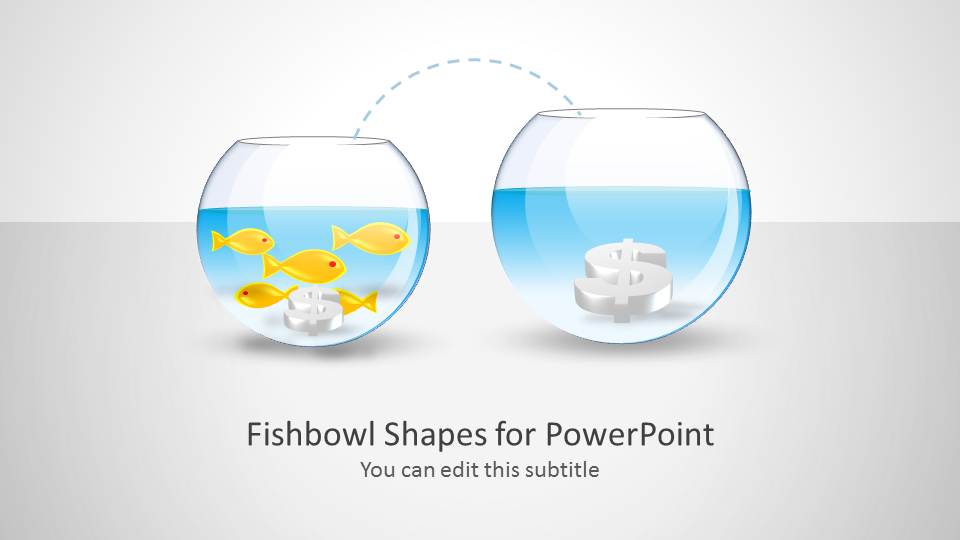
Two fishbowls are on the first slide. One of which has several fish, while the other is empty. Both bowls have a 3D dollar sign inside, although in different sizes. This, by itself, can represent the need to enter new markets. As the current market becomes larger, it attracts competitors. Due to the multiple suppliers, the expected income becomes smaller. The slide shows how going into unexplored markets (market opportunities) is more profitable in the end.
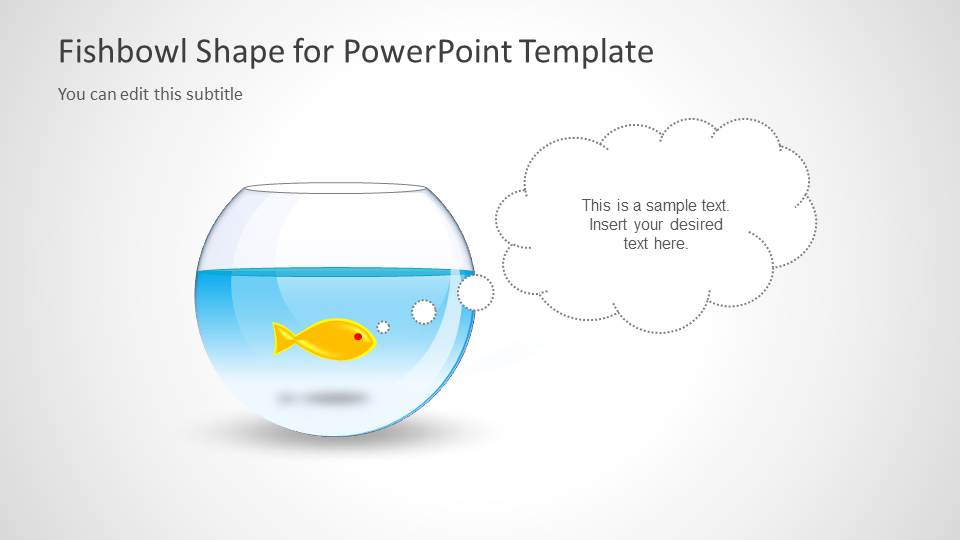
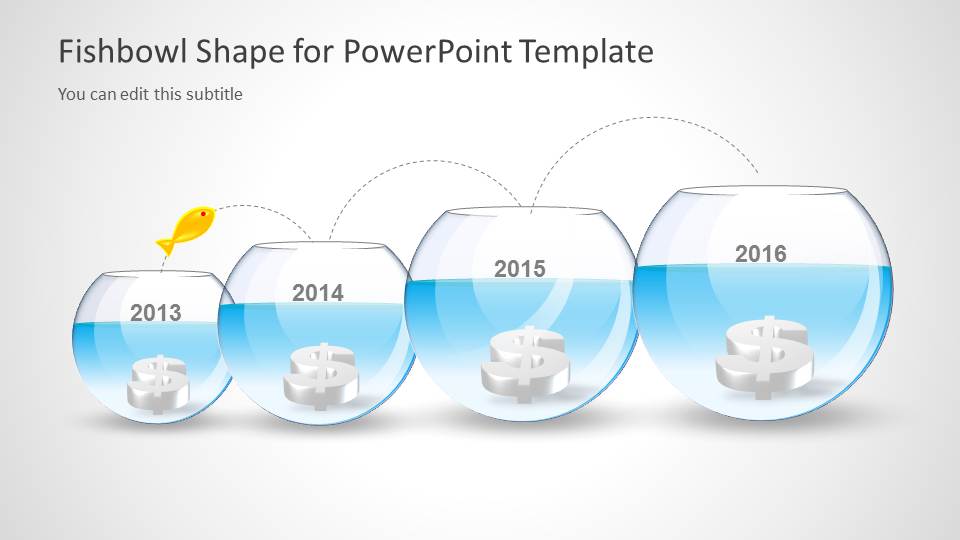
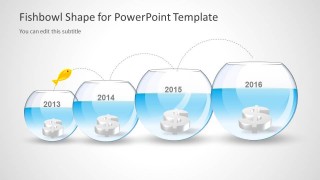
The second slide shows a lone fish in an empty fish bowl. It can metaphorize the last entity to leave a losing market. Some companies choose to stay in profitable markets. However, more companies would rather go into popular markets to participate in the bandwagon. The last company to leave is dealt with no clients, no profits, and a vanishing market. The last slide includes four fishbowls of increasing sizes. They are labeled in years. A dollar sign can be found at the bottom of each bowl. A fish drawing appears to jump from one end of the series to the other. It presents a constant change in markets by one company. This way, the company keeps its client base fresh, and has a larger stake in emerging markets.
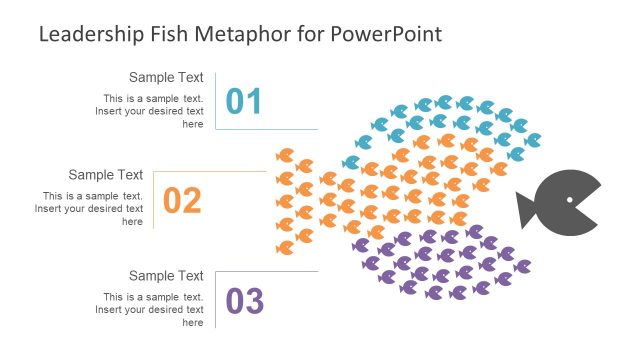
Fishbowl Shapes for PowerPoint is ideal for strategy presentations. The PowerPoint objects, their size and arrangement, can be modified to the presenter’s preference. Any changes to the design will not affect its quality. Alternatively, individuals can use the fishbowl leadership concept as a visual metaphor for follow the leader situation in presentations on leadership topics. Alternatively, learn how to use metaphors in your presentations. Fishbowl shapes for PowerPoint can also be imported in Google Slides, hence you can create amazing presentations with a fishbowl metaphor for Google Slides presentations.
What’s inside this template
Example presentation scenarios
- A strategy consultant can use the two-bowl comparison to show why a client should move from a crowded current market toward an open opportunity.
- A marketing leader can use the expanding-bowl timeline to explain how market potential or account value changes across yearly stages.
- An executive presenter can use the single-bowl callout to discuss the risk of being isolated in a shrinking or less attractive market.
- A leadership trainer can use the jumping fish metaphor to prompt discussion about following competitors, leading a shift, or deciding when to exit.
Features
- 100% editable presentation template
- Compatible with Microsoft PowerPoint and Google Slides
- Scalable vector shapes, icons and illustrations
- AI-Ready for Microsoft Copilot and Claude
- Instant access and download
Frequently asked questions
Q: How should a presenter use the fishbowl metaphor without making the strategy message feel too abstract?
A: Start by naming what each fishbowl represents: current market, new segment, customer pool, or opportunity size. Then tie each visual element to one business point. The dollar signs can stand for potential value, the fish can stand for the company or competitors, and the dotted jump path can show the decision to move.
Q: Who is this template best suited for in a business presentation?
A: This template fits presenters who need to explain a strategic move in simple terms before showing detailed evidence. Consultants, founders, and strategy leaders can use the comparison slide for market entry, the lone fish slide for risk, and the timeline slide for growth or expansion over several stages.
Q: Why does the fishbowl visual work for market opportunity and leadership topics?
A: The fishbowl creates an instantly readable metaphor: a contained environment, limited space, visible movement, and a clear destination. Because the bowls grow across the timeline and the fish visibly jumps between them, the audience can understand migration, opportunity size, and strategic choice before reading detailed text.
Fishbowl Shapes for PowerPoint
3-slide PowerPoint presentation template with fishbowl metaphor shapes for market opportunity and growth timelines
Fishbowl Shapes for PowerPoint is a 3-slide PowerPoint shape template built around a fishbowl market metaphor. It includes a two-bowl opportunity comparison, a single-bowl callout with thought bubble, and an expanding-bowl timeline labeled by year. It is intended for strategy, market analysis, leadership, and growth discussions.


 Loading...
 Microsoft PowerPoint
  Microsoft Copilot
  Claude for PowerPoint
 Other formats supported
Subscribe today and get immediate
access to download our PowerPoint templates.