Slide 1 of 3 from Fishbowl Shapes for PowerPoint
6071-01-fishbowl-shape-1
Fishbowl Shapes for PowerPoint - Slide 1
- Media Layout
- Other
- Concept Explanation Slide
- 16:9
- 100% Editable
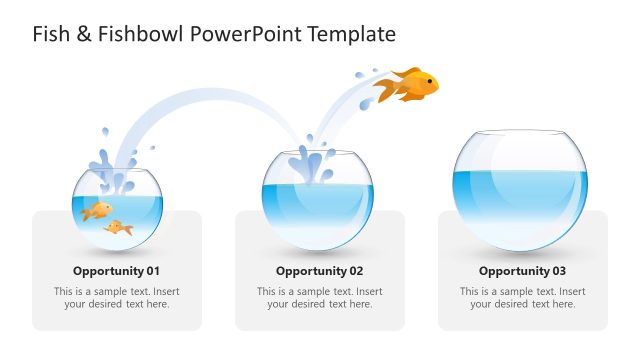
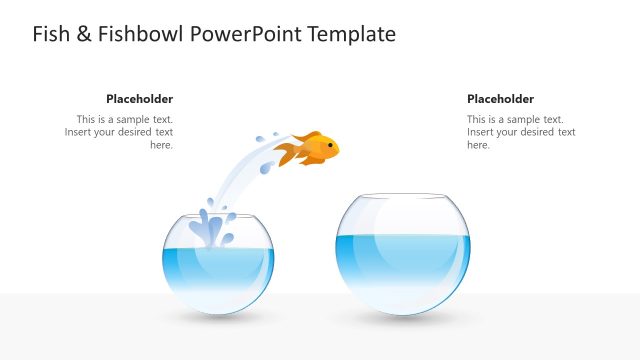
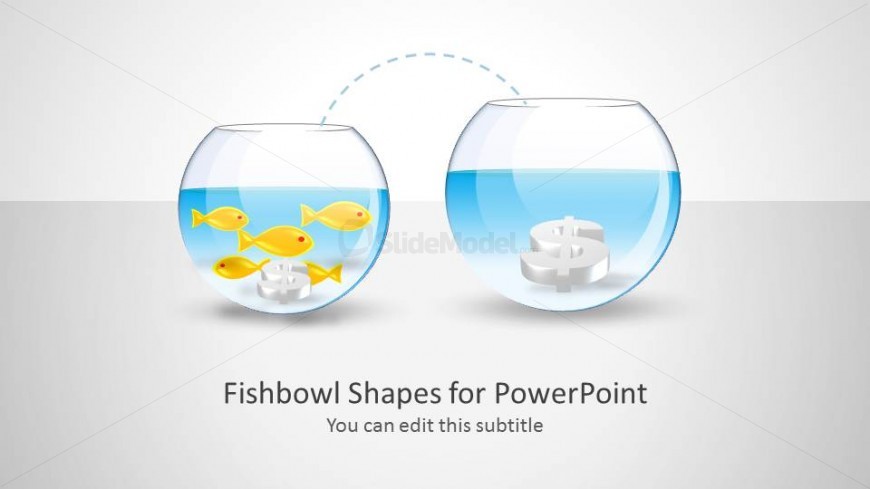
The Fishbowl Shapes with Icons slide from the Fishbowl Shapes for PowerPoint template offers a clear visual metaphor for illustrating market concepts and growth opportunities. This slide layout uses editable shapes and vector icons to depict resource flow between two fishbowls, making it suitable for business presentations and pitch deck templates focused on leadership or financial growth. Its balanced design enhances understanding of complex ideas in corporate presentations.
What’s on This Slide
The slide features two fishbowl shapes positioned side by side. The left bowl contains several yellow fish and a white structure, while the right bowl displays a dollar sign symbol. A dashed line connects the two bowls, indicating movement or flow. The background is a light gradient, enhancing the visual appeal. Text placeholders are centered below the bowls, with the main title at the bottom and a subtitle directly beneath it. The overall layout is balanced, with a clear visual hierarchy emphasizing the fishbowl shapes.
How to Use It
This layout serves as a metaphorical representation of growth or market opportunity, suitable for presentations discussing leadership or market analysis. It can be used to illustrate concepts such as resource allocation or financial growth. This slide fits well at the beginning of a presentation to introduce key themes or concepts. It is particularly effective in business contexts where visual metaphors enhance understanding of complex ideas.
Text Placeholders & Capacity
Keep your copy within these limits so it fits without resizing. Title slot can hold about 5-6 words, subtitle slot can hold about 10-12 words.
| Placeholder | Count | Max characters (approx.) |
|---|---|---|
| Slide title | 1 | 30 |
| Subtitle | 1 | 50 |
Slide Keywords
Download unlimited PowerPoint templates, charts and graphics for your presentations with our annual plan.
DOWNLOADReturn to Fishbowl Shapes for PowerPoint.