Slide 2 of 3 from Fishbowl Shapes for PowerPoint
6071-01-fishbowl-shape-2
Fishbowl Shape for PowerPoint Template
- Shape Object
- Other
- Concept Explanation Slide
- 16:9
- 100% Editable
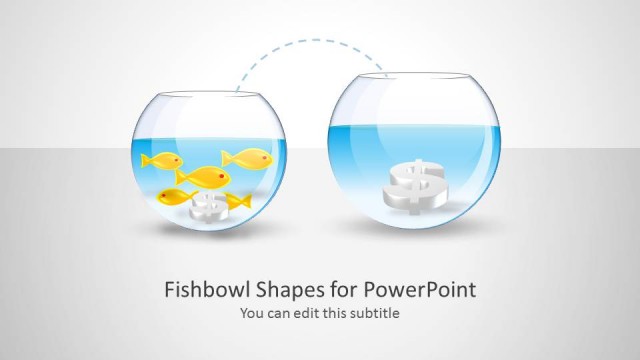
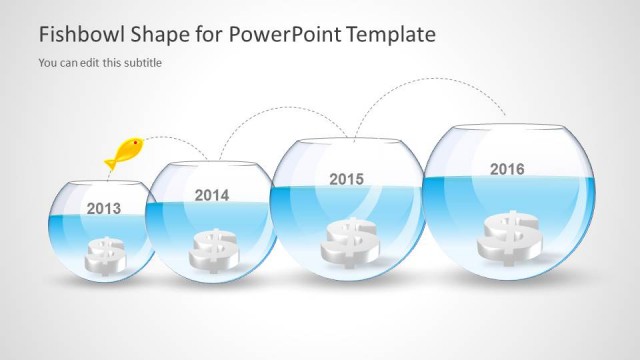
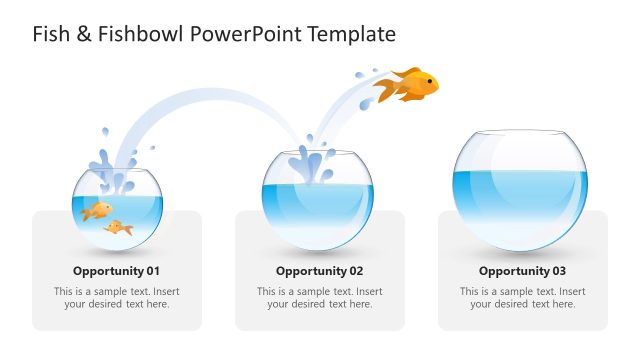
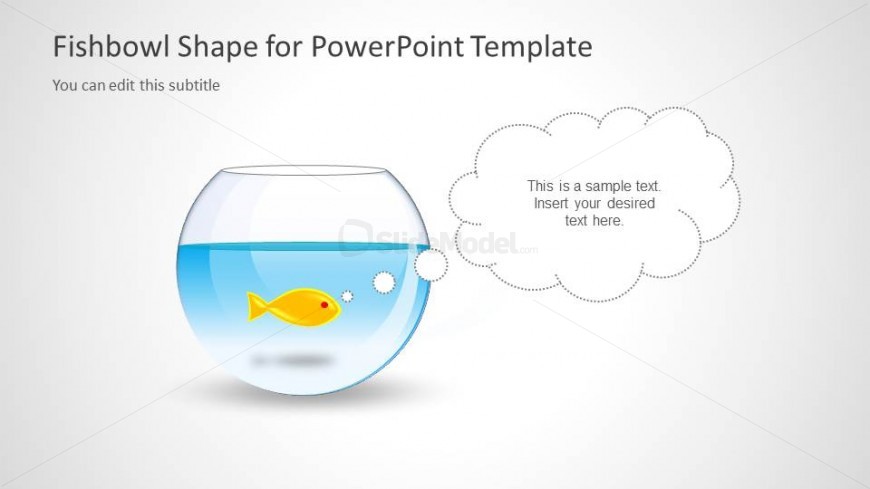
The Fishbowl Shape with Text Placeholder slide from the Fishbowl Shapes for PowerPoint template offers a distinctive visual metaphor for business presentations focused on market analysis, leadership, and growth strategies. This slide layout includes editable shapes and a text area designed to facilitate clear communication of strategic insights within a corporate presentation or pitch deck template. Its clean design and vector icons support effective storytelling in slide decks that require conceptual explanation.
What’s on This Slide
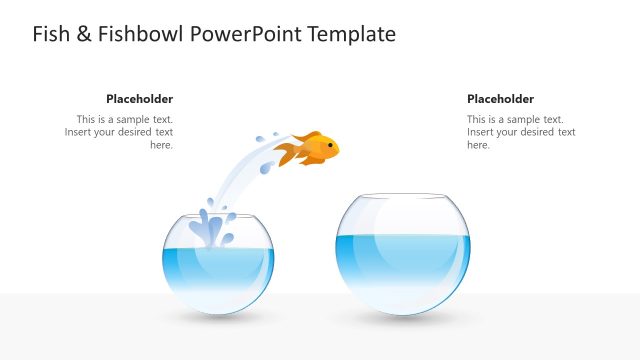
The layout features a central fishbowl shape positioned at the bottom center, filled with blue water and a yellow fish inside. Above the fishbowl, there is a text placeholder aligned to the left, with a cloud-like shape suggesting dialogue or thought. The title is placed at the top left, while a subtitle placeholder is directly below it. The overall composition is clean, with a light background enhancing the visibility of the fishbowl and text elements. The visual hierarchy emphasizes the fishbowl and the text area for user input.
How to Use It
This layout serves as a metaphorical representation, ideal for illustrating concepts related to growth, leadership, or market analysis. It can be effectively used in presentations discussing opportunities or strategic insights. Positioned as the second slide, it follows an introductory slide and can lead into detailed analysis or recommendations. The fishbowl shape allows for creative storytelling, making it suitable for engaging audiences in discussions about ideas or strategies.
Text Placeholders & Capacity
Keep your copy within these limits so it fits without resizing. Body slots can accommodate roughly 15-20 words each.
| Placeholder | Count | Max characters (approx.) |
|---|---|---|
| Slide title | 1 | 40 |
| Subtitle | 1 | 40 |
| Body paragraph | 1 | 100 |
Slide Keywords
Download unlimited PowerPoint templates, charts and graphics for your presentations with our annual plan.
DOWNLOADReturn to Fishbowl Shapes for PowerPoint.