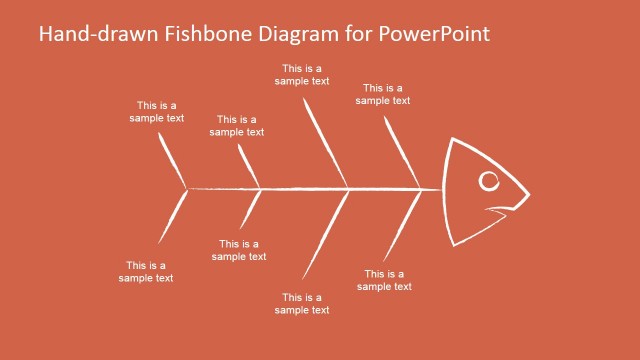
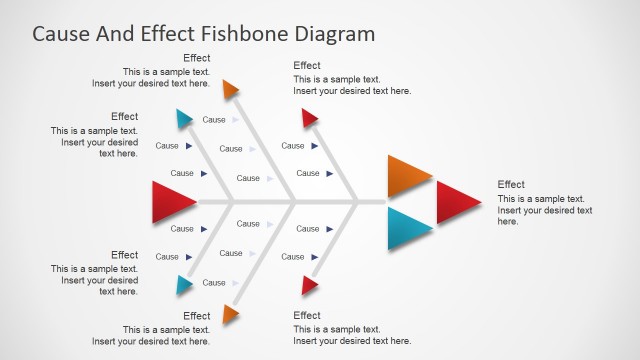
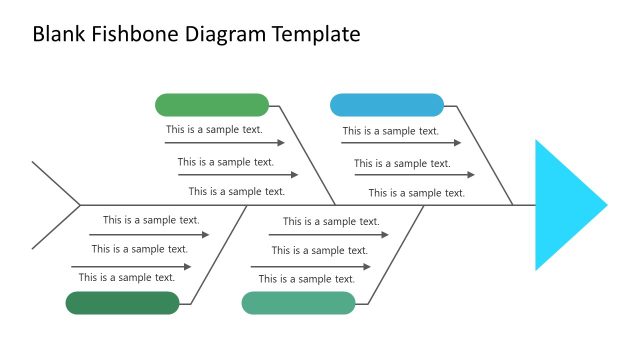
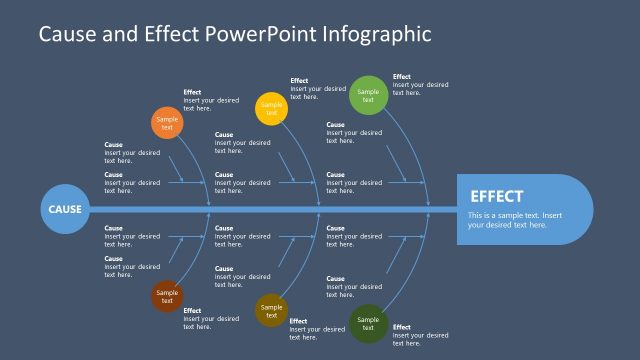
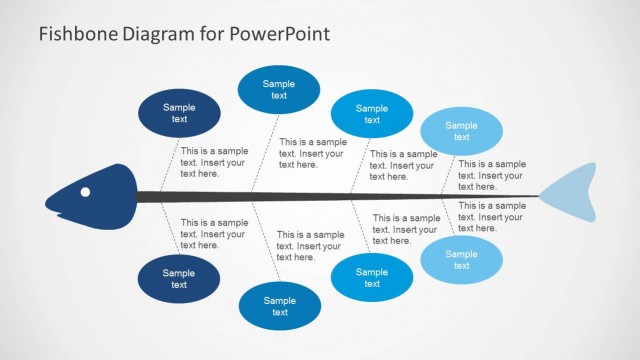
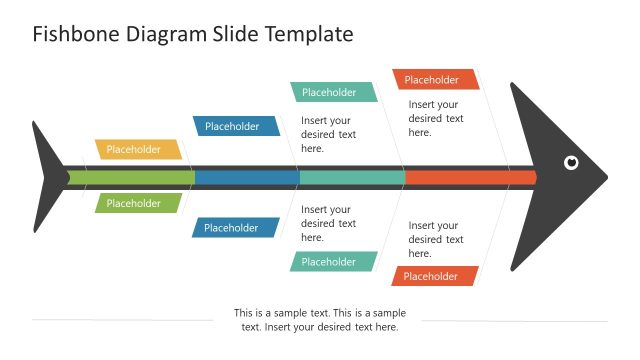
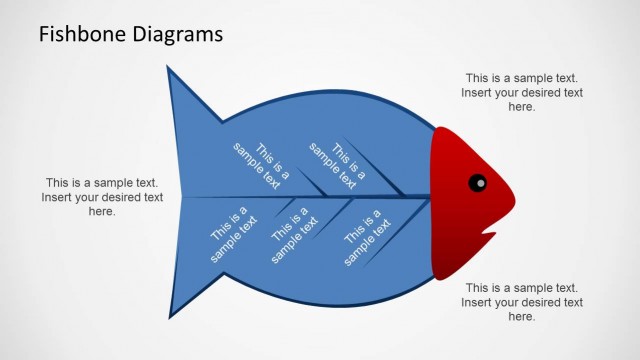
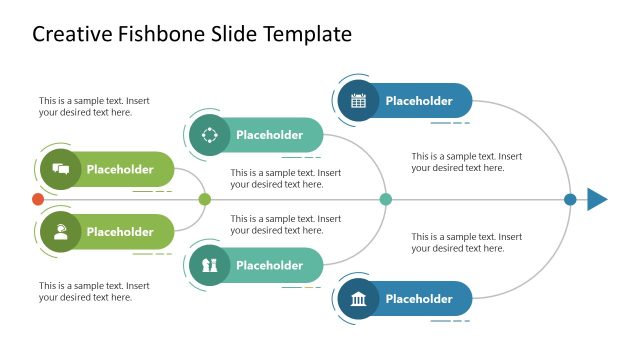
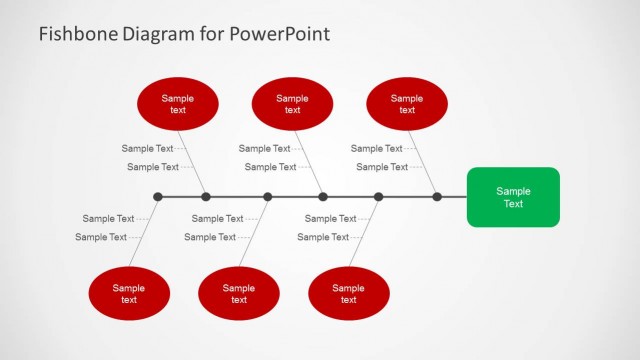
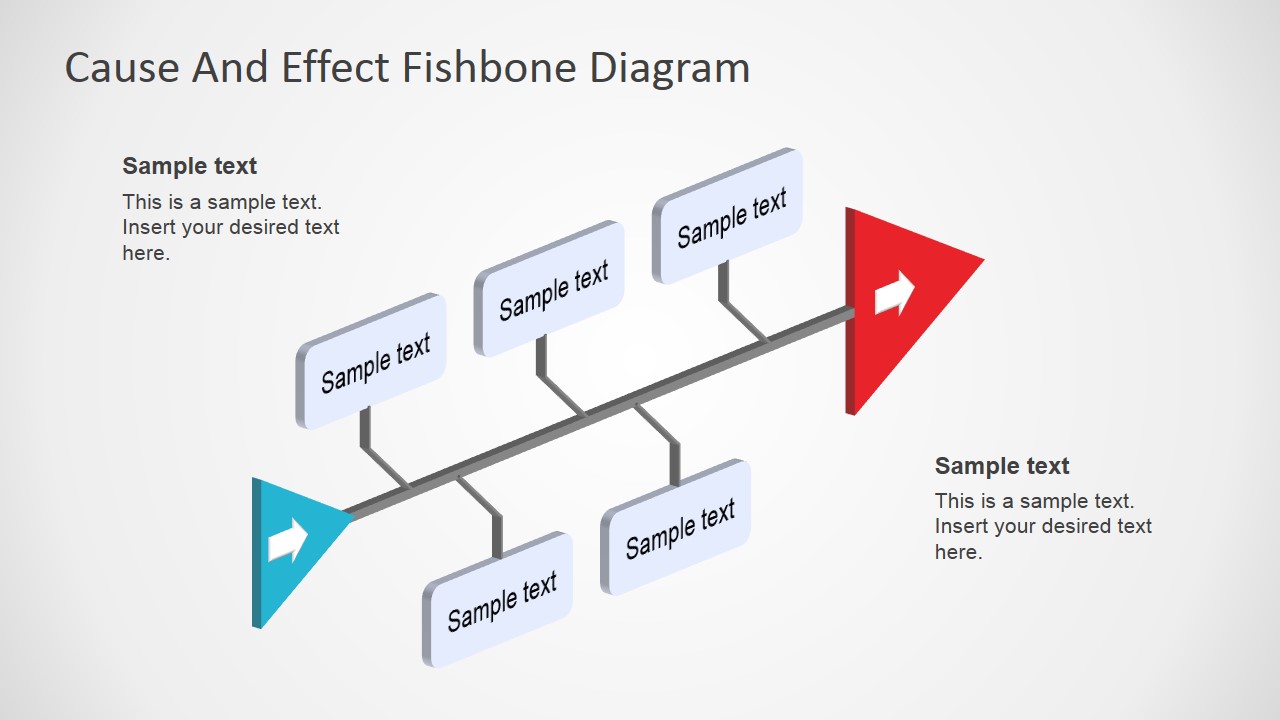
Users can apply the Fishbone Diagram Template 3D Perspective and create professional cause and effects presentations. Business PowerPoint Template applied for identification of the likely causes of problems. Also known as Fishbone diagram, Ishikawa diagram, Cause and Effect diagram, Herringbone diagram and Fishikawa diagram.
When organizations have an issue which was not under the umbrella of the risk analysis, it is important to explore which was/were the cause/causes that might have triggered it and that need to be corrected or mitigated in the future. The cause and effect analysis, first introduced in the 90’s by Kaoru Ishikawa, is the business technique organizations apply as a basic framework for issue investigation.
The tool is extremely simple to use and present. Its reporting structure resembles a fishbone structure, that is also why is called fishbone diagram.
The cause and effect analysis process consists of this simple steps:
- Describe the problem. Writing down the problem in a concise phrase required a complete understanding of the problem. this first step forces the analysis team to understand which was the almost issue. In the diagram, the problem represents the head of the fish.
- List the most likely factors that contributed to the issue. Identify the strongest factors that drive the problem. This step needs the analysis team to list and prioritize the possible causes. The areas need to cover strategy, operations, production, sales and marketing. Every aspect of the organization needs to be reviewed. Each factor will be the root branches of the fishbone.
- List the causes that generated the factors. Brainstorm possible causes of each factor. List the causes as sub-branches in the diagram.
- Analyze and trim. Analyze the big picture through the diagram and trim the branches less likely to have generated impactful effects.
The Fishbone Diagram Template is an easy to use graphical tool that will help the presenter not only execute the proper analysis but also present the conclusions to an audience. Each of the elements of the fishbone template are created as individual PowerPoint Shapes, allowing the user to fully customize its appearance.
Create professional presentations with the fishbone diagram template ppt and impress your audience.
What’s inside this template
Example presentation scenarios
- A quality manager can use the fishbone diagram to explain suspected defect causes, grouping contributing factors on the upper and lower branches before discussing corrective actions.
- An operations leader can present a service delay investigation by placing the problem at the arrow head and using the editable cause label cards for process, staffing, or equipment factors.
- A project manager can run a lessons-learned meeting by filling the branch labels with team inputs and using the side text callouts for the problem statement and summary.
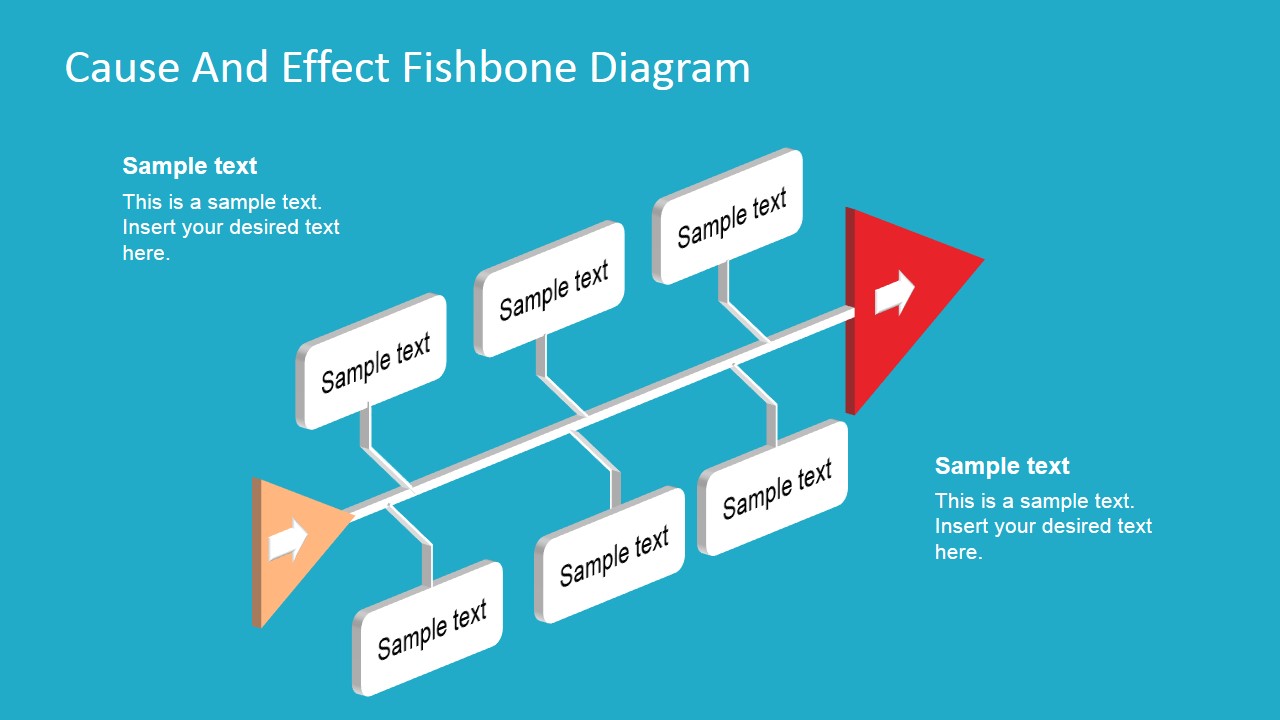
- A business analyst can brief executives on an issue review by using the cleaner white slide for formal reporting and the teal slide for workshop discussion.
Features
- 100% editable presentation template
- Compatible with Microsoft PowerPoint and Google Slides
- 16:9 aspect ratio slides
- Scalable vector shapes, icons and illustrations
- AI-Ready for Microsoft Copilot and Claude
- Instant access and download
Frequently asked questions
Q: How should a presenter structure the discussion with this fishbone diagram?
A: Start with a concise problem statement in one side callout, then walk from the arrow head back through the main branches. Treat each label card as a cause category or high-probability contributor. End by using the opposite callout for the agreed root cause, decision, or next investigation step.
Q: Who is this template best suited for?
A: This template fits operations, quality, process improvement, and project teams that need to explain why a problem happened. It works best when the discussion centers on cause relationships rather than numerical trends. The six branch labels give enough structure for a focused root cause review without overwhelming the audience.
Q: Why does the fishbone metaphor help communicate root cause analysis?
A: The fishbone shape separates the visible problem from the contributing causes that feed into it. The arrow head naturally frames the effect, while the branches organize possible causes into scannable groups. The 3D perspective adds depth, but the diagram still keeps the audience focused on cause categories and their relationship to the issue.
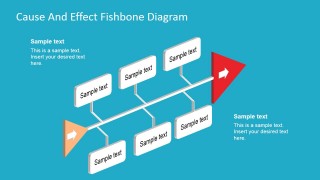
Fishbone Diagram Template 3D Perspective
2-slide fishbone diagram presentation template for root cause analysis and cause-and-effect mapping.
Fishbone Diagram Template 3D Perspective is a 2-slide cause-and-effect diagram for root cause analysis. It includes 3D perspective fishbone layouts with editable cause label cards, side text callouts, and arrow head and tail markers. It is built for business, operations, and quality teams using Microsoft PowerPoint or Google Slides.
- Category
- Process Diagrams
- Rating


 Loading...
- Aspect ratio
- 16:9, 4:3
- Item ID
- 7123-02
- Colors
 Microsoft PowerPoint
  Microsoft Copilot
  Claude for PowerPoint
 Other formats supported
Subscribe today and get immediate
access to download our PowerPoint templates.