Slide 9 of 11 from Electron PowerPoint Template
Electron Portfolio PowerPoint Template
Text and Image Layout for Presentations
- Media Layout
- Image + Text Split
- Product Overview Slide
- 16:9
- 100% Editable
What’s on This Slide
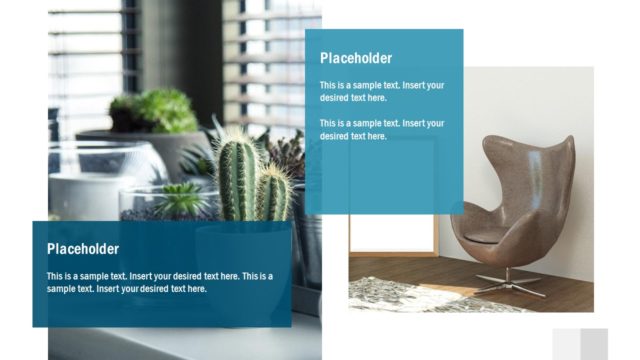
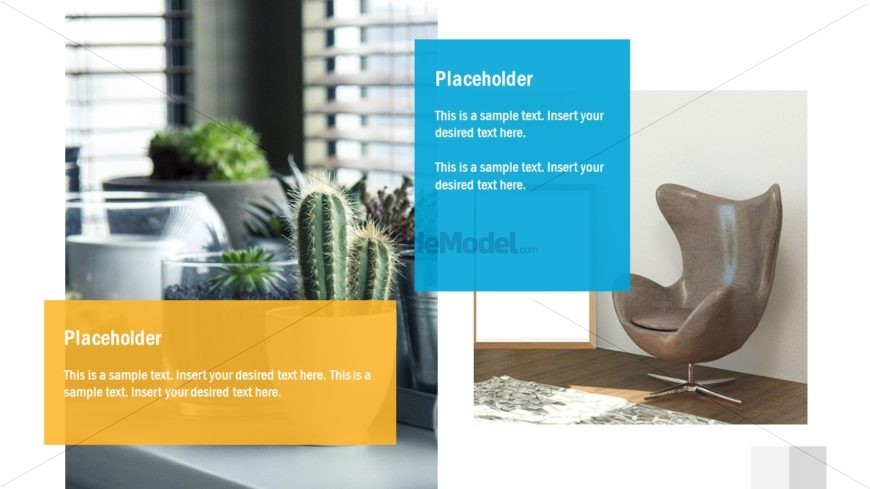
The layout features two large rectangular text placeholders positioned on the left and right sides of the slide. The left placeholder is orange and contains sample text, while the right placeholder is blue and also contains sample text. A large image of a modern chair is positioned in the bottom right corner, with a background of a window and plants visible. The overall composition is balanced, with a light background color enhancing the visibility of the text placeholders. The visual hierarchy emphasizes the text areas through contrasting colors.
How to Use It
This layout serves as a media and text combination, suitable for showcasing key information alongside relevant imagery. It fits well in a presentation sequence following a problem slide or introduction, allowing for a clear presentation of ideas. This layout is useful for business scenarios such as product introductions, service overviews, or portfolio displays, where both text and visuals are essential for conveying information effectively.
Text Placeholders & Capacity
Keep your copy within these limits so it fits without resizing. Body slots can hold approximately 25-30 words each.
| Placeholder | Count | Max characters (approx.) |
|---|---|---|
| Body paragraph | 2 | 150 |
Slide Keywords
Download unlimited PowerPoint templates, charts and graphics for your presentations with our annual plan.
DOWNLOADReturn to Electron PowerPoint Template.