Slide 2 of 2 from Eisenhower PowerPoint Slides Template
Sticky Notes Eisenhower PowerPoint Diagram Template
Eisenhower Matrix Slide for Prioritization
- Diagram
- Matrix Quadrant
- Strategic Analysis Slide
- 16:9
- 100% Editable
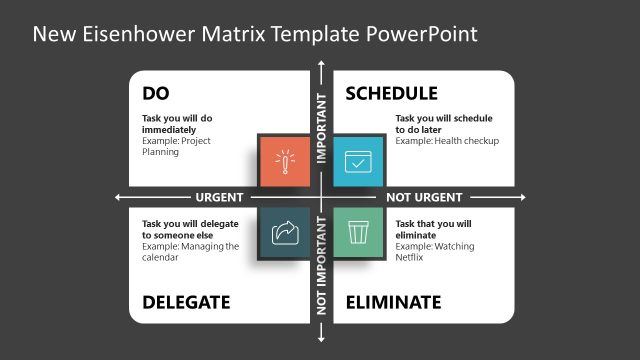
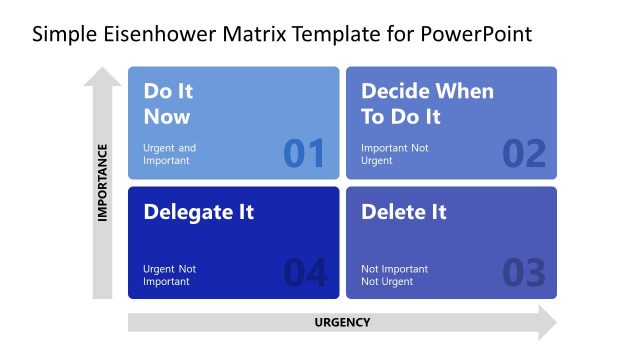
The Eisenhower Matrix Quadrant slide from the Eisenhower PowerPoint Slides Template offers a clear visual tool for task prioritization and time management. This editable slide layout divides tasks into four actionable categories, making it ideal for business presentations and project management workshops. Its use of distinct colors and text placeholders enhances clarity, supporting effective decision-making in corporate presentations and pitch decks.
What’s on This Slide
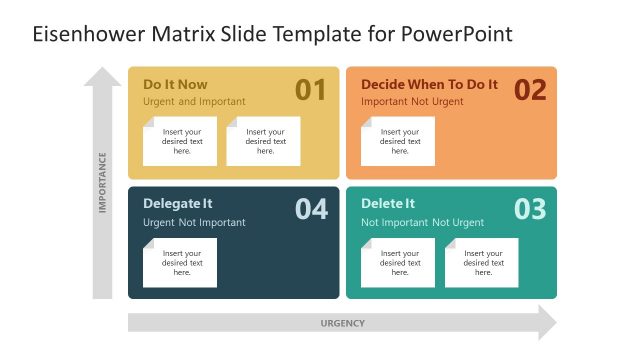
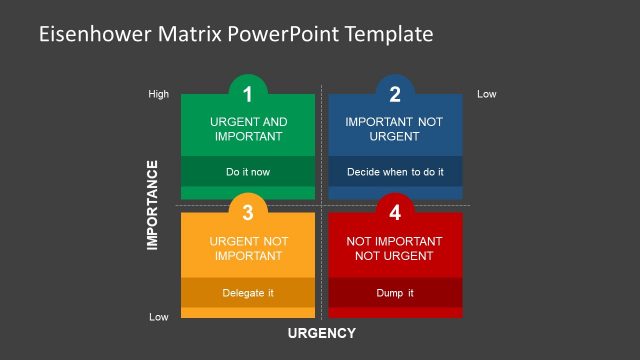
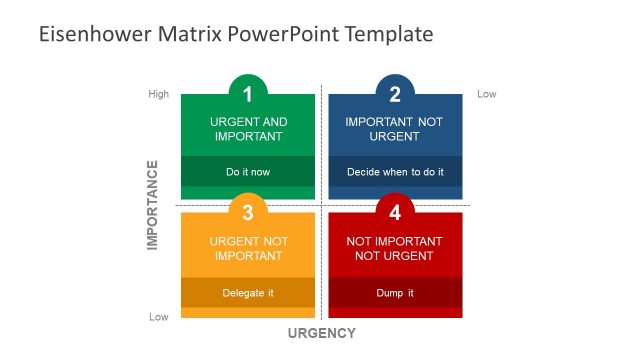
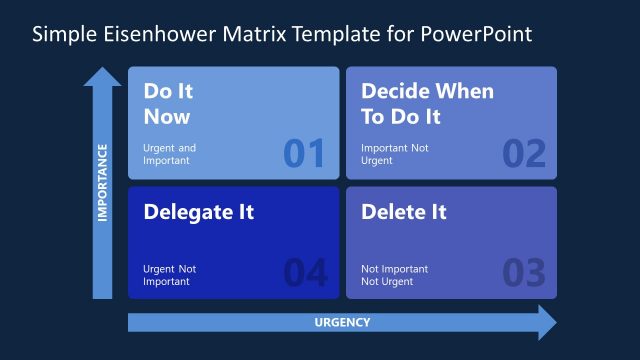
The layout features a four-quadrant matrix divided by horizontal and vertical lines. Each quadrant is labeled with a title and contains two text placeholders for additional information. The top left quadrant is yellow, labeled 'Do It Now,' while the top right is orange, labeled 'Decide When To Do It.' The bottom left quadrant is dark blue, labeled 'Delegate It,' and the bottom right is green, labeled 'Delete It.' The background is a dark blue, providing contrast to the colorful quadrants. The text placeholders are centered within each quadrant.
How to Use It
This layout serves as a prioritization tool, allowing users to categorize tasks based on urgency and importance. It fits well in presentations discussing time management strategies or decision-making frameworks. This matrix can be used in business meetings to evaluate project priorities or in personal productivity sessions to manage daily tasks effectively. It is suitable for workshops focused on improving efficiency and task delegation.
Text Placeholders & Capacity
Keep your copy within these limits so it fits without resizing. Node body slots can hold about 6-8 words each.
| Placeholder | Count | Max characters (approx.) |
|---|---|---|
| Item heading | 4 | 30 |
| Item body | 8 | 40 |
Slide Keywords
Download unlimited PowerPoint templates, charts and graphics for your presentations with our annual plan.
DOWNLOADReturn to Eisenhower PowerPoint Slides Template.