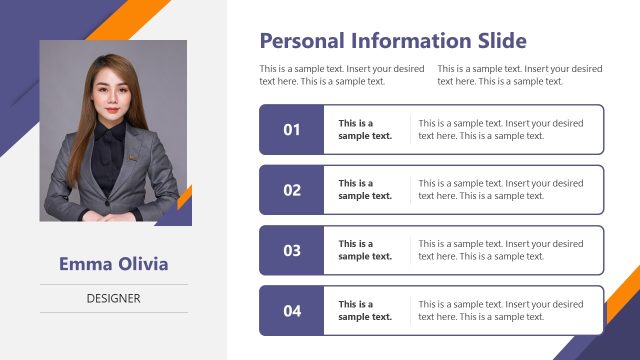
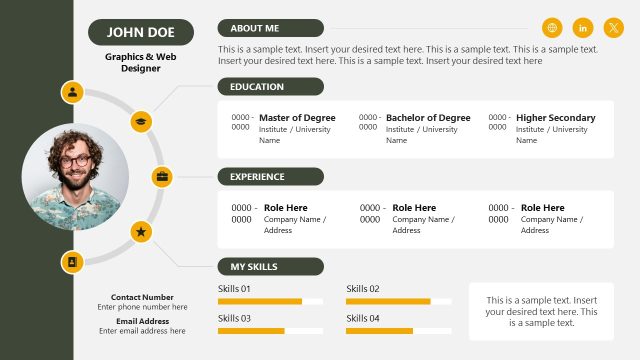
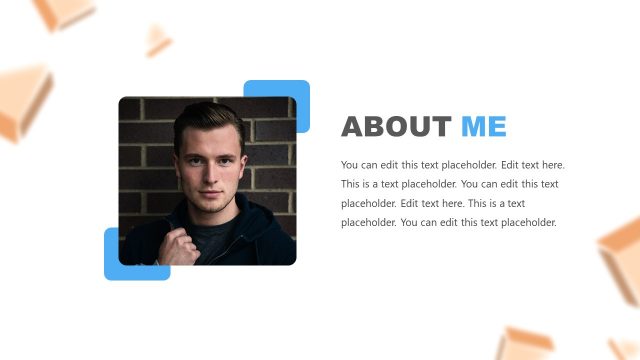
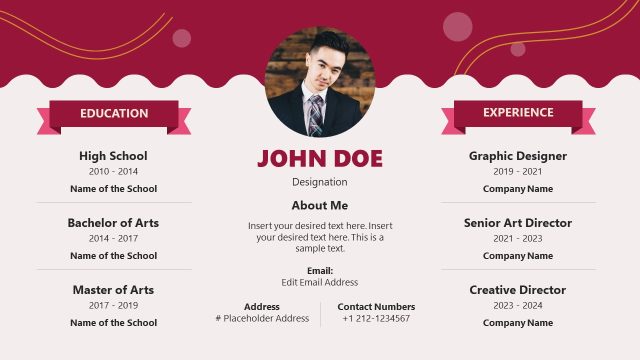
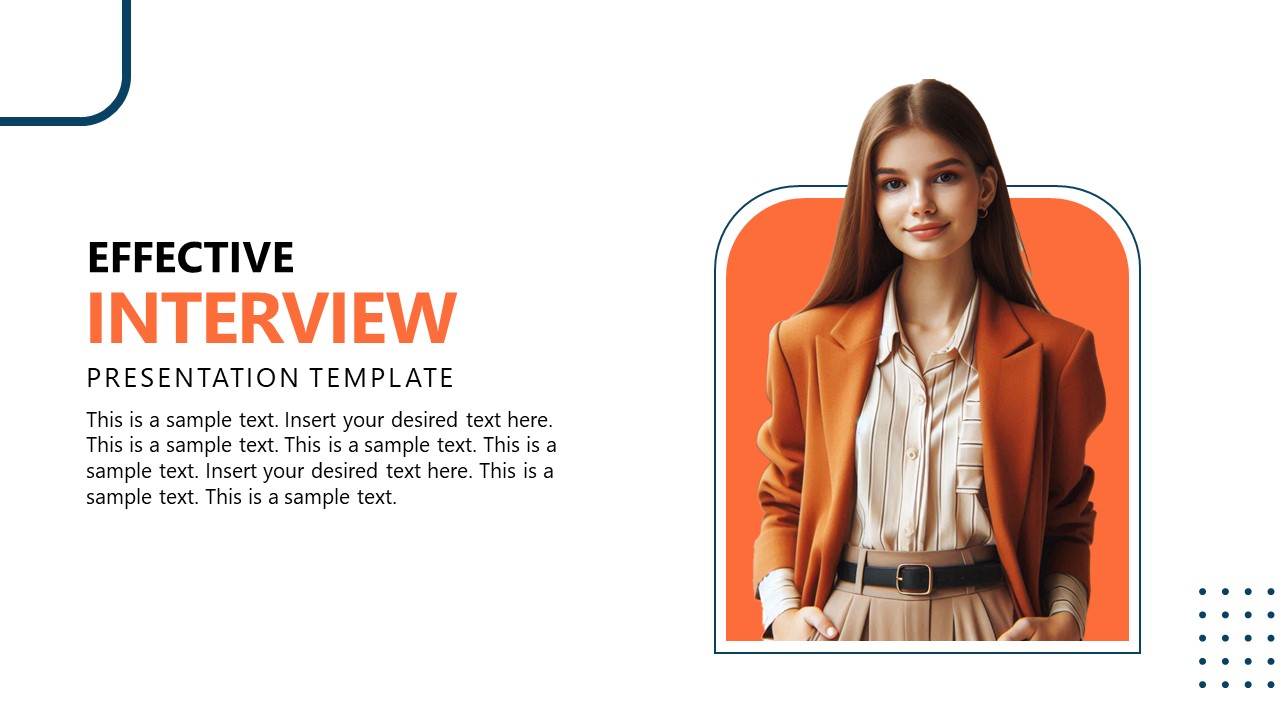
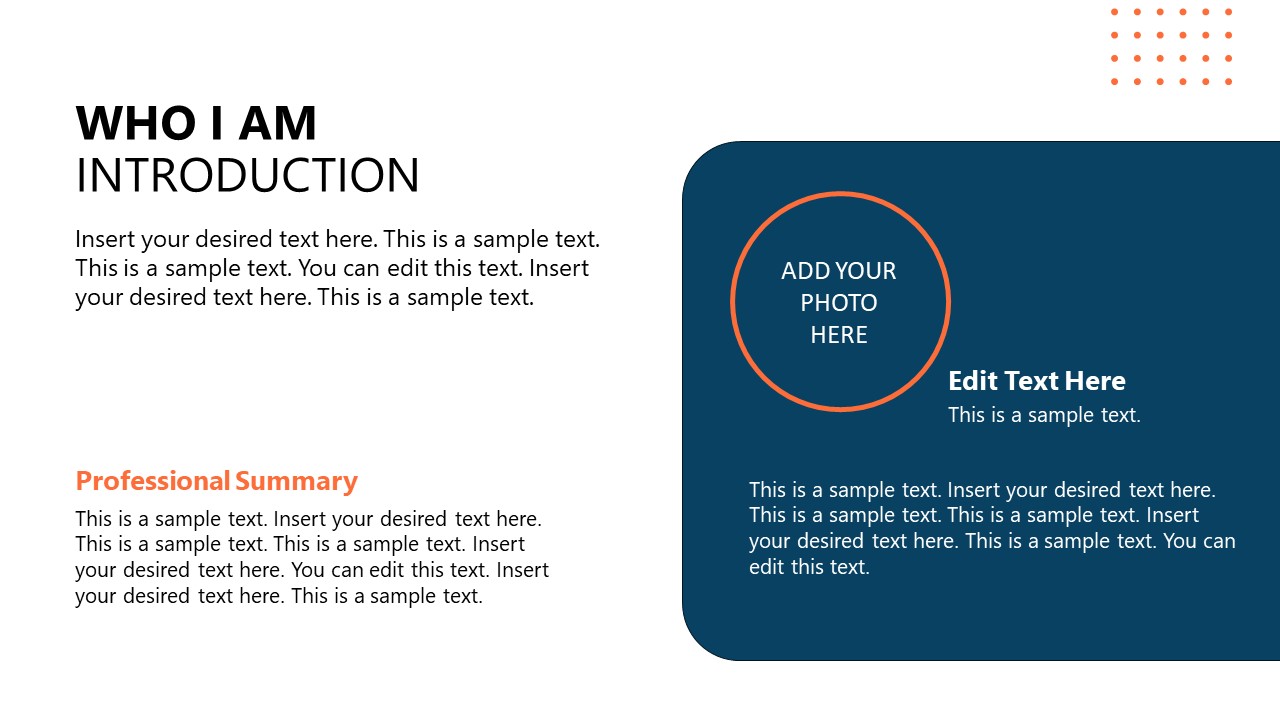
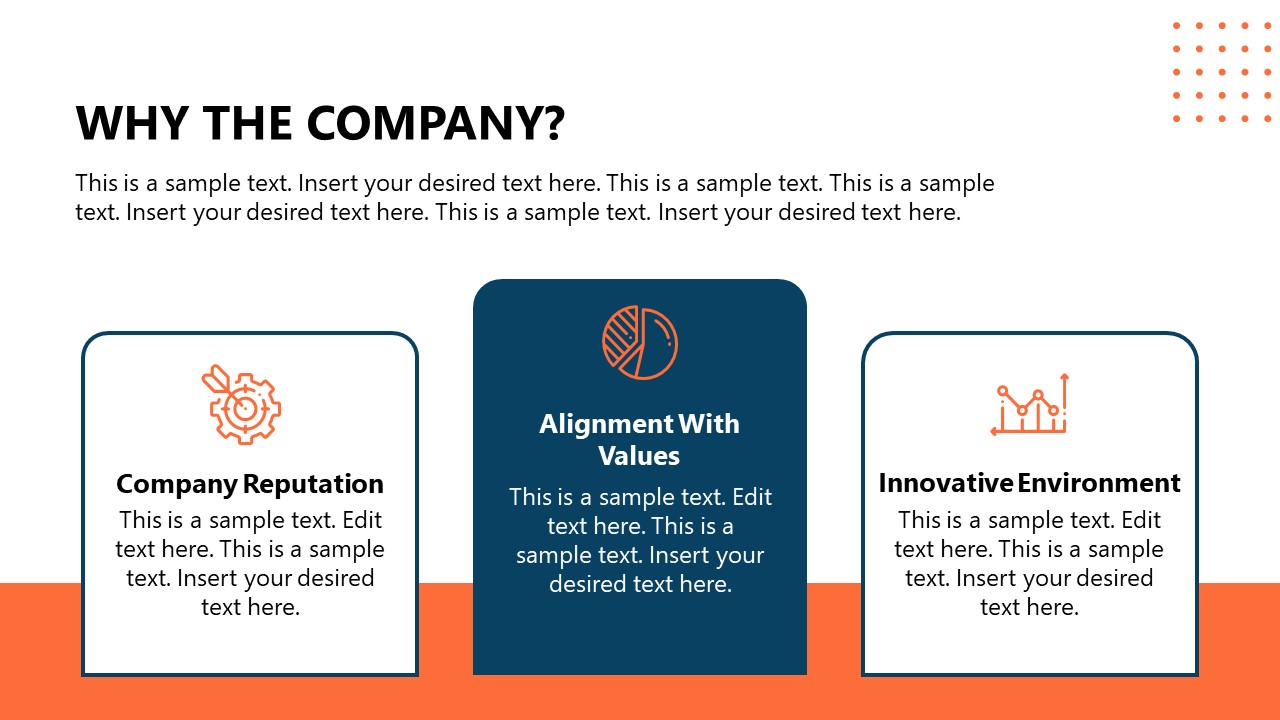
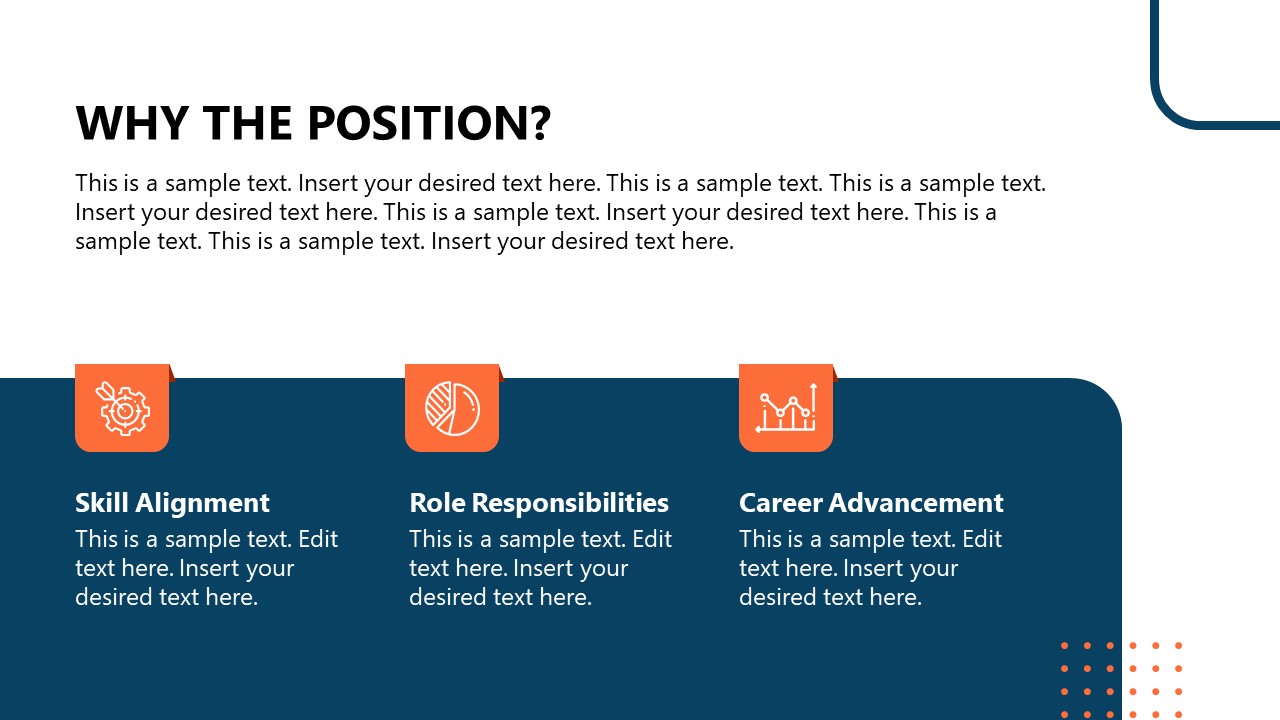
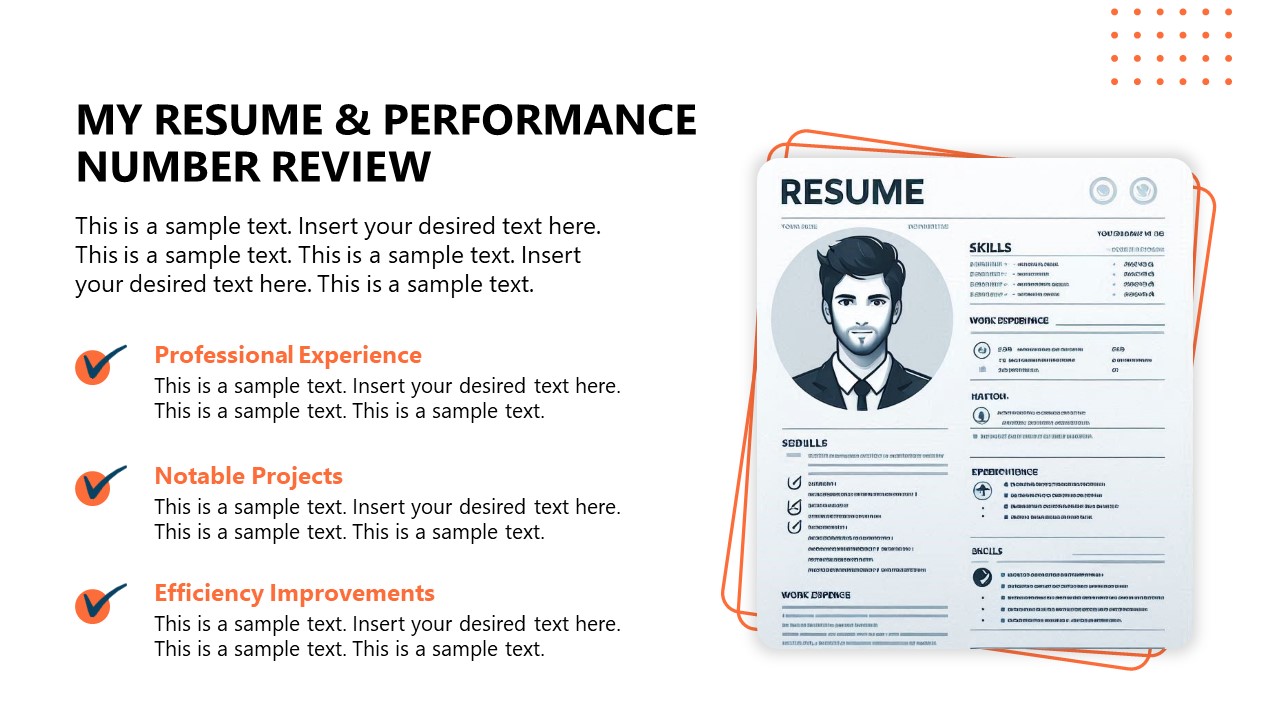
The Effective Interview PowerPoint Template is a professional slide deck for presenting the interview credentials and experiences. It is a comprehensive PowerPoint template that covers every aspect of a person’s experience, educational background, skillset, and resume highlights. The color scheme of the slides is uniform and perfectly fits the requirements of professionals in every domain. In addition to being used for interview sessions, it can be customized for coaching about winning interviews in corporate and competitive environments. It begins with a cover slide followed by a personal introduction slide with image space to insert the picture. Presenters can write the name/designation/short introduction using the provided text box on this page. The next couple of slides cover why choosing the company and position, respectively. Likewise, using the following slide, the user can mention the key highlight points of the resume. This slide has a creative resume snippet.
This Effective Interview PowerPoint Template further provides the slides for presenting:
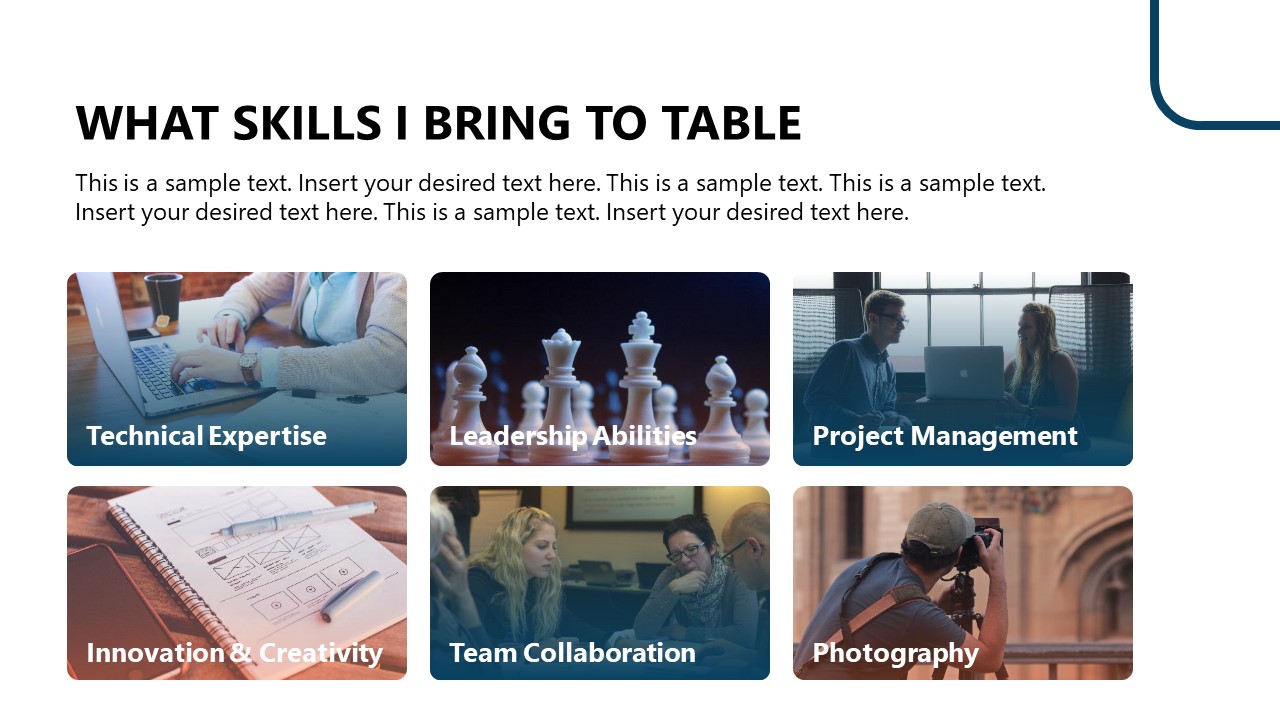
- Skills (using a blocks format with images to showcase the key skills a person has)
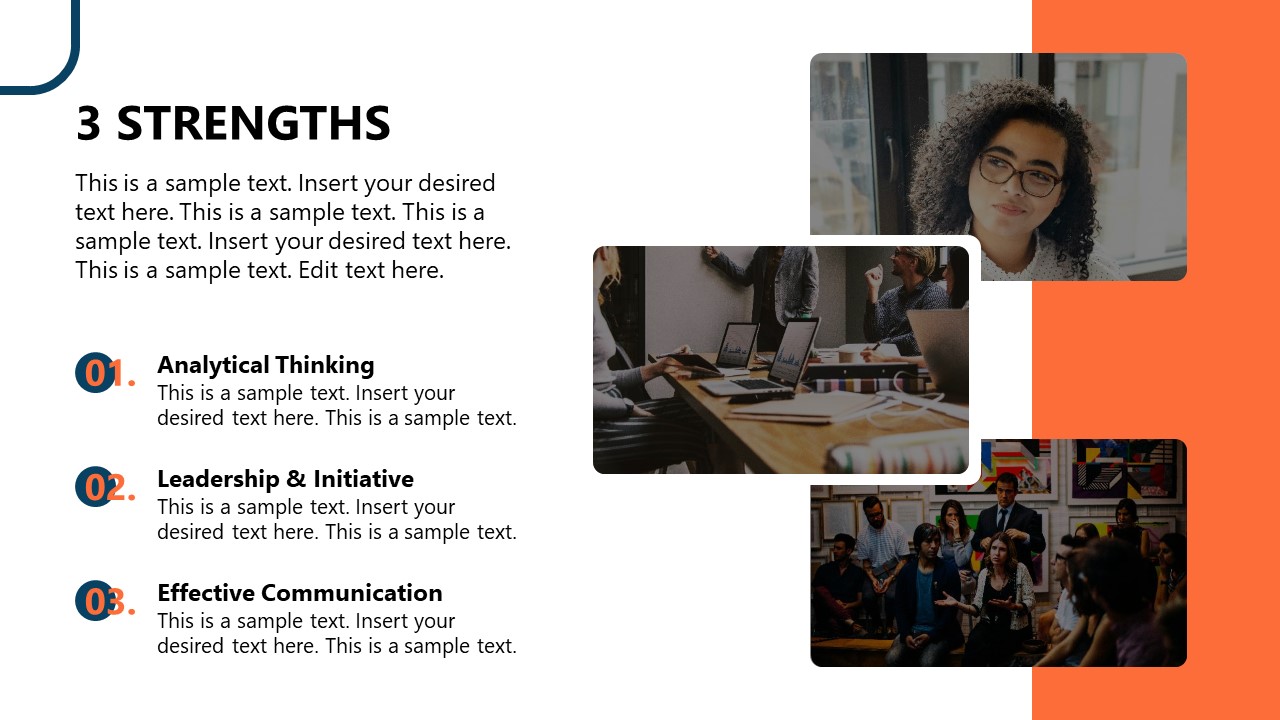
- Strengths (creative slide with images to showcase the strengths such as analytical thinking and leadership)
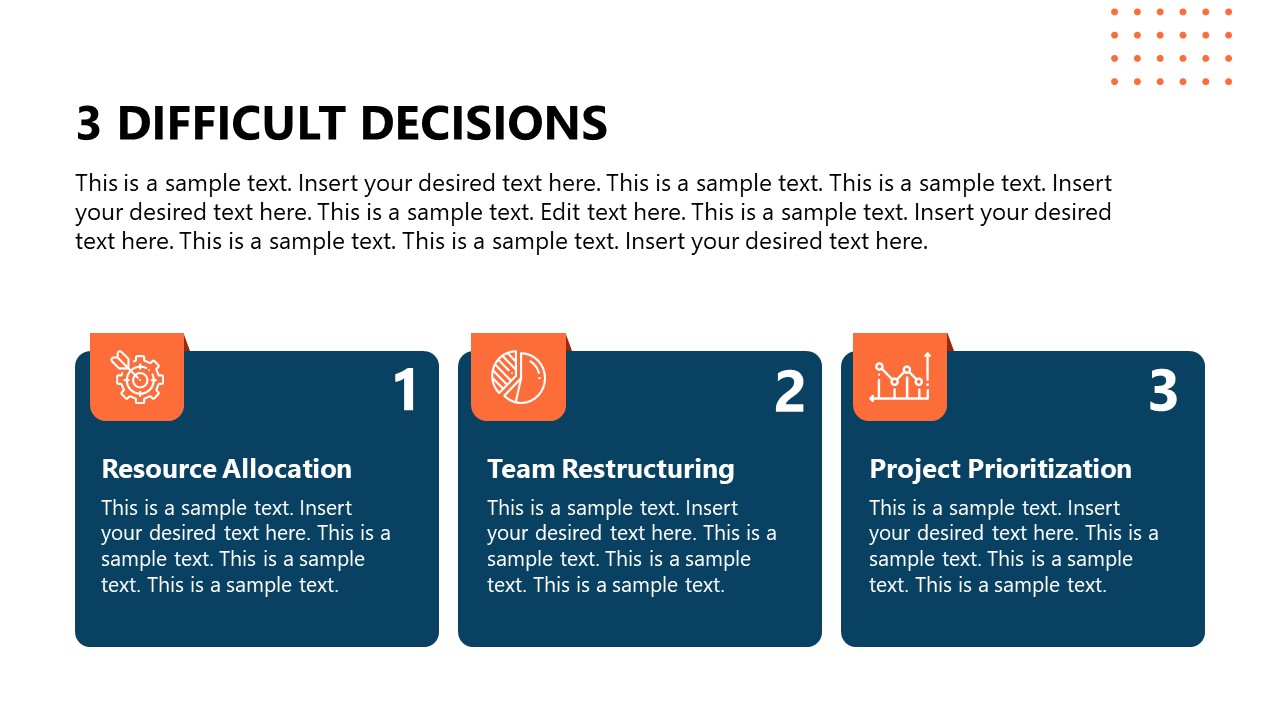
- 3 Difficult decisions (it carries three square blocks for presenting the difficult decisions taken in life)
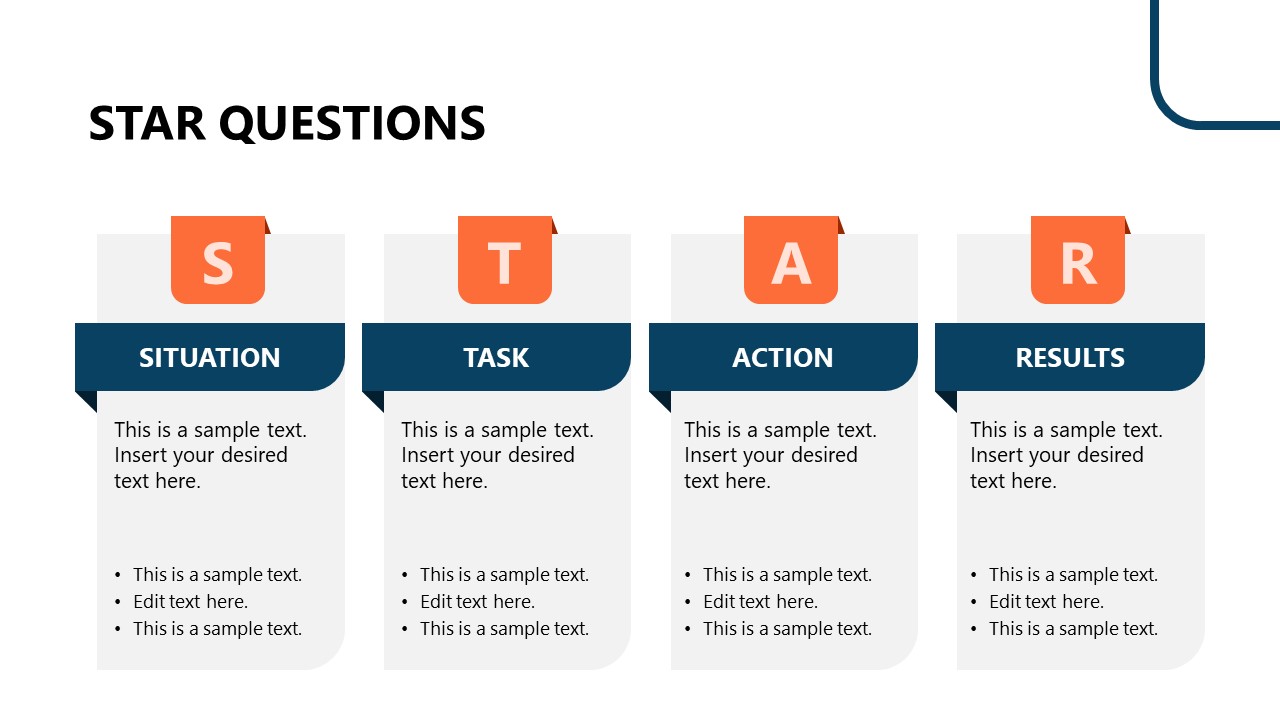
- STAR questions (four labeled text boxes are provided to showcase the four questions used in the STAR interview method and involving situation, task, action, and result)
The ending slides are for questions and show the next steps for the future. Presenters can change the color scheme and arrangement of elements according to their requirements. This PPT template can be customized with PowerPoint and Google Slides. Professionals can keep or delete specific slides for their presentations. Download and try it now!
Alternatively, you can download other job interview presentation templates for PowerPoint & Google Slides.
What’s inside this template
Example presentation scenarios
- A job seeker can use the introduction, resume review, and skills grid slides to present a concise career story during a formal interview panel.
- A career coach can use the STAR questions slide and difficult decisions cards to train candidates on turning experience into structured behavioral answers.
- A professional applying for an internal promotion can use the company fit, position fit, and strengths slides to connect personal capability to the role requirements.
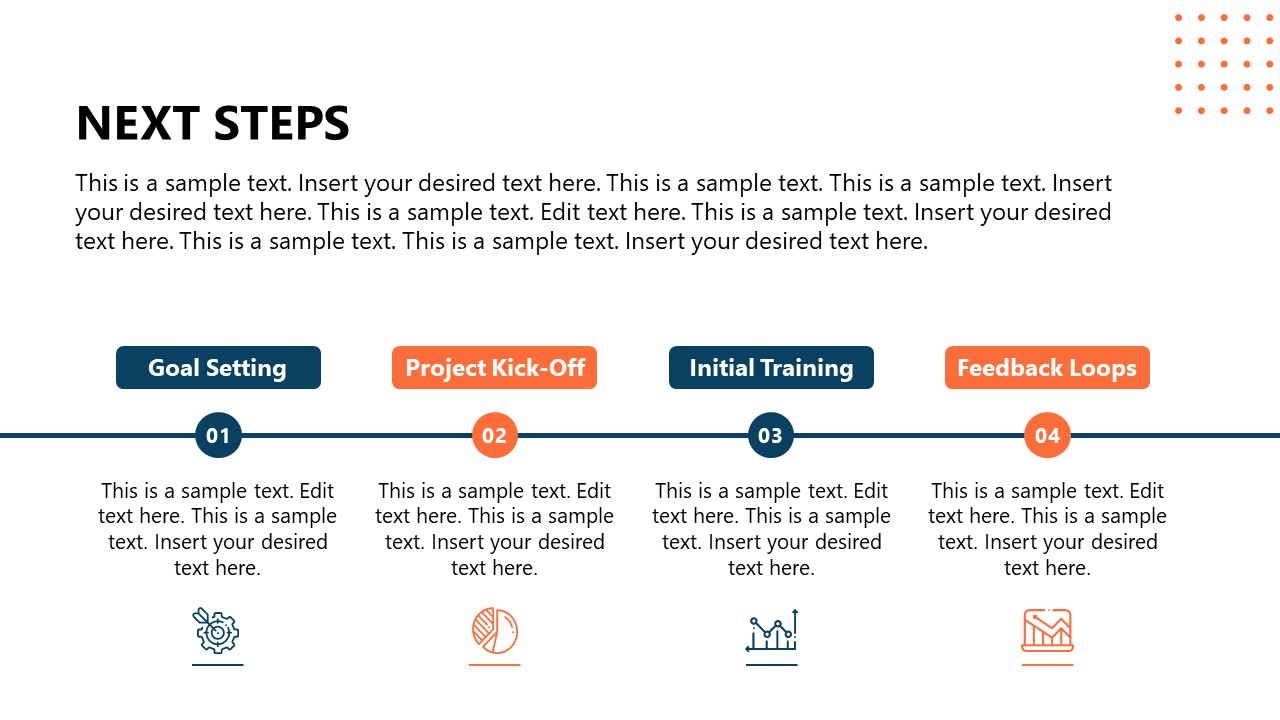
- An HR trainer can use the Q&A slide and next-step timeline to close an interview readiness session with discussion prompts and follow-up actions.
Features
- 100% editable presentation template
- Compatible with Microsoft PowerPoint and Google Slides
- 16:9 aspect ratio slides
- Scalable vector shapes, icons and illustrations
- Ready with Animations & Transitions in PowerPoint
- AI-Ready for Microsoft Copilot and Claude
- Instant access and download
Frequently asked questions
Q: How should a presenter structure the interview message with this deck?
A: Start with the introduction slide to frame who you are, then use the company and position fit slides to show relevance before discussing accomplishments. Place the resume review, skills grid, strengths, and difficult decisions slides as proof. Close with STAR responses, questions, and a next-step timeline so the conversation ends with action.
Q: Who is this template best suited for?
A: This template works best for candidates who need to speak about themselves in a structured setting, including job seekers, internal promotion applicants, and graduate interview participants. It also fits career coaches who teach interview preparation because it separates fit, evidence, skills, strengths, behavioral examples, and follow-up into clear sections.
Q: Why does the design use cards, photos, and the STAR framework together?
A: The card layouts break interview evidence into short, scannable points, while photo placeholders make the presentation feel personal rather than only textual. The STAR columns give behavioral answers a recognized structure. Together, these layouts help the audience connect identity, capability, proof, and decision behavior without losing the thread.



Effective Interview PowerPoint Template
11-slide interview presentation template with resume highlights, STAR questions, skills, and next steps
The Effective Interview PowerPoint Template is an 11-slide deck for candidate interview presentations and interview coaching. It includes a personal introduction, company and position fit slides, resume highlights, a skills grid, strengths list, decision cards, STAR question framework, Q&A slide, and next-step timeline for Microsoft PowerPoint and Google Slides.
- Category
- PowerPoint Themes
- Rating


 Loading...
- Aspect ratio
- 16:9
- Item ID
- 77122-01
- Colors
 Microsoft PowerPoint
 Microsoft Copilot
 Claude for PowerPoint
Other formats supported
Subscribe today and get immediate
access to download our PowerPoint templates.