Slide 2 of 2 from Editable Chart Gears PowerPoint Infographics
PowerPoint Editable Gear Charts
Gear Process Options Infographic Slide
- Diagram
- Other
- Comparison Slide
- 16:9
- 100% Editable
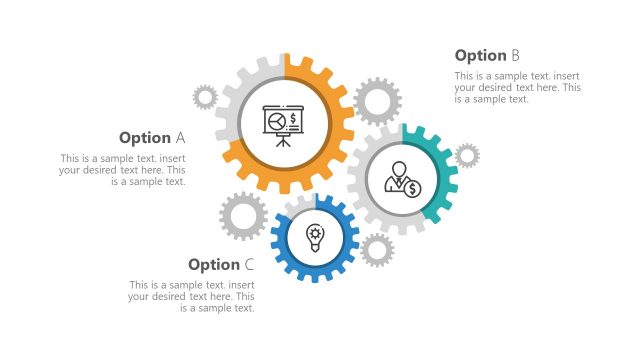
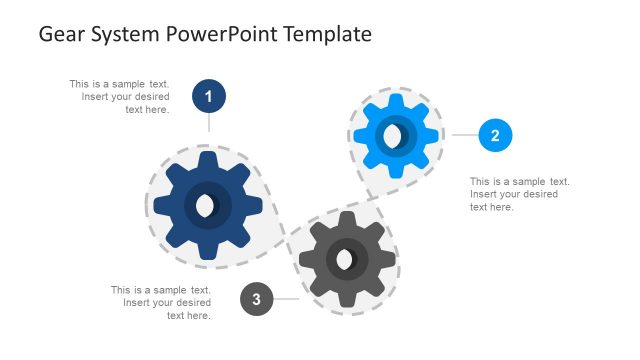
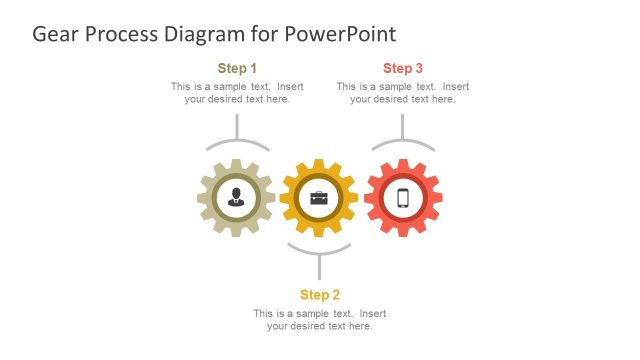
The Gear Process Options slide from the Editable Chart Gears PowerPoint Infographics template offers a clear visual comparison of multiple strategies using editable shapes and vector icons. This slide layout is designed for business presentations and pitch deck templates, enabling effective communication of process options or strategic pathways through distinct, colorful gears arranged in a triangular formation.
What’s on This Slide
The layout features three large gears positioned in a triangular formation, with smaller gears surrounding them. Each large gear contains an icon in the center, representing different options, with text placeholders below each gear for descriptions. The gears are colored in orange, teal, and gray, creating a distinct visual hierarchy. Text placeholders are aligned centrally beneath each gear, with a sample text indicating where to insert content. The background is white, enhancing the visibility of the colorful gears and icons.
How to Use It
This layout serves as a visual representation of options or processes, ideal for comparing different strategies or solutions. It fits well in a presentation sequence after introducing a problem or need for solutions. This structure is useful in business contexts such as project planning, product comparisons, or strategic decision-making, allowing for clear communication of multiple choices or pathways.
Text Placeholders & Capacity
Keep your copy within these limits so it fits without resizing. Node body slots can hold roughly 25-30 words each.
| Placeholder | Count | Max characters (approx.) |
|---|---|---|
| Item heading | 3 | 30 |
| Item body | 3 | 150 |
Slide Keywords
Download unlimited PowerPoint templates, charts and graphics for your presentations with our annual plan.
DOWNLOADReturn to Editable Chart Gears PowerPoint Infographics.