Slide 1 of 2 from Dual Arrow Process Flow Infographic PowerPoint Template
Dual Arrow Process Flow Infographic Diagram Template
Dual Arrow Process Flow Infographic Template
- Diagram
- Comparison Split
- Process Slide
- 16:9
- 100% Editable
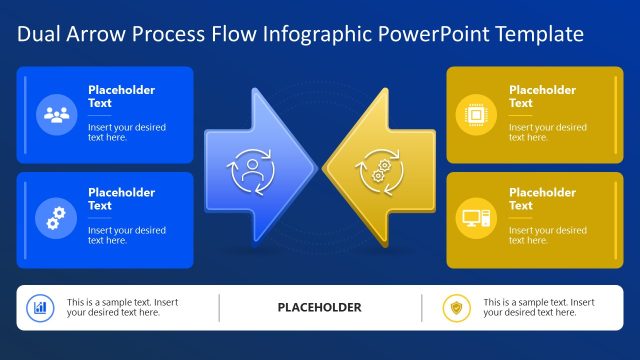
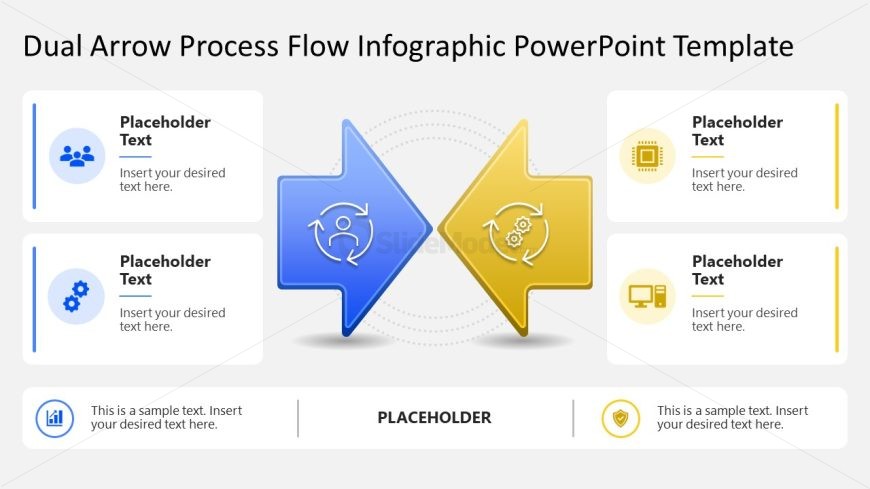
The Dual Arrow Process Flow slide from the Dual Arrow Process Flow Infographic PowerPoint Template offers a clear visual for contrasting workflows or strategic decisions. This slide layout uses editable shapes and vector icons to highlight two opposing processes, making it suitable for business presentations and pitch deck templates that require process comparison and workflow illustration.
What’s on This Slide
The layout features two large arrows pointing in opposite directions, one blue and one yellow, positioned centrally. Each arrow contains circular icons representing different concepts, with text placeholders below them. The left arrow has a person icon, while the right arrow has a gear icon. Below the arrows, there is a wider placeholder for additional text. The background is light gray, providing contrast to the arrows and icons. The visual hierarchy emphasizes the arrows, with the icons and text placeholders supporting them.
How to Use It
This layout serves as a dual process flow diagram, ideal for illustrating two opposing concepts or processes. It fits well in presentations discussing comparisons, workflows, or decision-making processes. This structure is useful in business contexts, such as project management, strategic planning, or operational workflows, where contrasting elements need to be highlighted. It can be used effectively to show the relationship between two processes or ideas.
Text Placeholders & Capacity
Keep your copy within these limits so it fits without resizing. Node labels can hold about 30 characters each, while the body paragraph can accommodate around 120 characters.
| Placeholder | Count | Max characters (approx.) |
|---|---|---|
| Item heading | 4 | 30 |
| Body paragraph | 1 | 120 |
Slide Keywords
Download unlimited PowerPoint templates, charts and graphics for your presentations with our annual plan.
DOWNLOADReturn to Dual Arrow Process Flow Infographic PowerPoint Template.