Disaster Recovery PowerPoint Template – This presentation is a professional template featuring Disaster Recovery Theme.
Disaster Recovery , also known as DR, is a set of defined policies and procedures that provides organizations the ability to recover from a natural or human-induced disaster. Focused is set on the Information Technologies that support critical business functions. Disaster Recovery enables the organizations to guarantee business continuity upon unpredicted events. Disaster Recovery practices were initially defined in the mid seventies when organizations realized that their business continuity started to depend on technology infrastructure. In order to mitigate the risk of the potential business disruption that could arise from and IT related disaster, a new industry was born, the disaster recovery industry, which developed the technology to backup computer centers. With the growth of IT and communications, and more and more industries depending on IT, this industry grew exponentially, developing worldwide and becoming a multi billion market.
Disasters can be classified in two major categories:
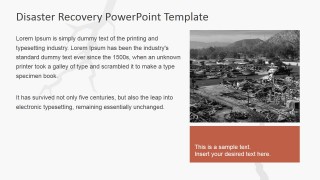
- Natural Disasters: Floods, Tsunamis, Earthquakes, Hurricanes and tornadoes. This kind of disasters are difficult to predict and impossible to stop, so risk mitigation procedures should be executed regularly and Disaster Recovery Plans should be put in place to take advantage of replicated infrastructure.
- Human Generated Disasters: Like Hazardous Spills, Infrastructure Failures, Disastrous IT bugs or terrorism. In these instances, surveillance, mitigation planning is necessary.
Control measures are mechanisms implemented to reduce threats for organizations. Disaster Recovery control mesure can be classified in:
- Preventive measures – Prevents events from occurring.
- Detective measures – Detect unwanted events.
- Corrective measures – Correct or restore after a disaster or an event.
The powerpoint template provides some disaster recovery strategy diagrams, ideal for presenting Disaster Recovery Plans. Each of the Disaster Recovery Slides provides 100% editable PowerPoint Shapes customizable by the user. Create Professional presentations for your next Disaster Recovery Review and impress your audience with engaging graphics.
What’s inside this template
Example presentation scenarios
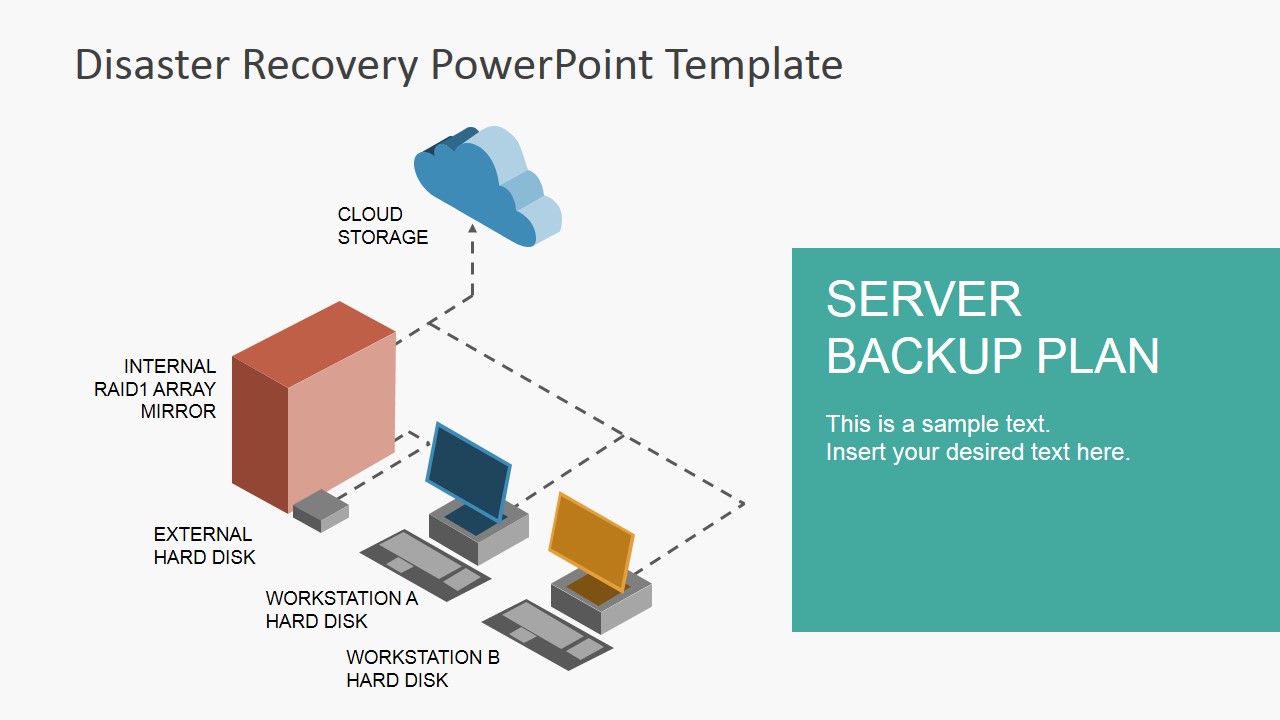
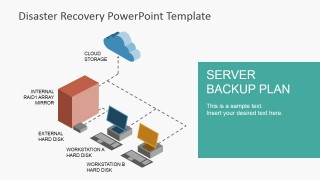
- An IT manager can use the server backup plan slide to brief executives on how cloud storage, mirrored storage, external disks, and workstation drives fit into a recovery approach.
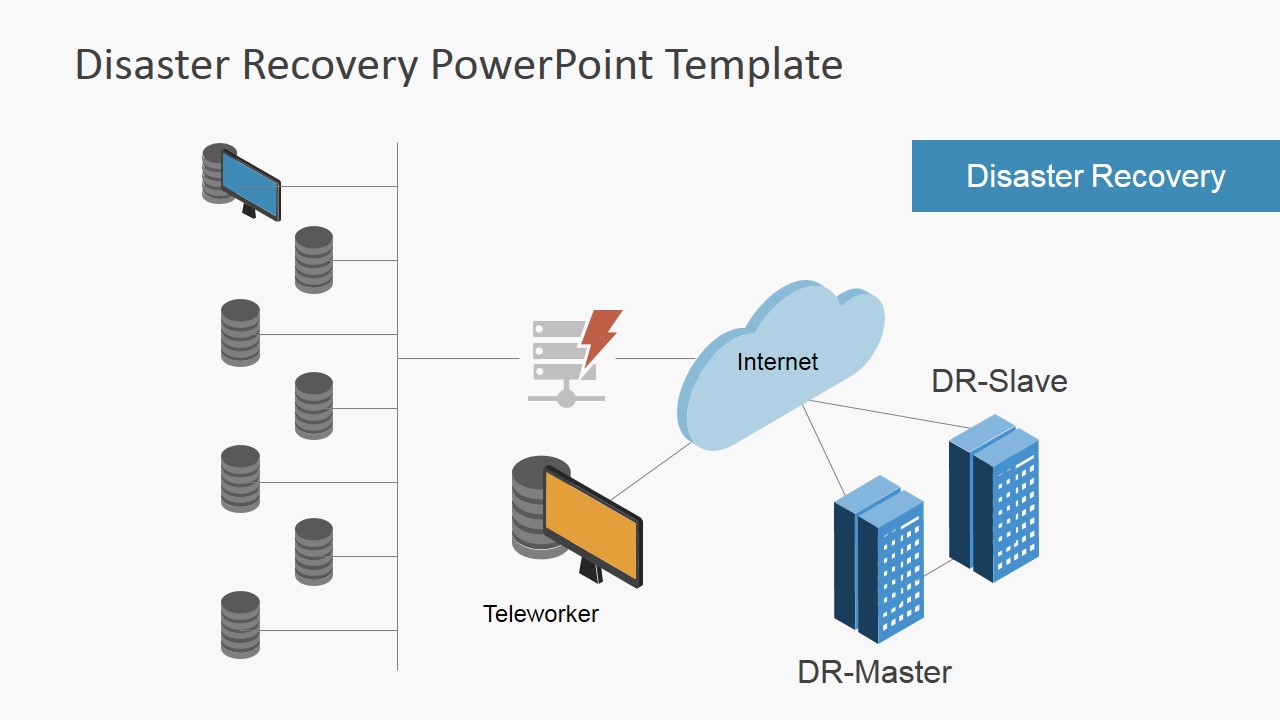
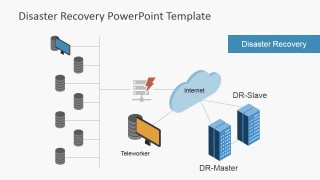
- A business continuity consultant can use the disaster recovery architecture diagram to explain DR-master, DR-slave, internet, and teleworker dependencies during a client planning workshop.
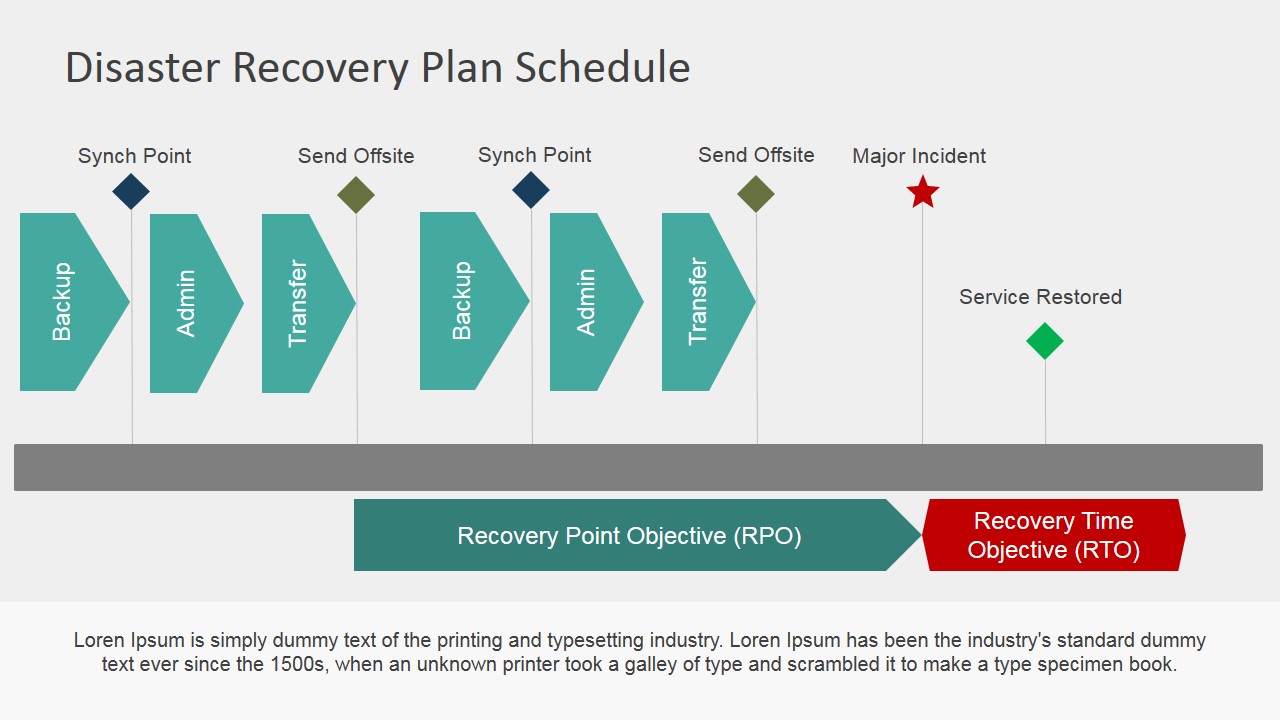
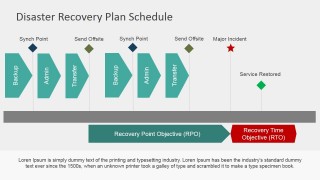
- A risk or compliance presenter can use the plan schedule timeline to discuss sync points, offsite transfers, major incident timing, RPO, and RTO expectations.
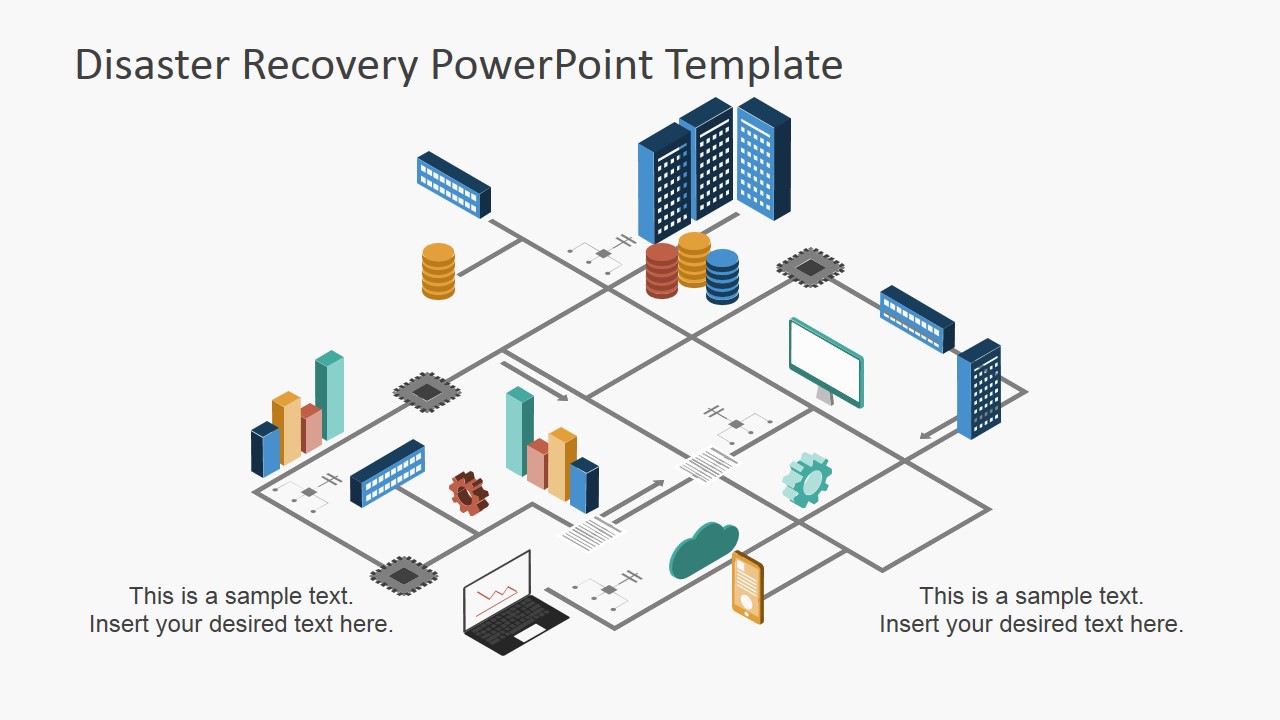
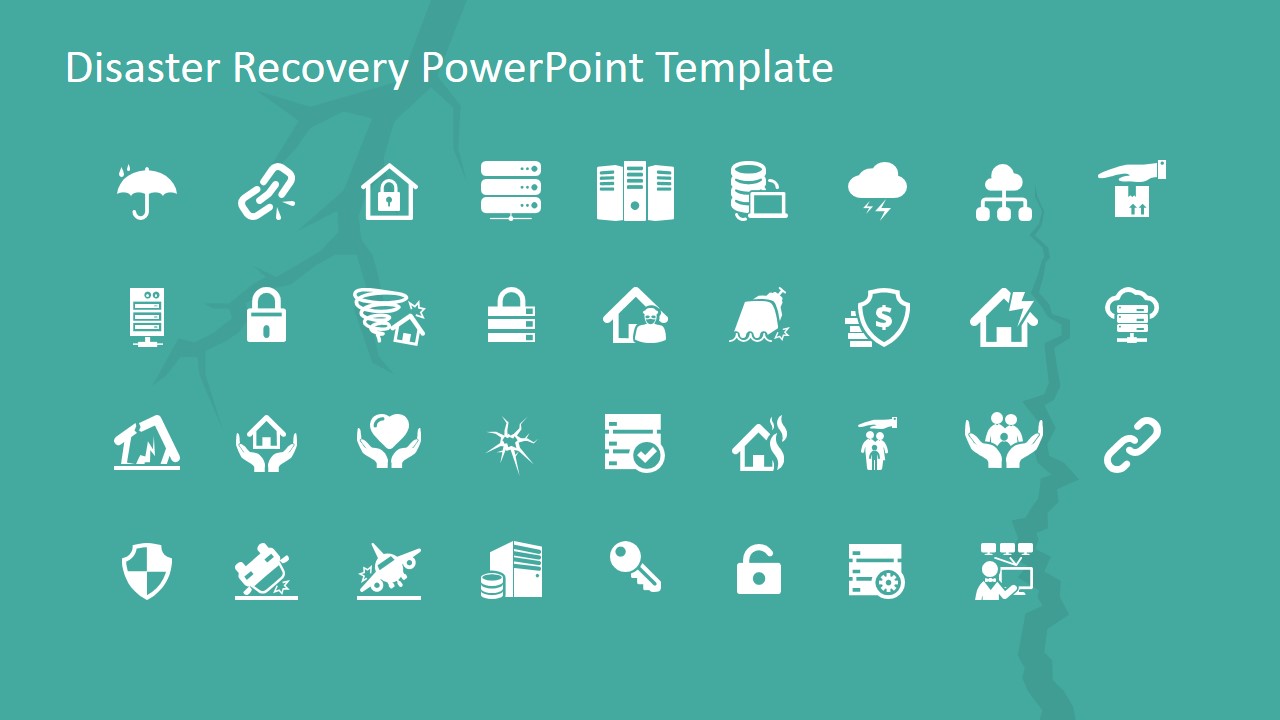
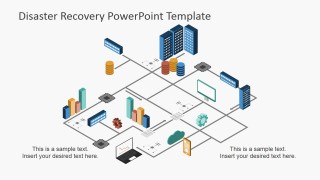
- A cybersecurity team can use the network infrastructure diagram and icon library to map systems, dependencies, and controls during an incident response readiness session.
Features
- 100% editable presentation template
- Compatible with Microsoft PowerPoint and Google Slides
- 16:9 aspect ratio slides
- Scalable vector shapes, icons and illustrations
- AI-Ready for Microsoft Copilot and Claude
- Instant access and download
Frequently asked questions
Q: How should a presenter build a clear disaster recovery story with this template?
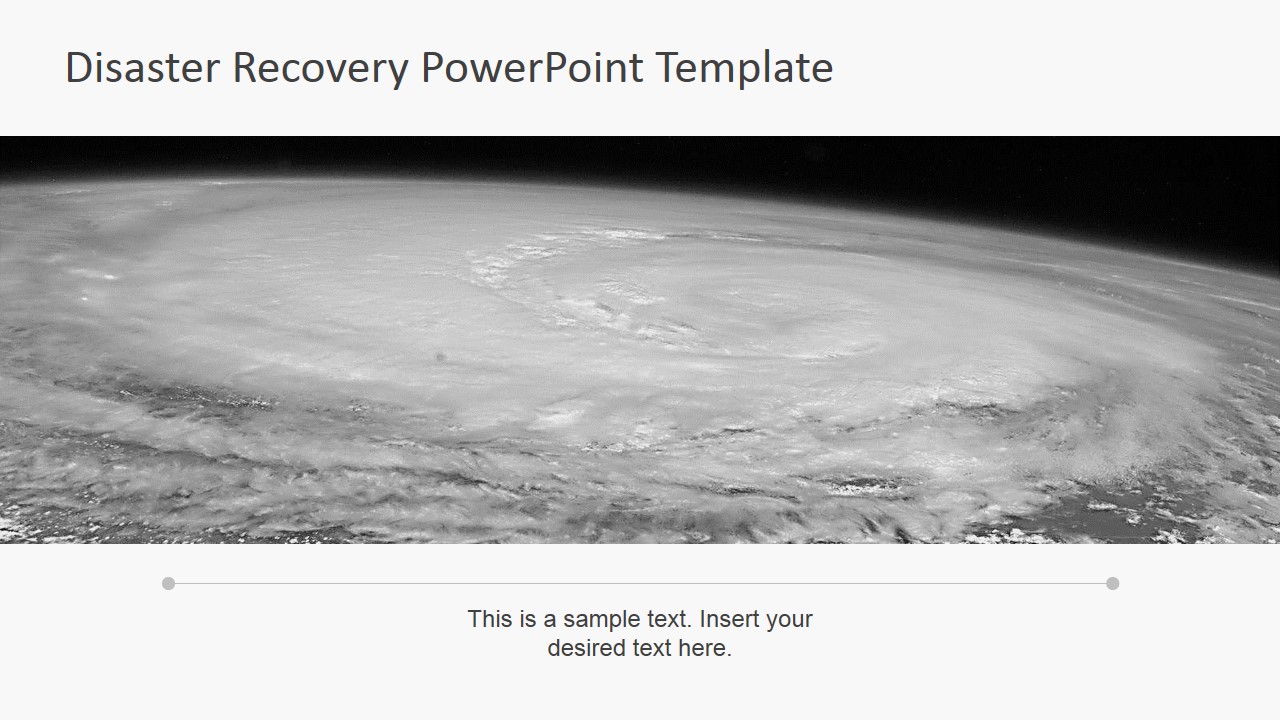
A: Start with the storm cover and disaster context slides to define risk, then move into the server backup plan and recovery architecture to show the response design. Use the plan schedule timeline near the end to translate the architecture into operational timing, especially RPO, RTO, incident, and restoration milestones.
Q: Who is this template best suited for in a business continuity discussion?
A: This template fits IT leaders, business continuity managers, risk teams, and consultants who need to explain recovery readiness to nontechnical stakeholders. The mix of disaster images, backup diagrams, network maps, and schedule planning helps connect executive risk concerns with the technical systems required to keep operations running.
Q: Why does the design combine storm imagery with IT backup diagrams?
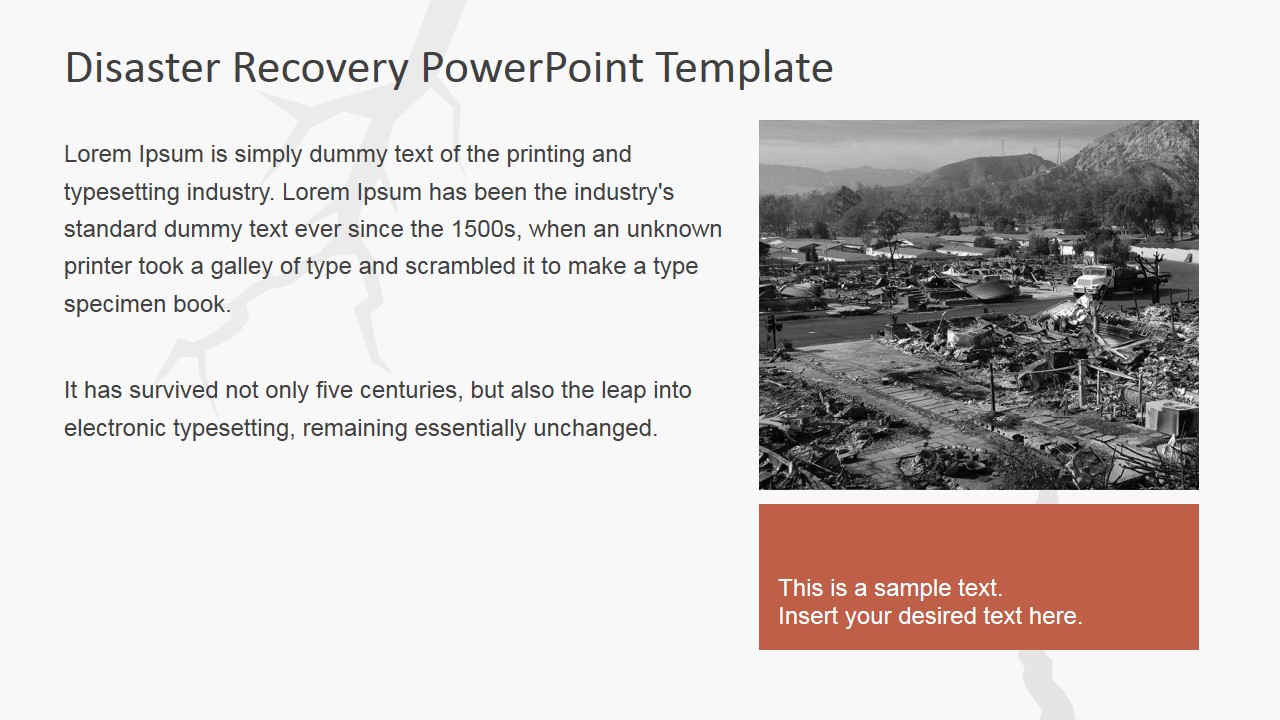
A: The storm and damaged landscape visuals create urgency, while the teal and blue diagrams shift the conversation toward control and recovery. That contrast helps audiences understand disaster recovery as both a risk topic and an operational plan, moving from threat awareness to backup systems, architecture, and scheduled restoration.




Disaster Recovery PowerPoint Template
12-slide disaster recovery presentation template with backup plans, network diagrams, and recovery schedule layouts
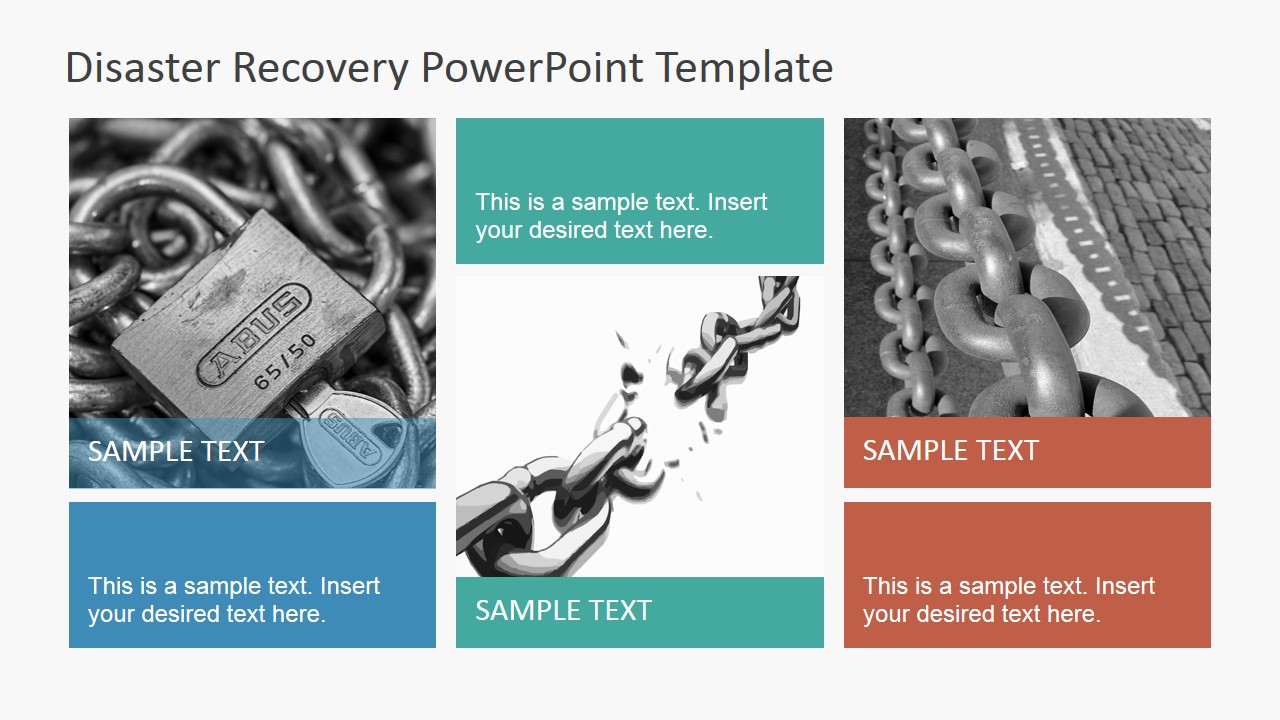
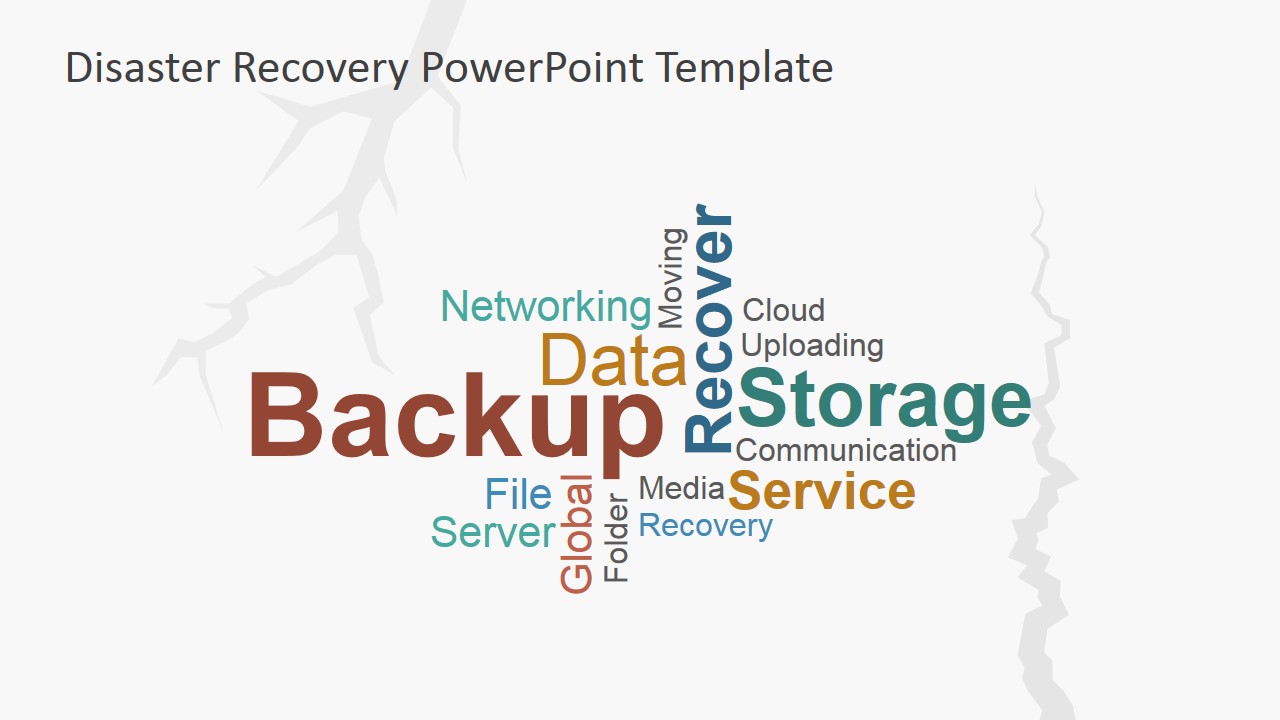
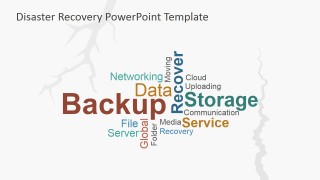
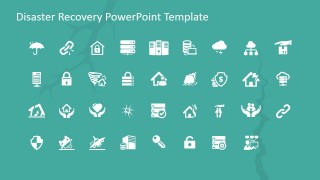
Disaster Recovery PowerPoint Template is a 12-slide business presentation for IT continuity planning. It includes a cover, disaster context slides, photo collage, server backup plan, network infrastructure diagram, disaster recovery architecture, word cloud, backup action slide, plan schedule timeline, and icon library for Microsoft PowerPoint and Google Slides.
- Category
- Business PowerPoint Templates
- Rating


 Loading...
- Aspect ratio
- 16:9, 4:3
- Item ID
- 6990-01
- Colors
 Microsoft PowerPoint
  Microsoft Copilot
  Claude for PowerPoint
 Other formats supported
Subscribe today and get immediate
access to download our PowerPoint templates.