Slide 2 of 8 from Detroit PowerPoint Template
Ambassador Bridge Template of Detroit
Detroit Landmark Slide Featuring Ambassador Bridge
- Media Layout
- Other
- Context Slide
- 16:9
- 100% Editable
What’s on This Slide
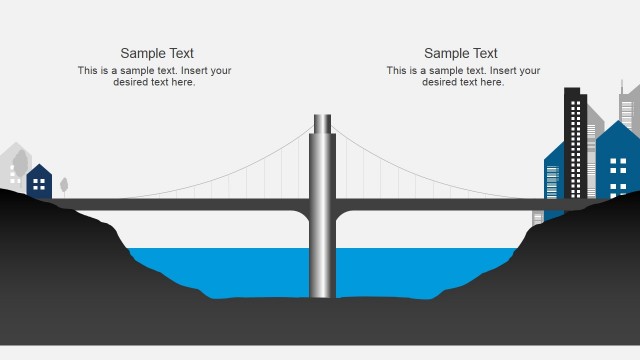
The slide features a prominent illustration of the Ambassador Bridge on the left side, rendered in dark blue. The bridge's detailed structure includes cables and towers, emphasizing its architectural design. To the right, there is a light gray rectangular area that serves as a text placeholder, aligned centrally. The slide title is positioned at the top, using a large font size for visibility. The overall composition balances the bridge illustration with the text area, creating a clear visual hierarchy and focus.
How to Use It
This layout functions as a visual representation of a significant landmark, suitable for presentations about Detroit or urban infrastructure. It fits well after introductory slides, providing context or highlighting key locations. This structure is ideal for business scenarios such as tourism promotion, city planning discussions, or cultural presentations, where visual impact is essential to engage the audience effectively.
Text Placeholders & Capacity
Keep your copy within these limits so it fits without resizing. Text slots are spacious, allowing for detailed descriptions.
| Placeholder | Count | Max characters (approx.) |
|---|---|---|
| Slide title | 1 | 40 |
| Body paragraph | 1 | 100 |
Slide Keywords
Download unlimited PowerPoint templates, charts and graphics for your presentations with our annual plan.
DOWNLOADReturn to Detroit PowerPoint Template.