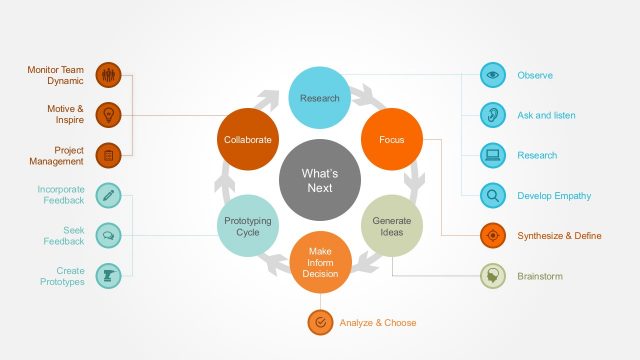
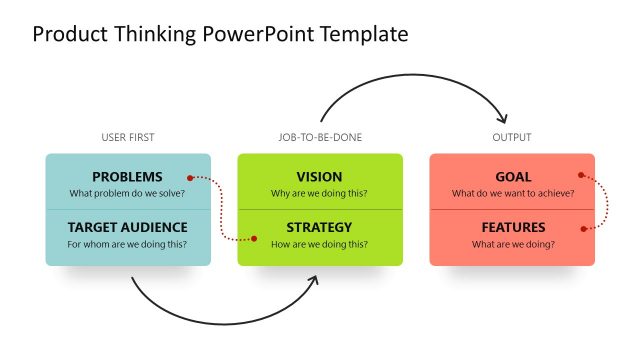
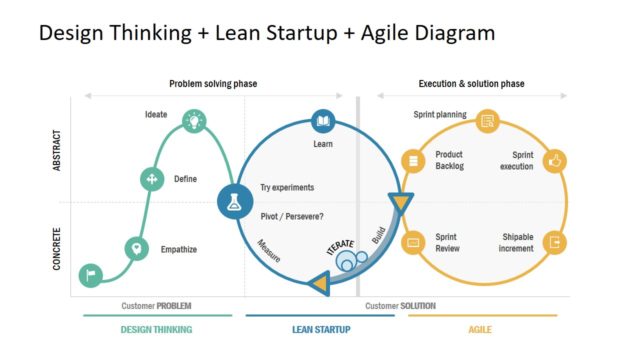
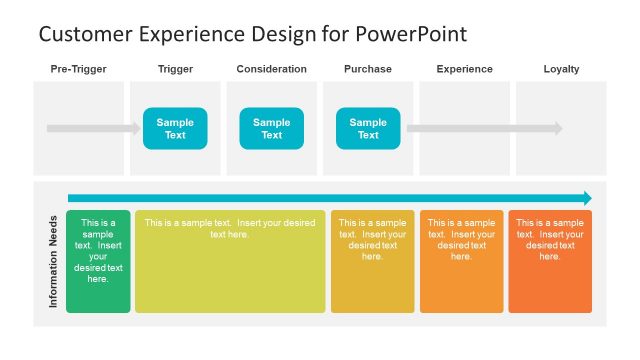
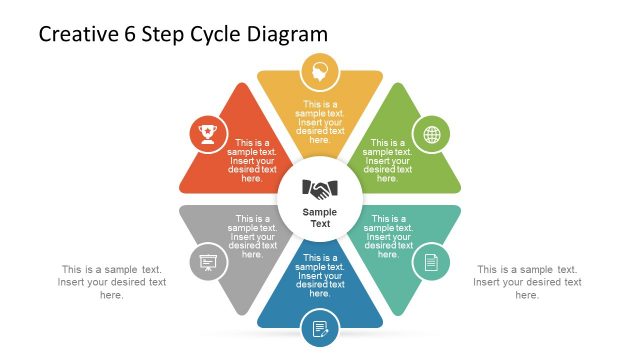
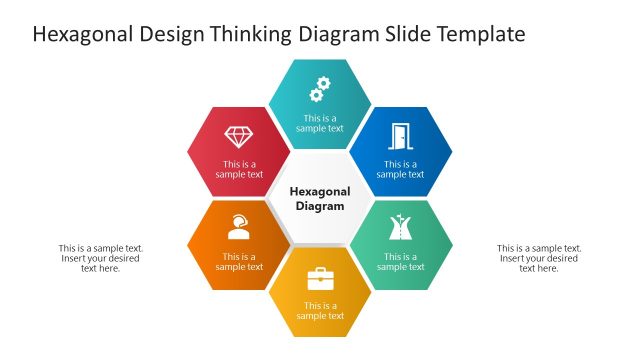
Design Thinking PowerPoint Templates laid out the Six Phases of Design Thinking Process. Consequently, the step by step process diagrams, cycle charts, and creative frameworks. It helps small to large scale businesses create a more desirable business plan.
In other words, design thinking process follows a systematic approach that helps ideas translate into solutions. Therefore, lead to innovation, growth, and differentiation in the competitive market.
Each phase is iterative and cyclical rather than the strictly linear process. In addition, the design thinking framework follows an overall flow to understand, create and deliver. Within these larger categories fall the 6 phases:
- Empathize: Gather facts and get to know about what users do, say, think, and feel.
- Define: Combine the gathered facts, analyze user’s unmet needs and begin to highlight opportunities for innovation.
- Ideate: Brainstorm creative ideas that address the unmet user needs.
- Prototype: Transform ideas into a physical form to allow experience and interaction with them and, in the process, learn and develop more empathy.
- Test: Observe and gather feedback to refine prototypes, learn more about the user, and innovate the original ideas.
- Implement: Put the vision into effect. Ensure that the solution is put into action and affects the lives of the end users.
Design Thinking PowerPoint has 10 professional slides. The shapes and placeholders are PowerPoint vectors. As a result, the presenters can fully edit the presentation. Hence, there are other awesome PowerPoint Templates to download in the gallery.
Impress your audience with the professional the Design Thinking PowerPoint Templates; transmit your message with graphics that appeals to professionals and executives.
What’s inside this template
Example presentation scenarios
- A product manager can use the five-step process cards to introduce a discovery-to-evolution workflow before a product ideation workshop.
- A design thinking facilitator can use the Understand, Create, Deliver phase diagram to align participants on how empathy, definition, ideation, prototyping, and testing connect.
- A business consultant can use the people, business, and technology innovation map to show executives where customer value, feasibility, and business goals overlap.
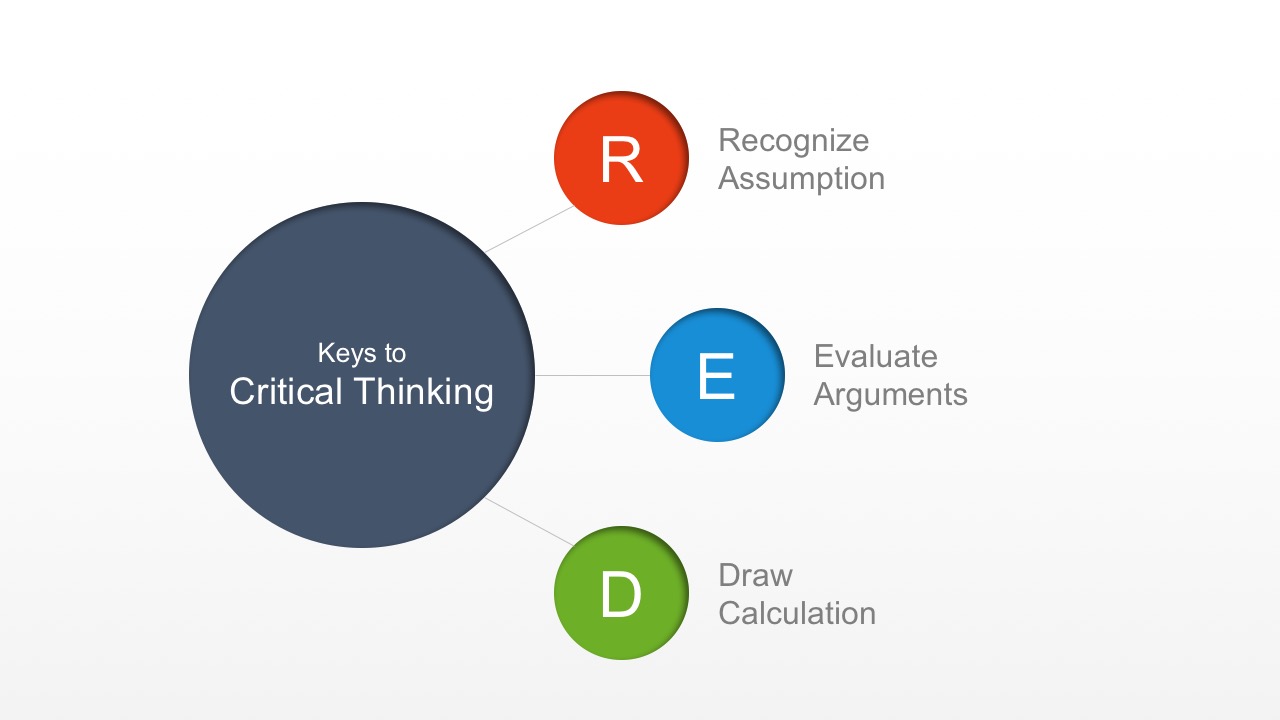
- A corporate trainer can use the critical thinking hub-and-spoke diagram and strategic aptitude cycle to teach decision habits that support design thinking practice.
- An innovation team lead can use the double-loop cycle diagram to explain why concept development moves through recurring release, learning, and reorganization phases.
Features
- 100% editable presentation template
- Compatible with Microsoft PowerPoint and Google Slides
- 16:9 aspect ratio slides
- Scalable vector shapes, icons and illustrations
- AI-Ready for Microsoft Copilot and Claude
- Instant access and download
Frequently asked questions
Q: How should a presenter explain the design thinking process with this template?
A: Start with the five-step card slide to define the major phases in plain language. Then use the Understand, Create, Deliver diagram to show how the work groups into broader movements. The innovation map and cycle slides can follow as discussion tools, helping the audience see that design thinking is not a straight line but a repeated learning process.
Q: Who is this template best suited for in a business setting?
A: This template fits facilitators, product leaders, consultants, and trainers who need to explain a method rather than report status. It works well before workshops, product discovery sessions, service redesign meetings, or executive briefings where the audience must understand how research, ideas, prototypes, feedback, and implementation connect.
Q: Why do the circular and overlapping diagrams help communicate design thinking?
A: Design thinking depends on iteration and intersection, so the visuals match the concept. The overlapping people, business, and technology circles show where value is created, while the circular audience chart and double-loop cycle reinforce repeated learning. These metaphors make the method easier to remember than a long checklist.




Design Thinking PowerPoint Templates
10-slide presentation template for design thinking process cycles, empathy phases, and critical thinking diagrams
Design Thinking PowerPoint Templates is a 10-slide business presentation template for explaining design thinking methods in Microsoft PowerPoint and Google Slides. It includes five-step process cards, phase flow diagrams, Venn-style innovation mapping, circular audience charts, a word cloud, critical thinking nodes, and iterative cycle diagrams for teams and facilitators.
- Category
- Business PowerPoint Templates
- Rating


 Loading...
- Aspect ratio
- 16:9
- Item ID
- 4097-01
- Colors
 Microsoft PowerPoint
 Microsoft Copilot
 Claude for PowerPoint
Other formats supported
Subscribe today and get immediate
access to download our PowerPoint templates.