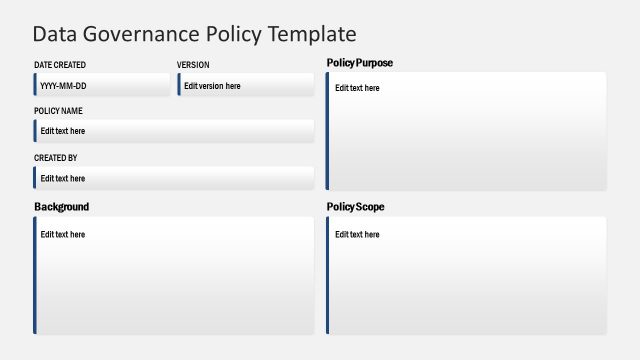
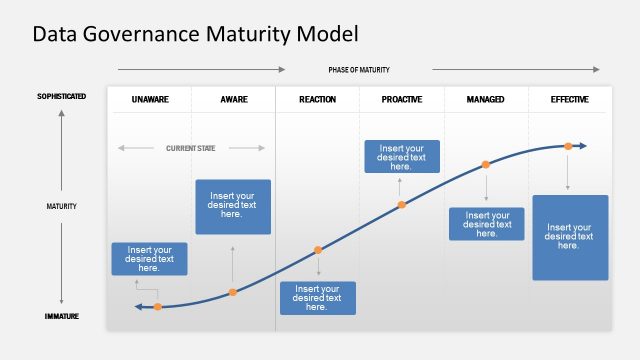
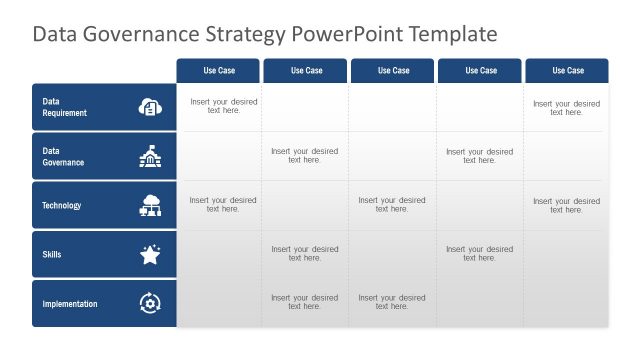
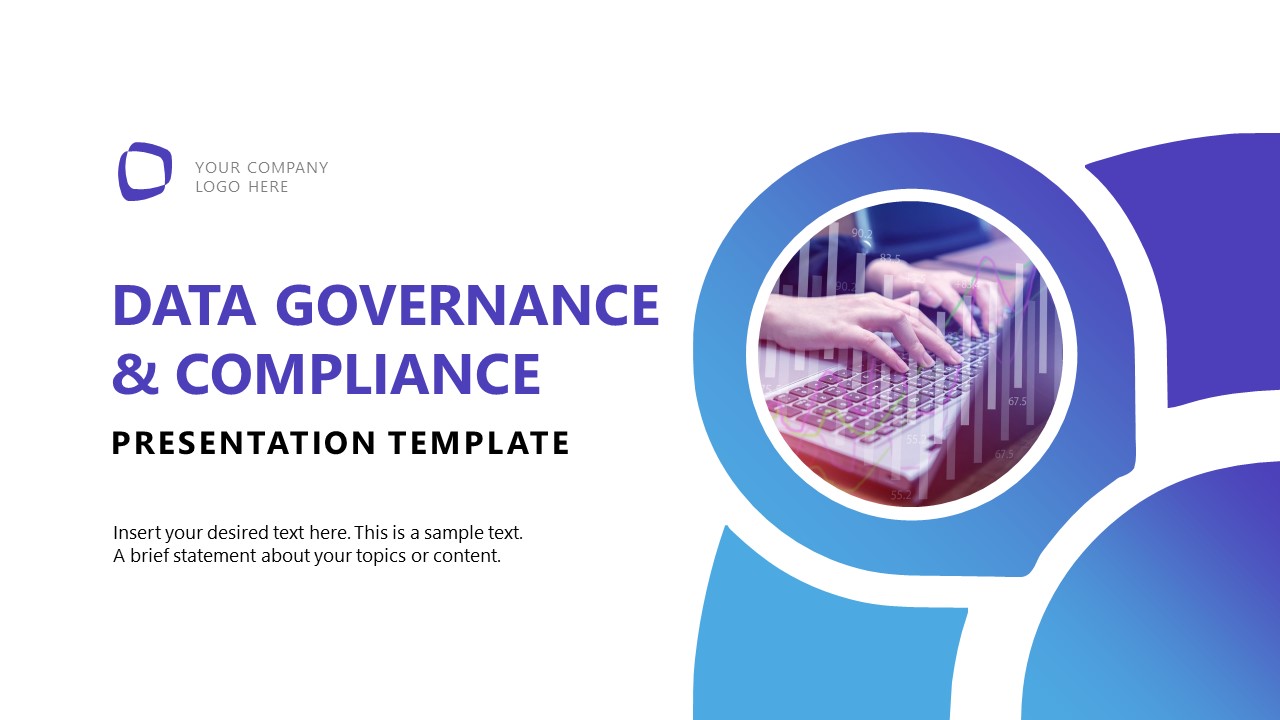
Discuss a comprehensive strategic approach to managing and securing the company’s data with our Data Governance & Compliance PowerPoint Template in your executive meetings. Data governance refers to the development of a system of policies, procedures, and internal regulations designed to protect the data pipeline. It involves effectively managing how data is created, stored, assessed, transferred, and disposed of within an organization. The data majorly encompasses the employees’ information, cybersecurity keys, financial credentials, accounts, and customer data. Government bodies impose legal penalties on any organization found to be lacking proper data governance. Many multibillion-dollar companies have faced fines and penalties over the loss of users’ data. We have created this animated PPT template to help data science experts, representatives of regulatory bodies, lawyers, advisors, and other related professionals. They can demonstrate the data governance strategies to implement in their organization.
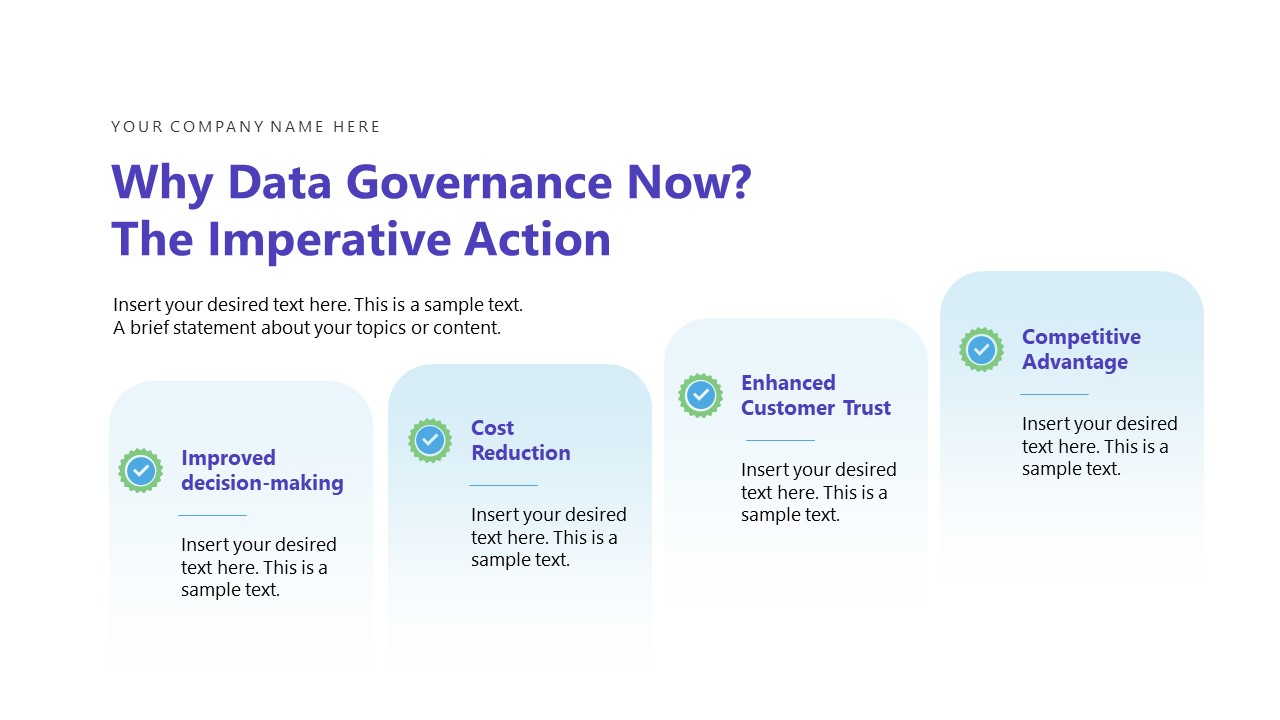
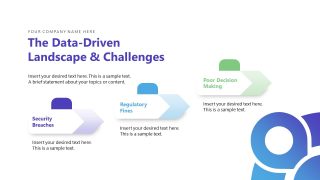
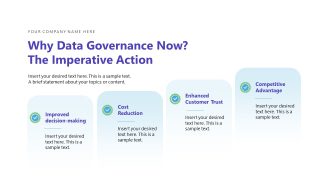
Corporate trainers can use this 16-slide animated PowerPoint template in employee training sessions to visualize the steps, ensuring data governance and compliance in business procedures. The Data Governance & Compliance PowerPoint Template has a clean and professional layout. It features numerous diagrams and creative illustrations to depict the principles in executive meetings effectively. Initially, users can discuss the data-driven landscape and its associated challenges, such as security breaches, cyberattacks, and regulatory fines. You can showcase why governance is important and how it can help companies improve their decision-making processes, enhance customer trust, and gain a competitive advantage. Further, we have slides for:
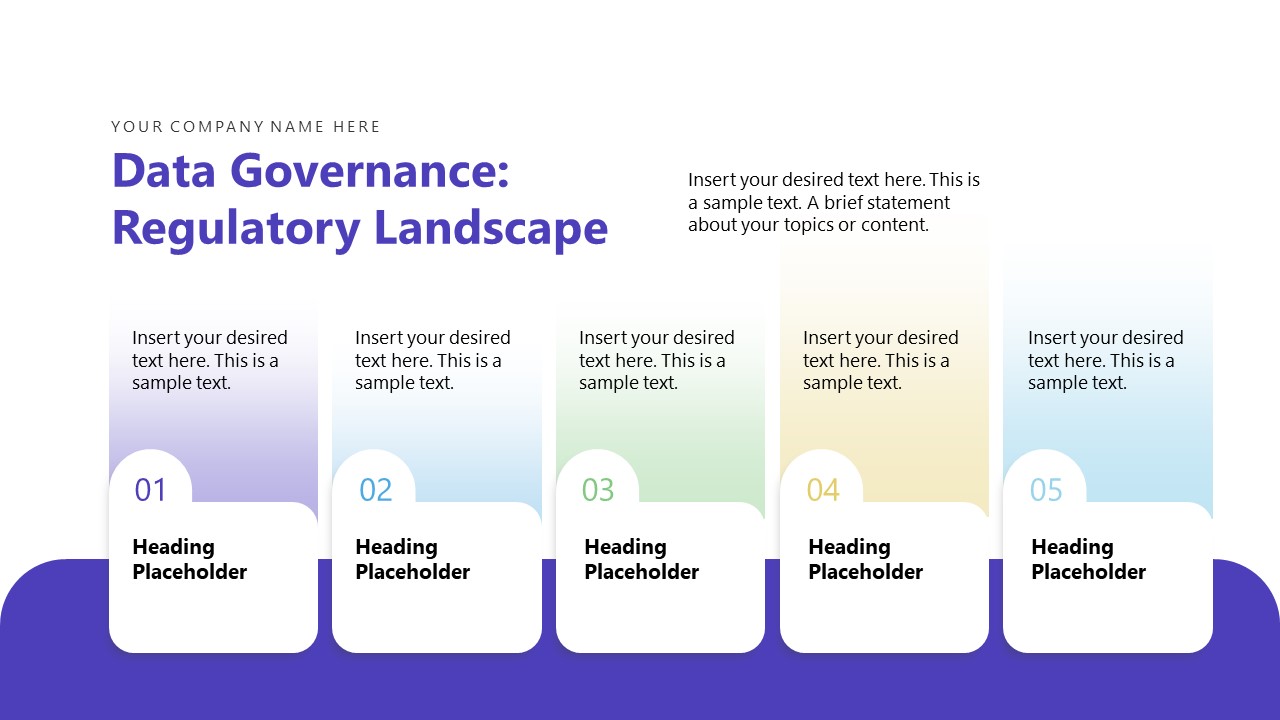
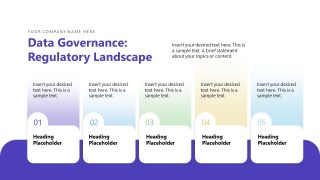
- Data Governance & Regulatory Landscape slide
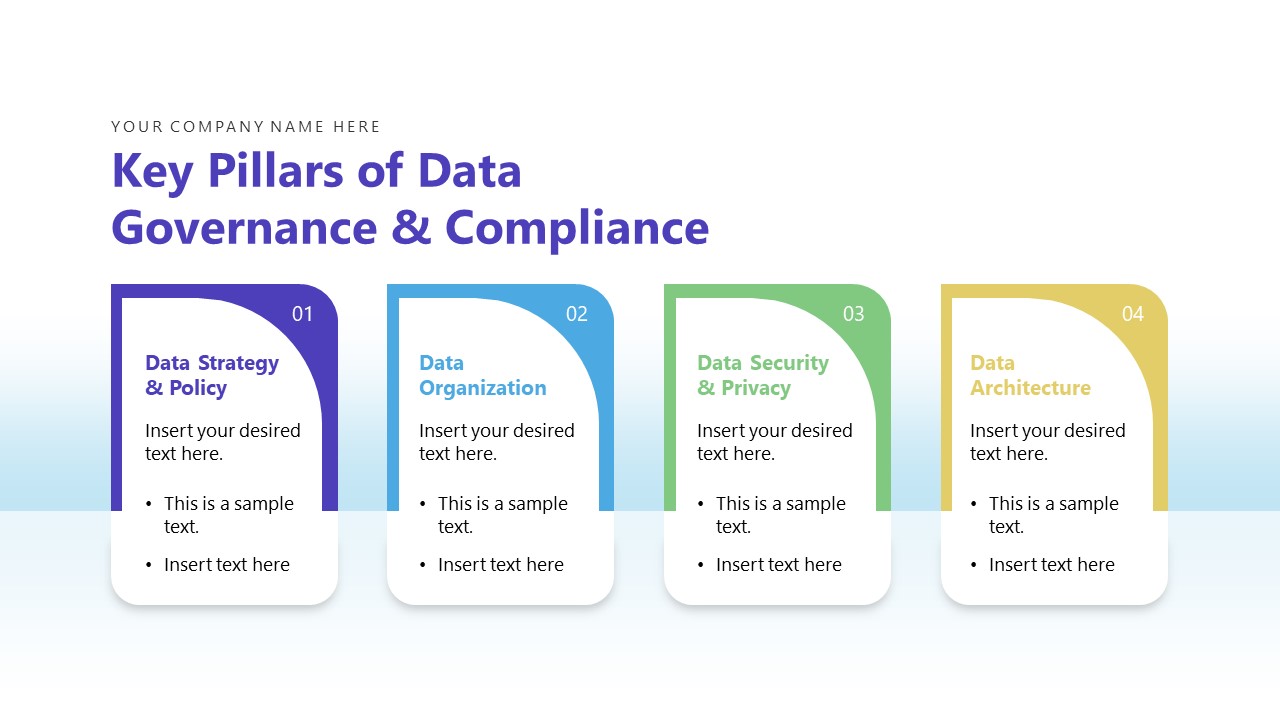
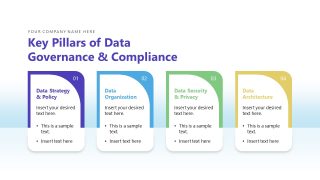
- Key Pillars of Governance & Compliance silde
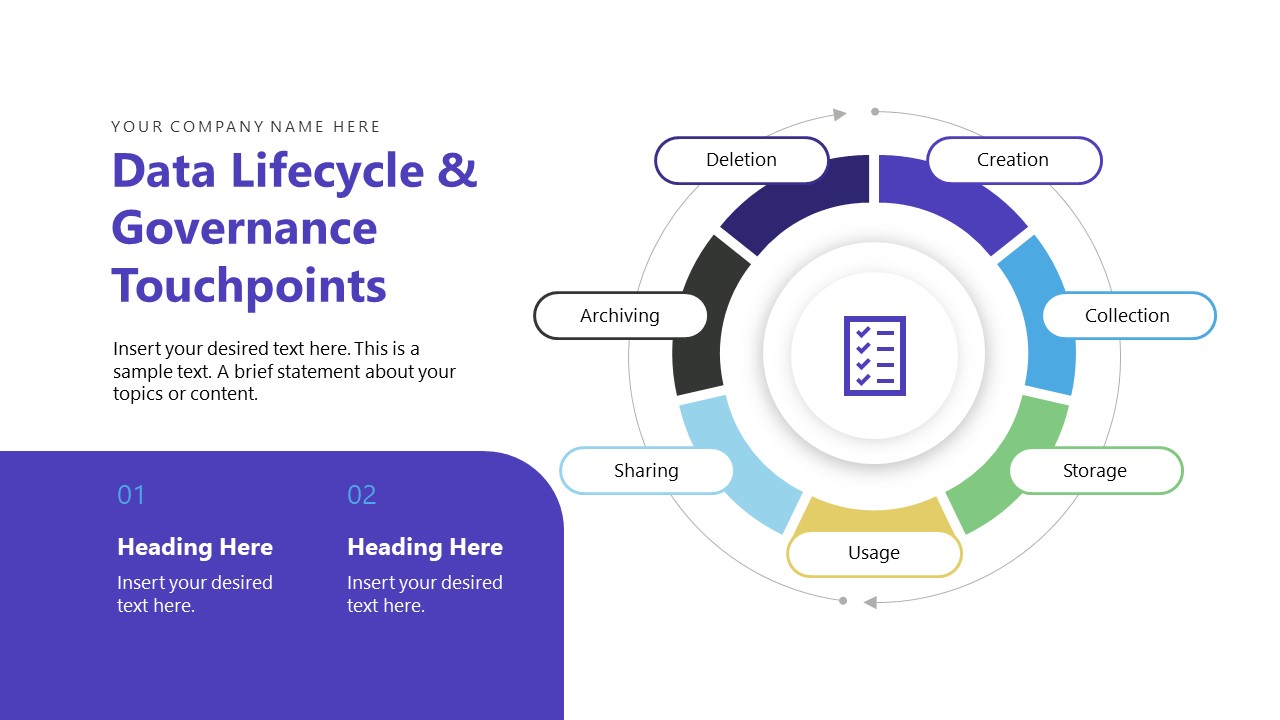
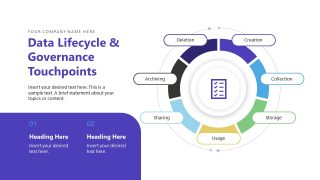
- Data Lifecycle and Governance Touchpoints slide
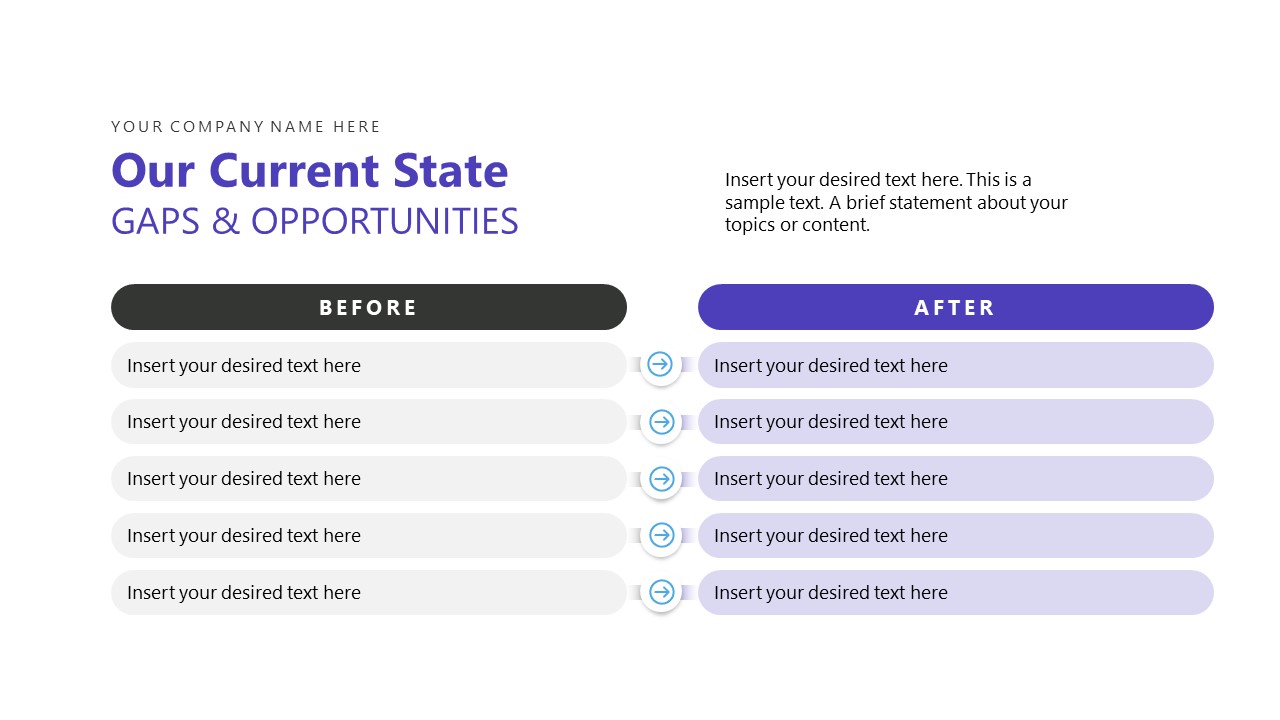
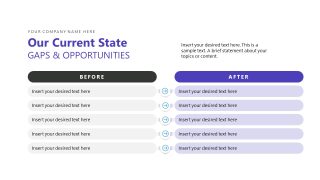
- Gaps & Opportuiies slide
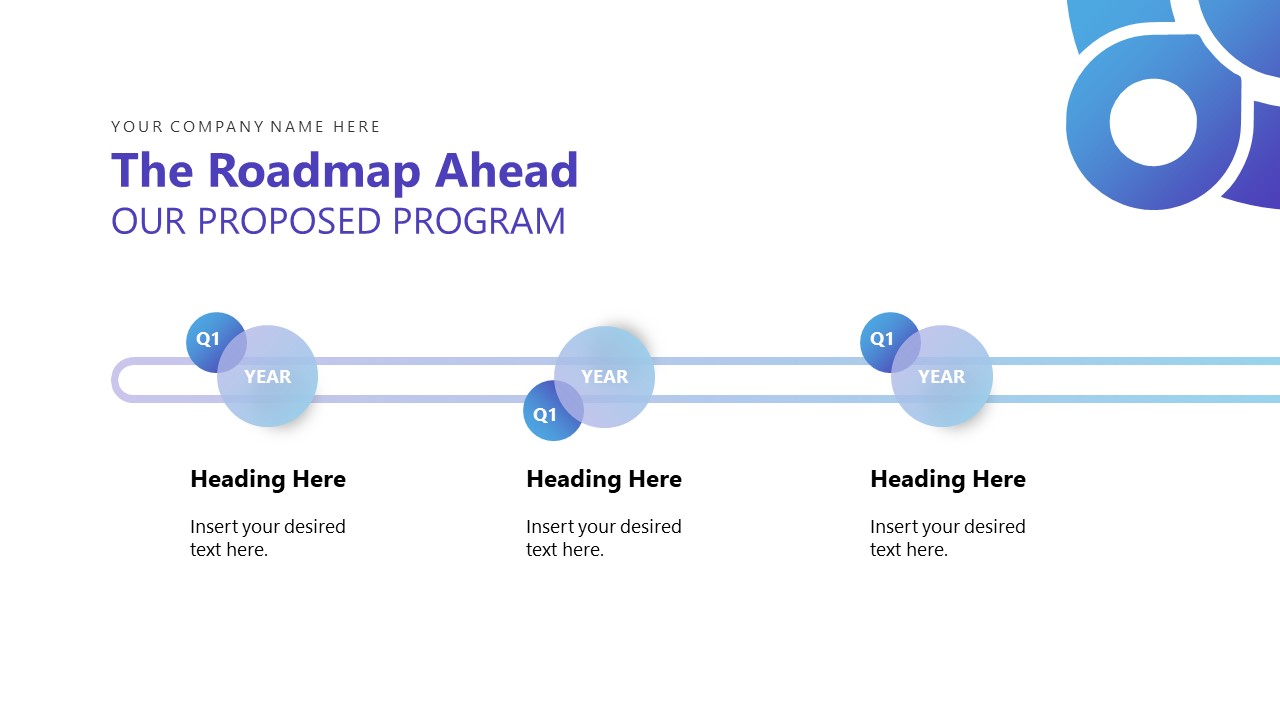
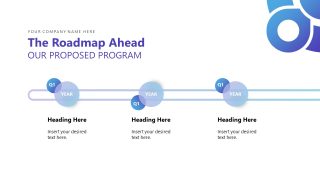
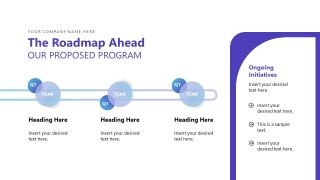
- The Roadmap Ahead – Our Proposed Program slide
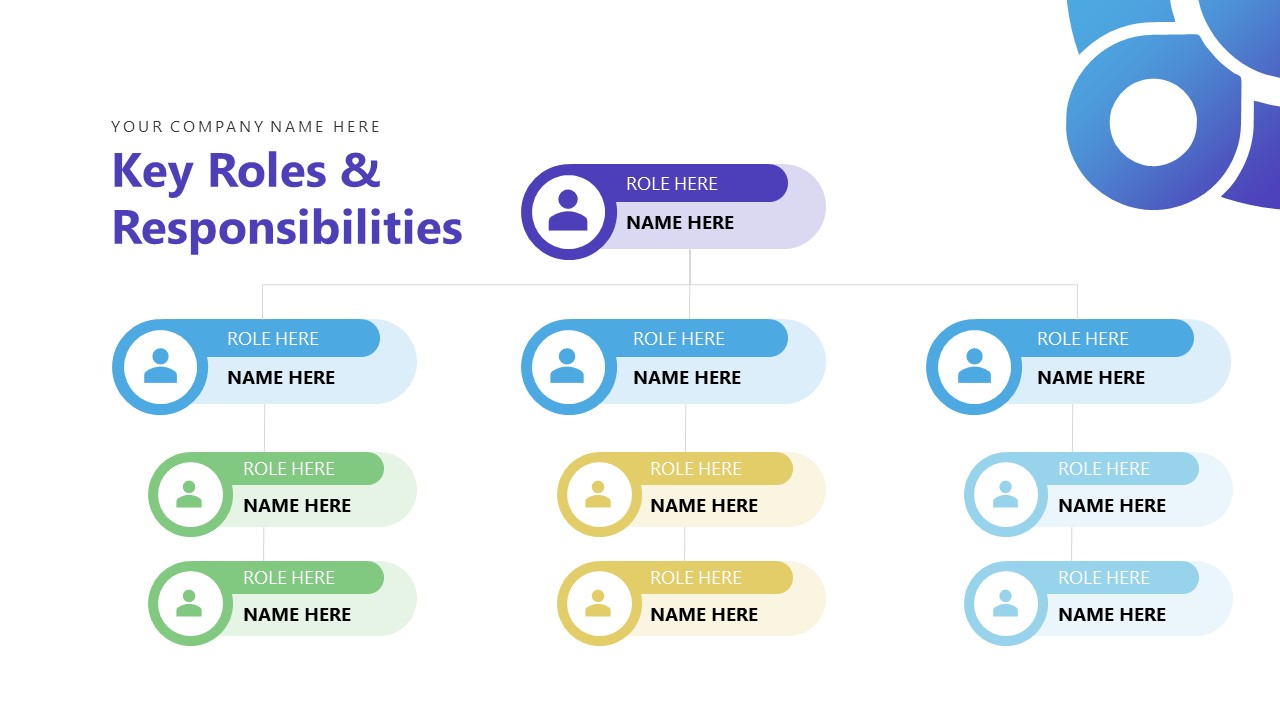
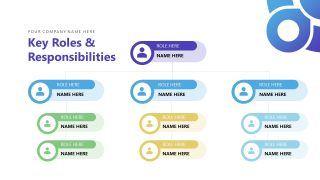
- Key Roles & Responsibilities slide
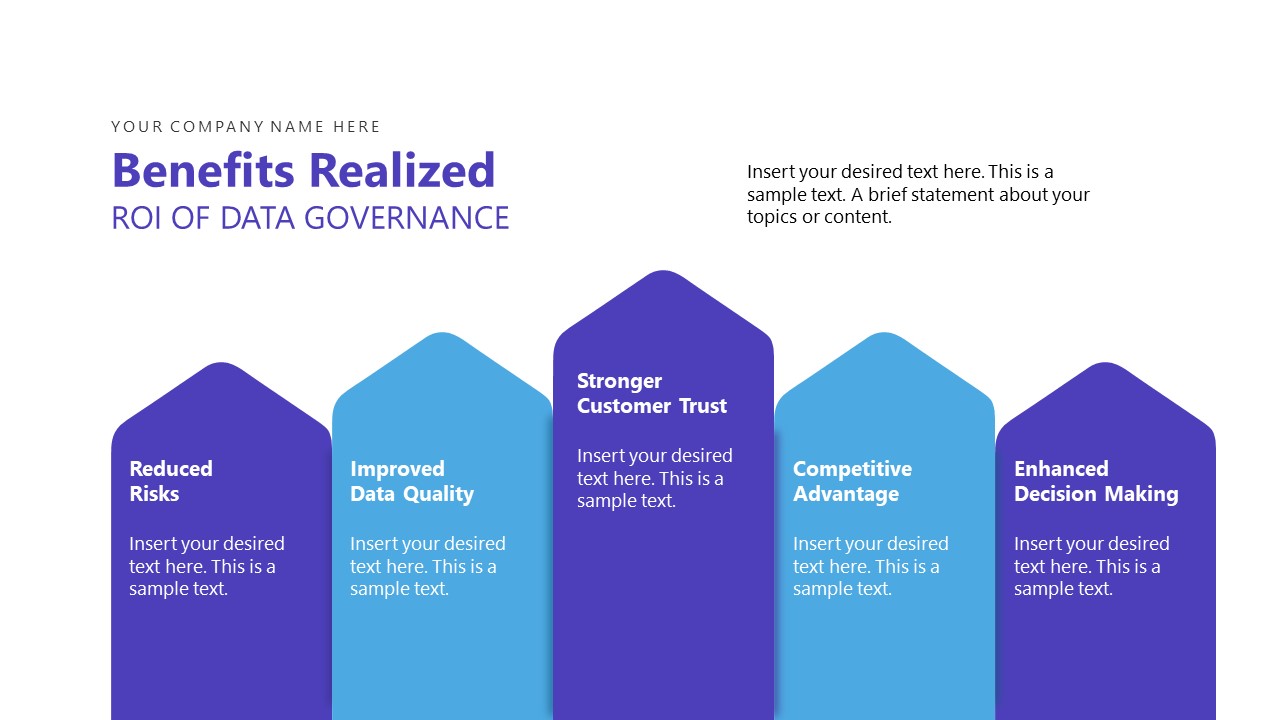
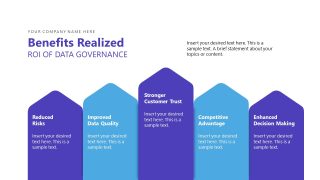
- Benefits & ROI of Data Governance slide
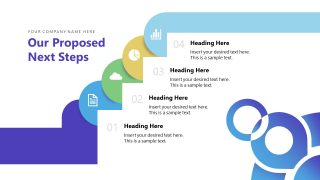
- Proposed Next Steps slide
Professionals can also use this template to discuss the system’s shortcomings and the need for improvements to prevent legal actions. You can also customize our data governance and compliance PPT template with legacy PowerPoint versions. All the slides are fully editable, allowing users to easily replace the icons, related infographics, and shapes with their preferred objects in just a few clicks. Download this graphical layout slide deck and personalize it for your sessions. Grab it now! Alternatively, you can explore and download other animated PowerPoint templates for dynamic and engaging presentations.
What’s inside this template
Example presentation scenarios
- A chief data officer can use the lifecycle touchpoints and key pillars slides to brief executives on how data is created, stored, shared, archived, and governed.
- A compliance officer can use the regulatory landscape cards and gaps versus opportunities table to show where the organization needs policy, process, or control changes.
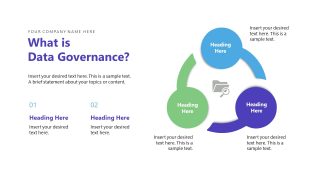
- A corporate trainer can use the agenda, definition cycle, and proposed next steps stair diagram to teach employees how governance responsibilities connect to daily data handling.
- A program manager can use the roadmap timeline and roles and responsibilities slide to align data, legal, security, and business teams before launching a governance program.
Features
- 100% editable presentation template
- Compatible with Microsoft PowerPoint and Google Slides
- 16:9 aspect ratio slides
- Scalable vector shapes, icons and illustrations
- Ready with Animations & Transitions in PowerPoint
- AI-Ready for Microsoft Copilot and Claude
- Instant access and download
Frequently asked questions
Q: How should a presenter communicate the data governance message with this deck?
A: Start with the challenge slide to establish risk, then define data governance with the circular model before showing pillars and lifecycle touchpoints. Use the gap table to make the current-state problem concrete, then move to the roadmap and roles slides so the audience sees ownership, timing, and the practical path forward.
Q: Who is this template best suited for, and in what meeting context?
A: This deck fits data governance leads, compliance officers, risk managers, legal advisors, and corporate trainers who need to explain a governance program to decision makers or employees. It works best in executive briefings, compliance readiness sessions, internal training, or program kickoff meetings where the presenter must connect risk, process, ownership, and next actions.
Q: Why do the circular lifecycle and roadmap visuals help explain compliance work?
A: The circular lifecycle diagram shows that governance is not a one-time policy event; it follows data through creation, storage, usage, sharing, archiving, and deletion. The roadmap then converts that continuous responsibility into timed workstreams. Together, these metaphors help the audience understand both ongoing stewardship and staged execution.






Data Governance & Compliance PowerPoint Template
16-slide presentation template for data governance, compliance roadmap, lifecycle touchpoints, roles, and next steps.
The Data Governance & Compliance PowerPoint Template is a 16-slide deck for presenting governance programs and compliance plans. It includes an agenda, challenge summary, circular governance model, regulatory landscape cards, key pillars, lifecycle touchpoints, before-after gap table, roadmap timeline, roles matrix, benefits columns, Q&A, and contact slide for PowerPoint and Google Slides.
- Category
- Strategy
- Rating

 Loading...
- Aspect ratio
- 16:9
- Item ID
- 85261-01
 Microsoft PowerPoint
 Microsoft Copilot
 Claude for PowerPoint
Other formats supported
Subscribe today and get immediate
access to download our PowerPoint templates.