Slide 2 of 2 from Dashboard PowerPoint Template
Dark Dashboard PowerPoint Template
KPI Dashboard Overview Slide
- Chart
- Dashboard Composite
- Kpi Reporting Slide
- 16:9
- 100% Editable
The KPI Dashboard Overview slide from the Dashboard PowerPoint Template offers a structured layout with editable shapes and charts ideal for business presentations. This slide template supports clear visualization of key performance indicators, making it suitable for project status updates and corporate presentations that require detailed KPI reporting. Its design integrates vector icons and a variety of chart types to enhance the effectiveness of any slide deck focused on performance metrics.
About This Slide
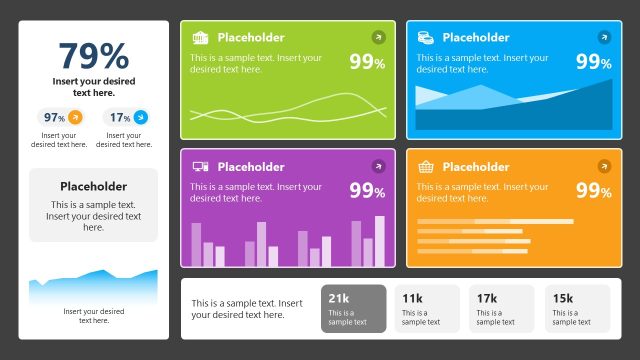
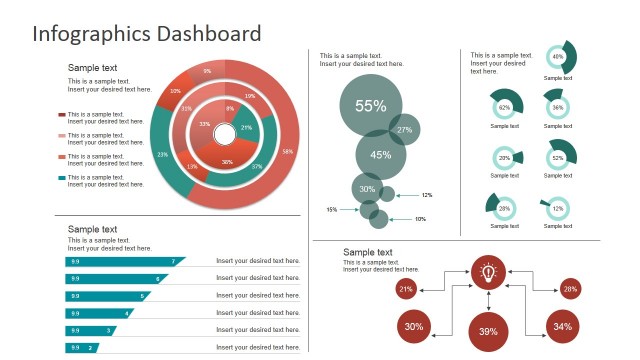
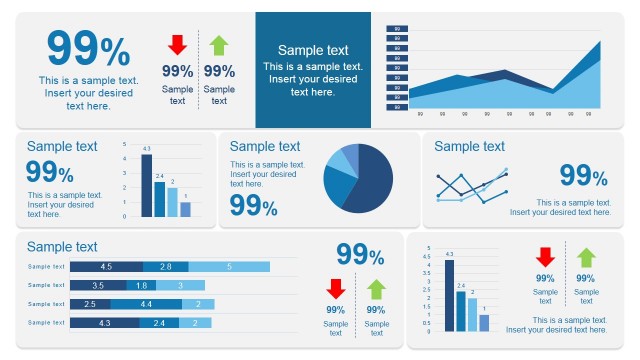
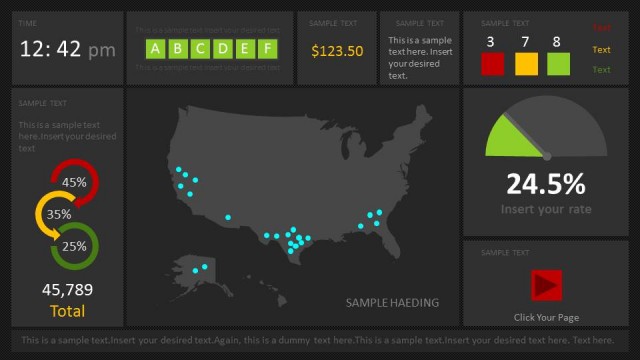
Awesome dark dashboard design created as a PowerPoint slide that you can use to present qualitative and quantitative data as a PowerPoint presentation.
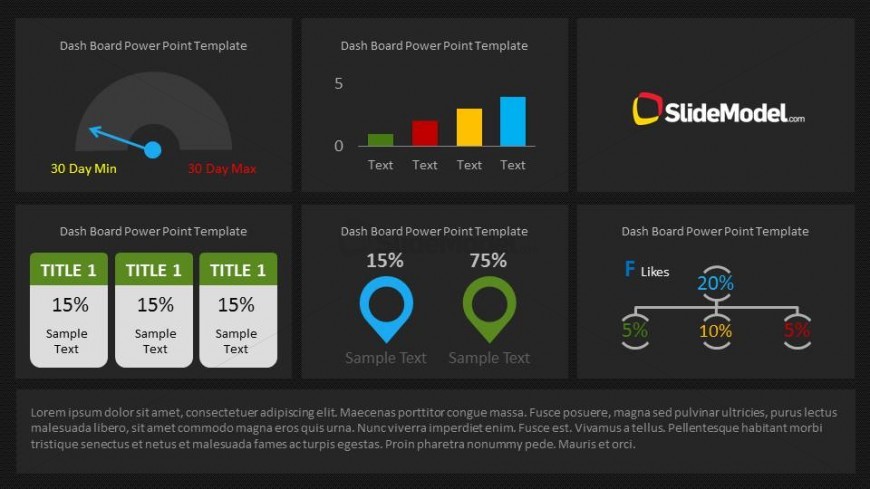
This dashboard design for PowerPoint contains six components of a dashboard that you can easily edit and adapt to present your data in an elegant and impressive way. The slide includes pre-designed components very useful to show a bar chart, a value in a gauge or meter and KPI or Key Performance Indicators.
What’s on This Slide
The layout features a grid of four distinct sections, each containing various visual elements. The top left displays a gauge chart with a needle pointing between two labels, '30 Day Min' and '30 Day Max.' The top right contains a bar chart with three colored bars labeled 'Text.' The bottom left has three rectangular boxes aligned horizontally, each labeled 'TITLE 1' with corresponding percentage values and sample text. The bottom right features a circular icon with a percentage label and sample text, alongside a flow diagram indicating distribution percentages. Text placeholders are present for titles and sample text throughout.
How to Use It
This layout serves as a comprehensive KPI dashboard, ideal for presenting performance metrics and indicators. It fits well in a presentation sequence following an overview or introduction, allowing for detailed analysis of key performance indicators. Real-world applications include business performance reviews, project status updates, and operational efficiency assessments. The structured layout supports clear comparisons and visualizations, making it suitable for executive summaries and stakeholder presentations.
Text Placeholders & Capacity
Keep your copy within these limits so it fits without resizing. Node labels and bodies are limited, roughly 15-30 characters each.
| Placeholder | Count | Max characters (approx.) |
|---|---|---|
| Slide title | 1 | 20 |
| Item heading | 6 | 15 |
| Item body | 6 | 30 |
Slide Keywords
Download unlimited PowerPoint templates, charts and graphics for your presentations with our annual plan.
DOWNLOADReturn to Dashboard PowerPoint Template.