Slide 1 of 4 from Cycle Arrows Triangle Diagram PowerPoint Template
Cycle Arrows Triangle Diagram PPT Template
Cycle Arrows Triangle Diagram Overview
- Diagram
- Circular Cycle
- Process Slide
- 16:9
- 100% Editable
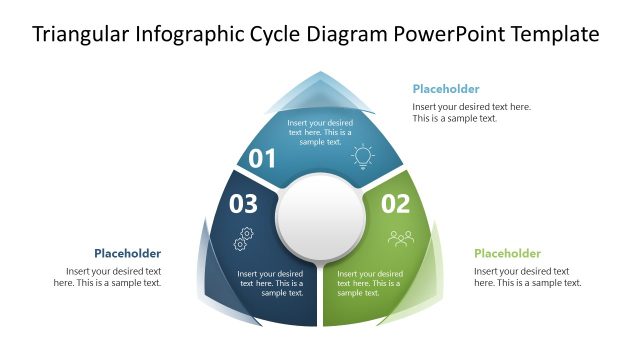
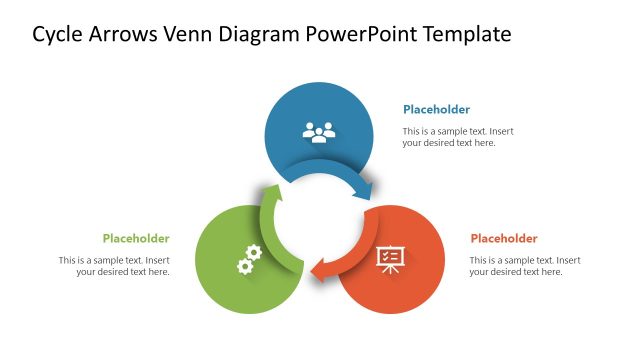
The Cycle Arrows Triangle Diagram slide from the Cycle Arrows Triangle Diagram PowerPoint Template offers a clear visual for illustrating workflows and project phases. This slide layout features editable shapes arranged in a circular cycle, making it suitable for business presentations and corporate slide decks that require a concise summary of process steps.
What’s on This Slide
The slide features a triangular diagram composed of three colored sections, each representing a step in a cyclical process. The sections are arranged in a clockwise direction, with arrows indicating flow between them. Each section contains a placeholder for text, positioned centrally within the triangle. The top section is yellow, the bottom left is green, and the bottom right is purple. Numbered callouts are placed outside the triangle, aligned with each section. The background is white, enhancing the visibility of the diagram.
How to Use It
This layout serves as a visual representation of a three-step cyclical process. It is suitable for presentations that require illustrating workflows, project phases, or recurring tasks. The diagram can be used in business contexts such as project management, process improvement, or team collaboration. It fits well at the beginning of a presentation to outline key processes or at the end to summarize steps taken.
Text Placeholders & Capacity
Keep your copy within these limits so it fits without resizing. Node body slots can hold roughly 15-20 words each.
| Placeholder | Count | Max characters (approx.) |
|---|---|---|
| Item heading | 3 | 30 |
| Item body | 3 | 100 |
| Slide title | 1 | 50 |
Slide Keywords
Download unlimited PowerPoint templates, charts and graphics for your presentations with our annual plan.
DOWNLOADReturn to Cycle Arrows Triangle Diagram PowerPoint Template.