Slide 6 of 6 from Creative SWOT Diagram PowerPoint Template
SWOT Diagram PPT Presentation Template
Creative SWOT Analysis Diagram for Presentations
- Diagram
- Matrix Quadrant
- Strategic Analysis Slide
- 16:9
- 100% Editable
What’s on This Slide
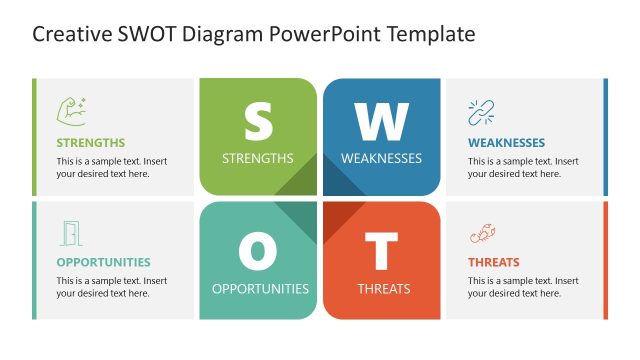
The layout features a four-quadrant diagram divided into sections labeled Strengths, Weaknesses, Opportunities, and Threats. Each quadrant contains a title and a text placeholder for content, positioned centrally within each section. The Strengths and Opportunities sections are colored green and teal, while Weaknesses and Threats are blue and orange, respectively. Icons accompany the titles in the top corners of each quadrant. The overall composition is balanced, with clear boundaries separating each section, and the text placeholders are aligned for uniformity.
How to Use It
This layout serves as a SWOT analysis tool, effectively summarizing strengths, weaknesses, opportunities, and threats in a visual format. It fits well in presentations focused on strategic planning or business analysis. Use it to facilitate discussions around organizational assessments or market evaluations. This diagram can be utilized in workshops, strategic meetings, or reports to present a comprehensive overview of a situation or project.
Text Placeholders & Capacity
Keep your copy within these limits so it fits without resizing. Node body slots are tight, roughly 10 words each.
| Placeholder | Count | Max characters (approx.) |
|---|---|---|
| Item heading | 4 | 30 |
| Item body | 4 | 50 |
Slide Keywords
Download unlimited PowerPoint templates, charts and graphics for your presentations with our annual plan.
DOWNLOADReturn to Creative SWOT Diagram PowerPoint Template.