Slide 2 of 6 from Creative SWOT Diagram PowerPoint Template
Creative SWOT Diagram Presentation Template
SWOT Analysis Quadrant for Presentations
- Diagram
- Matrix Quadrant
- Strategic Analysis Slide
- 16:9
- 100% Editable
What’s on This Slide
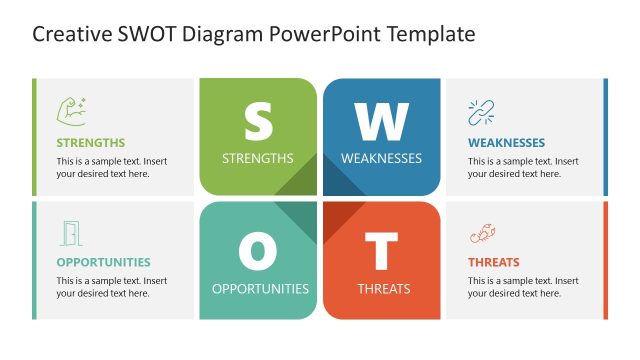
The layout consists of four quadrants arranged in a 2x2 grid. The top left quadrant is labeled 'Strengths' with a green background and an icon of a flexing arm. The top right quadrant is labeled 'Weaknesses' with a light gray background and an icon of a broken link. The bottom left quadrant is labeled 'Opportunities' with a light gray background and an icon of an open door. The bottom right quadrant is labeled 'Threats' with a light gray background and an icon of a crab. Each quadrant contains a text placeholder aligned to the center, indicating where to insert content.
How to Use It
This layout serves as a SWOT analysis tool, ideal for evaluating strengths, weaknesses, opportunities, and threats in a business context. It fits well after a problem framing slide and can be used in strategic planning presentations. This structure is useful for team discussions, stakeholder presentations, and strategic assessments where a clear visual representation of SWOT factors is needed.
Text Placeholders & Capacity
Keep your copy within these limits so it fits without resizing. Each node body slot can hold roughly 10-12 words.
| Placeholder | Count | Max characters (approx.) |
|---|---|---|
| Item heading | 4 | 15 |
| Item body | 4 | 50 |
Slide Keywords
Download unlimited PowerPoint templates, charts and graphics for your presentations with our annual plan.
DOWNLOADReturn to Creative SWOT Diagram PowerPoint Template.