Creative Radial Diagram for PowerPoint with 5 Items
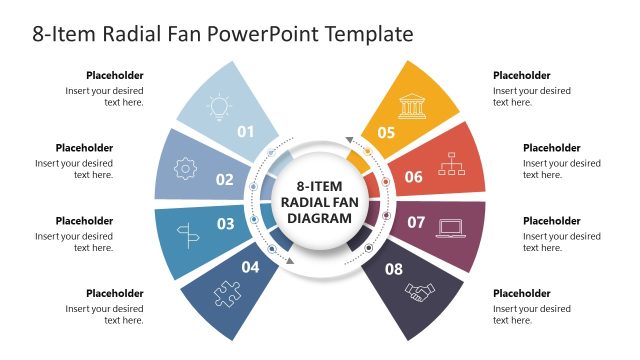
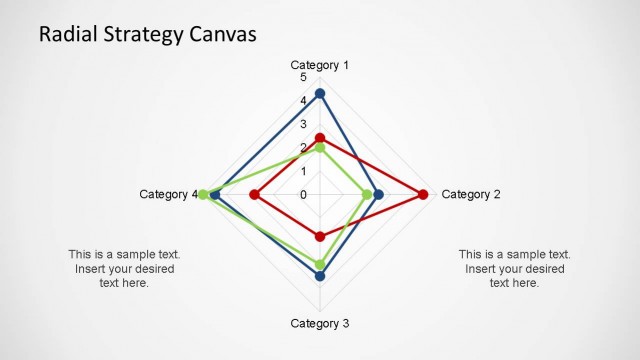
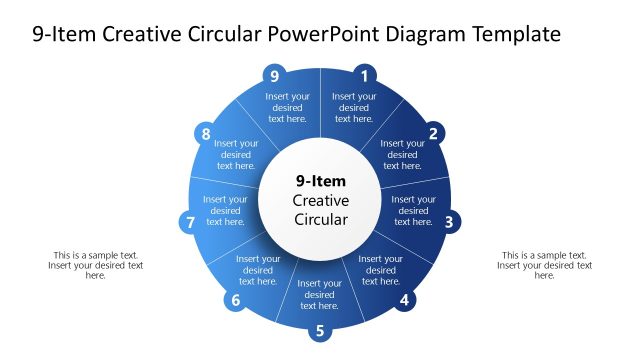
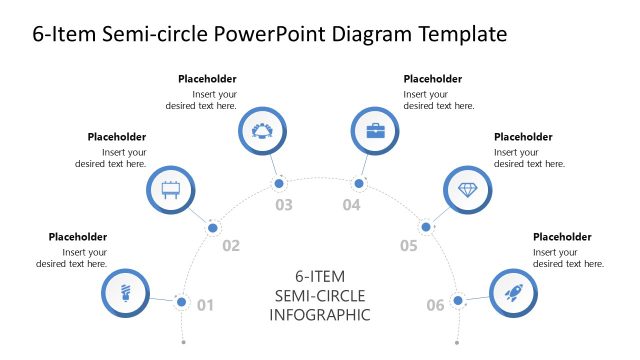
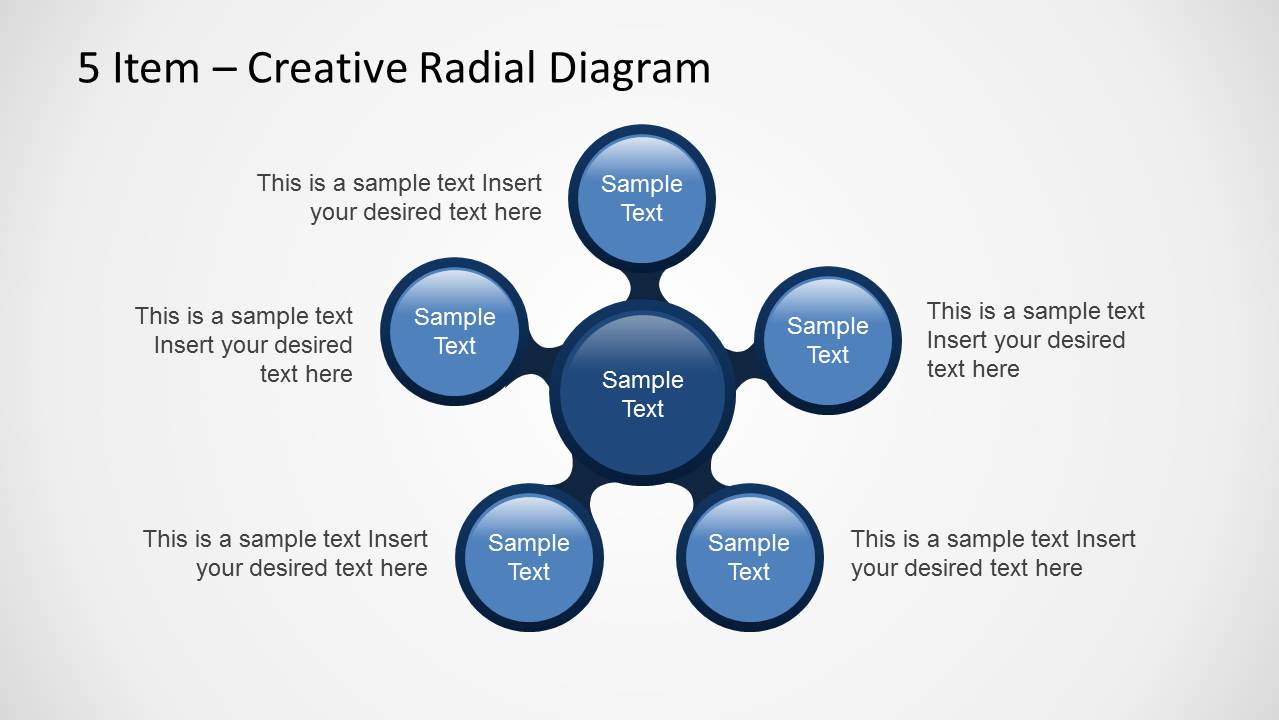
The 5-Item Creative Radial Diagram PowerPoint Template is a modern visualization tool designed to present a central idea supported by five related components. Built with clean shapes and a glossy radial style, this radial PPT template helps presenters communicate complex relationships in a simple and visually engaging layout.
Ideal for strategy presentations, business planning, product overviews, and process explanations, the radial diagram places the main concept at the center while the surrounding circular nodes highlight key elements, features, or pillars. This structure is perfect for showcasing one-to-many relationships, strategic frameworks, organizational components, or value proposition breakdowns.
Each element of the diagram is fully editable. You can customize colors, resize shapes, replace text, or integrate your brand guidelines to match the rest of your presentation. The layout works seamlessly in PowerPoint, Google Slides, Canva and Keynote, giving you flexibility across platforms.
Whether you are presenting strategic pillars, summarizing a business model, outlining project workstreams, or highlighting service benefits, this radial diagram offers a clear and persuasive way to visualize your message and enhance audience understanding.
You can download this radial infographic diagram slide for presentations today. Alternatively, download other radial diagrams and Microsoft slides ready for business presentations.



You must be logged in to download this file.
DOWNLOAD- Category
- Diagrams
- Rating


 Loading...
- Size
- 16x9
- Item ID
- 6362-01
- Colors
Subscribe today and get immediate
access to download our PowerPoint templates.