Slide 3 of 4 from Creative Business Strategy Diagram for PowerPoint
6364-01-creative-business-strategy-3
Creative Business Strategy Diagram for PowerPoint
- Diagram
- Matrix Quadrant
- Strategic Analysis Slide
- 16:9
- 100% Editable
What’s on This Slide
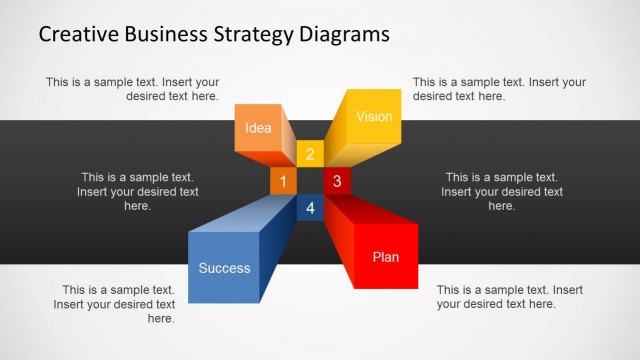
The layout features a central hub diagram with four colored segments arranged in a cross formation. Each segment represents a concept: Idea, Vision, Plan, and Success, with labels positioned inside the shapes. The shapes are 3D cubes in orange, yellow, red, and blue. To the right, there is a vertical text box for additional content, with a header labeled 'Business Strategy' and a placeholder for sample text. The background is light, enhancing the visibility of the elements, which are grouped closely together for emphasis.
How to Use It
This layout serves as a strategic overview, illustrating key components of a business strategy. It is effective for presentations that require a clear visual representation of interconnected ideas. This slide fits well after a problem-framing slide, leading into a detailed discussion of strategic planning. It can be used in business meetings, strategy sessions, or educational contexts where clarity in strategic concepts is essential.
Text Placeholders & Capacity
Keep your copy within these limits so it fits without resizing. Node labels are tight, roughly 5 words each.
| Placeholder | Count | Max characters (approx.) |
|---|---|---|
| Slide title | 1 | 30 |
| Item heading | 4 | 10 |
| Body paragraph | 1 | 100 |
Slide Keywords
Download unlimited PowerPoint templates, charts and graphics for your presentations with our annual plan.
DOWNLOADReturn to Creative Business Strategy Diagram for PowerPoint.