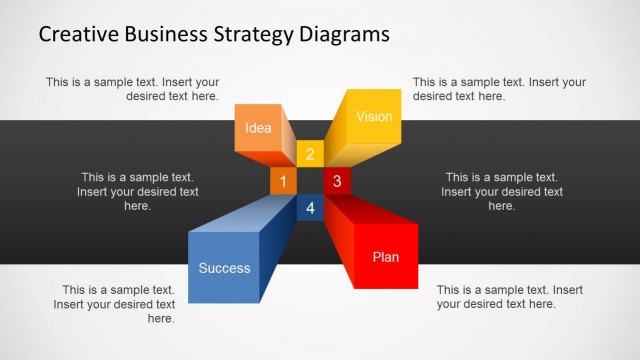
Slide 2 of 4 from Creative Business Strategy Diagram for PowerPoint
6364-01-creative-business-strategy-2
Creative Business Strategy Diagram Overview
- Diagram
- Other
- Strategy Slide
- 16:9
- 100% Editable
What’s on This Slide
The layout features a central 3D hub with four distinct sections labeled Idea, Vision, Plan, and Success. Each section is a rectangular prism with a unique color: orange for Idea, yellow for Vision, red for Plan, and blue for Success. Text placeholders are positioned within each section, aligned centrally, allowing for descriptive content. The title is prominently displayed at the top, while the background is a light gradient, enhancing the visual hierarchy. The overall composition is symmetrical, emphasizing the interconnectedness of the concepts.
How to Use It
This layout serves as a strategic planning diagram, illustrating key components of a business strategy. It fits well in presentations discussing business models, strategic initiatives, or vision statements. This structure is useful for consultants and managers to visually communicate complex ideas. It can be employed in workshops or meetings to facilitate discussions around strategic planning and business development, making it suitable for various business contexts.
Text Placeholders & Capacity
Keep your copy within these limits so it fits without resizing. Node body slots can hold about 10 words each.
| Placeholder | Count | Max characters (approx.) |
|---|---|---|
| Slide title | 1 | 30 |
| Item heading | 4 | 20 |
| Item body | 4 | 50 |
Slide Keywords
Download unlimited PowerPoint templates, charts and graphics for your presentations with our annual plan.
DOWNLOADReturn to Creative Business Strategy Diagram for PowerPoint.