Slide 9 of 10 from Corporate Training PowerPoint Template
Editable Summary Slide – Corporate Training PPT Slide Template
Summary Slide for Corporate Training Presentation
- Text Layout
- Single Statement
- Summary Slide
- 16:9
- 100% Editable
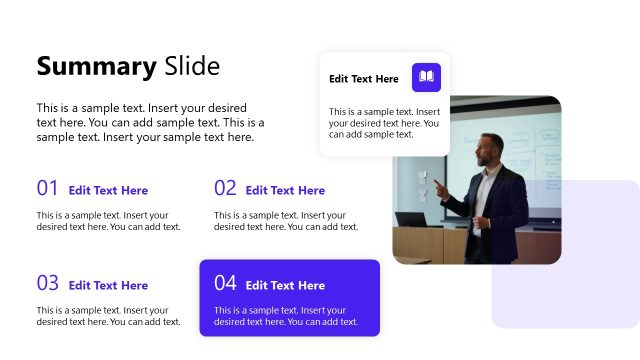
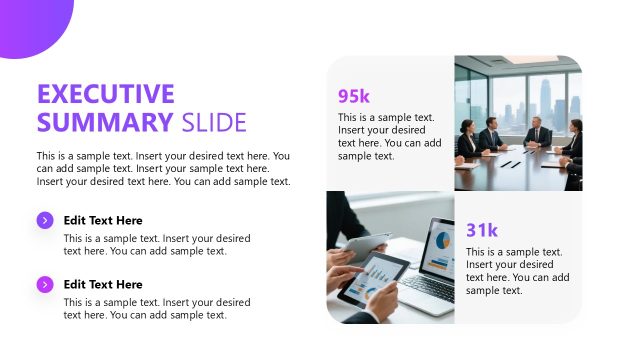
The Summary Slide from the Corporate Training PowerPoint Template offers a balanced layout ideal for concluding business presentations. Featuring editable slides with text placeholders and a media collage, it supports clear recaps of training sessions, project updates, or meeting outcomes. This slide layout integrates well into corporate presentation slide decks, helping to emphasize key points and facilitate smooth transitions to next steps.
What’s on This Slide
The layout features a prominent title at the top left labeled 'Summary Slide.' Below, there are three text placeholders arranged vertically on the left side, each aligned to the left with ample space for content. To the right, a media placeholder displays a collage of images related to a workspace, including a desk setup and a notebook. The overall composition balances text and imagery, with a clean white background enhancing visibility. Arrows accompany the text placeholders, indicating potential navigation or action points.
How to Use It
This layout serves as a summary or conclusion slide, effectively summarizing key points from a training session. It fits well towards the end of a presentation, providing a recap of essential information. In business contexts, this slide is useful for summarizing training modules, project updates, or meeting outcomes, ensuring that the audience retains critical insights before concluding the presentation. It can also serve as a transition to next steps or further discussions.
Text Placeholders & Capacity
Keep your copy within these limits so it fits without resizing. Body slots can accommodate roughly 15-20 words each.
| Placeholder | Count | Max characters (approx.) |
|---|---|---|
| Slide title | 1 | 30 |
| Body paragraph | 3 | 100 |
Slide Keywords
Download unlimited PowerPoint templates, charts and graphics for your presentations with our annual plan.
DOWNLOADReturn to Corporate Training PowerPoint Template.