Slide 16 of 17 from Business Case Studies PowerPoint Template
Business Case Studies Q&A Closing Slide
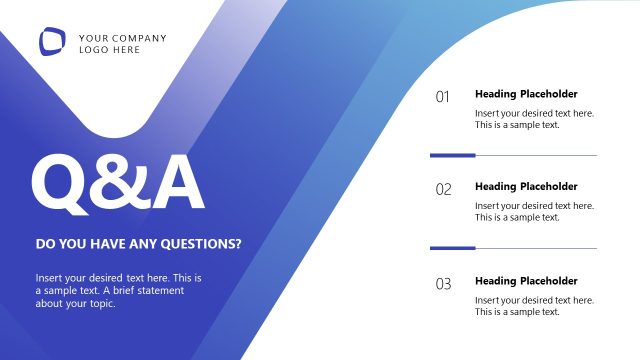
Q&A Slide for Business Case Studies Presentation
- Text Layout
- Other
- Questions Slide
- 16:9
- 100% Editable
The Q&A Session Layout from the Business Case Studies PowerPoint Template offers a structured format for audience interaction, featuring editable slides designed to enhance engagement during corporate presentations. This slide layout supports clear communication of questions and responses, making it a practical choice for business presentation templates focused on team discussions and client meetings.
What’s on This Slide
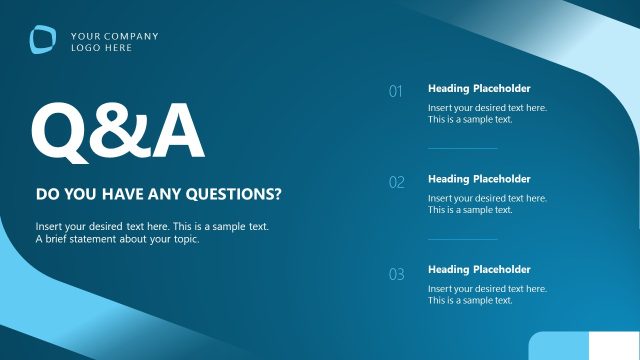
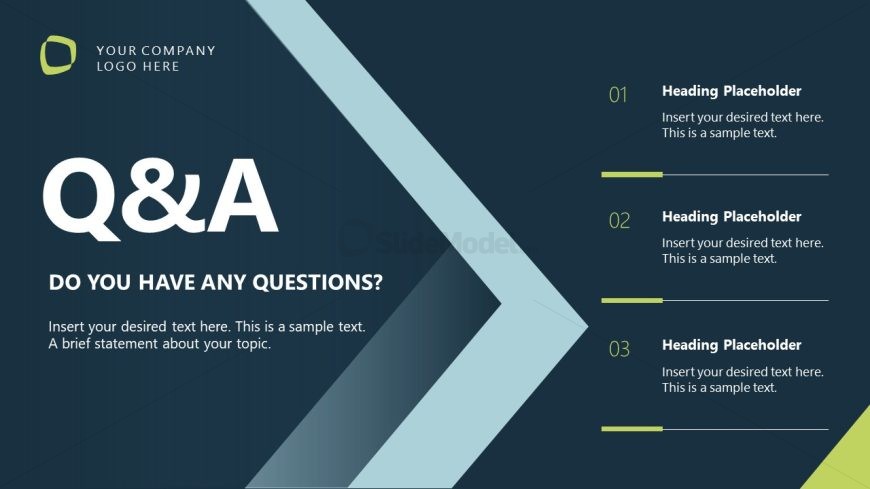
The layout features a dark background with a prominent light blue arrow on the right. At the top left, there is a logo placeholder. The title 'Q&A' is centered in large white font, with a subtitle below it asking, 'DO YOU HAVE ANY QUESTIONS?' in smaller white text. Three numbered sections are aligned vertically on the right side, each containing a heading placeholder and a text placeholder for responses. The sections are separated by thin horizontal lines, maintaining a clear visual hierarchy. Each element is grouped to enhance readability.
How to Use It
This layout serves as a concluding slide for a presentation, facilitating audience engagement through questions. It is suitable for business case studies, allowing presenters to summarize key points and invite discussion. This format is effective in various contexts, such as team meetings, client presentations, or educational sessions. It fits well after detailed content slides, encouraging interaction and feedback from the audience, making it a versatile tool in presentation sequences.
Text Placeholders & Capacity
Keep your copy within these limits so it fits without resizing. Body slots are tight, roughly 15-20 words each.
| Placeholder | Count | Max characters (approx.) |
|---|---|---|
| Slide title | 1 | 20 |
| Body paragraph | 1 | 150 |
| Item heading | 3 | 20 |
| Item body | 3 | 100 |
Slide Keywords
Download unlimited PowerPoint templates, charts and graphics for your presentations with our annual plan.
DOWNLOADReturn to Business Case Studies PowerPoint Template.