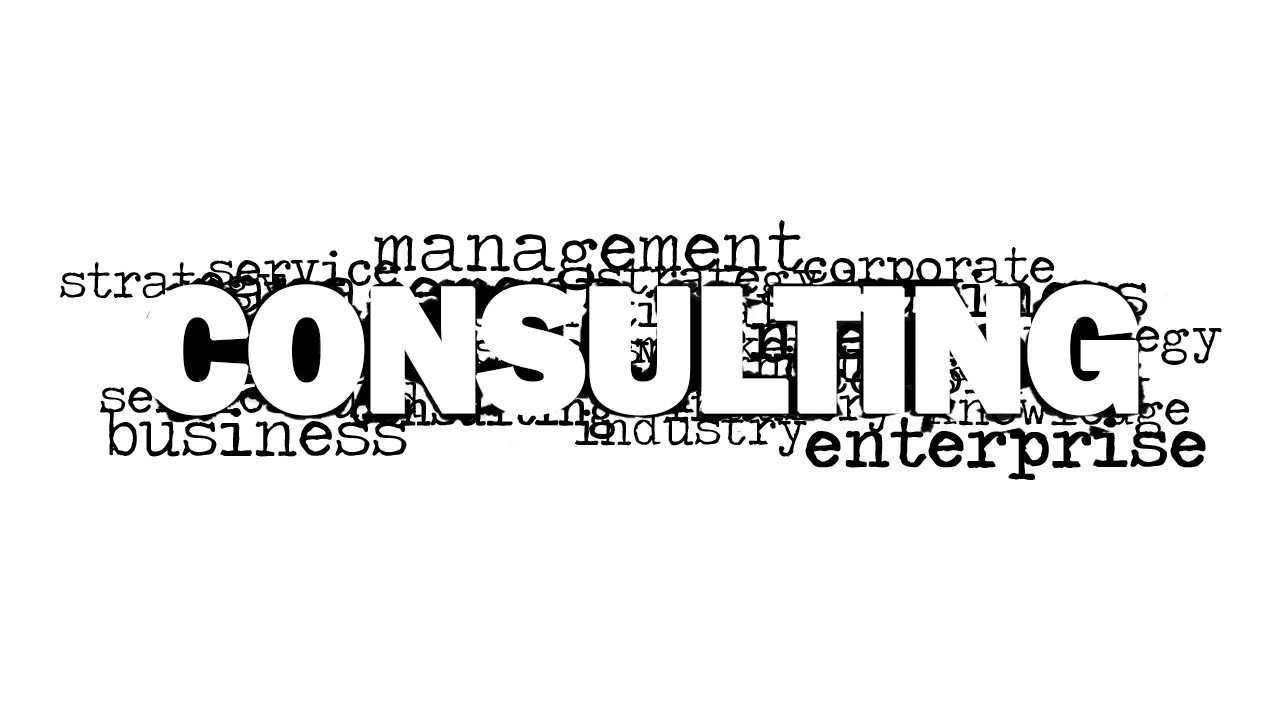
Consulting Word Cloud picture template for presentations is a PowerPoint graphic design containing a creative word tag image that you can use to decorate your presentations in any local or global consulting firm or to make presentations on consultancy services. Behind the prominent Consulting word it contains several related words like business, enterprise, knowledge, industry, corporate, management, etc. Also, check our article about consulting slide presentations.
What’s inside this template
Example presentation scenarios
- A management consultant can use the word cloud picture as an opening slide to frame a client discussion around strategy, service, management, and enterprise terminology.
- A consulting firm partner can use the white-background word cloud variant as a section divider before explaining advisory offerings or engagement scope.
- An internal knowledge management presenter can use the blank gradient canvas to add a short agenda or transition note while keeping the same grayscale consulting theme.
- A professional services marketer can place the consulting word cloud in a capabilities deck to signal the topic before moving into detailed service descriptions.
Features
- 100% editable presentation template
- Compatible with Microsoft PowerPoint and Google Slides
- 16:9 aspect ratio slides
- Scalable vector shapes, icons and illustrations
- AI-Ready for Microsoft Copilot and Claude
- Instant access and download
Frequently asked questions
Q: How should a presenter use the word cloud without making it feel decorative only?
A: Use the large CONSULTING word as the main message and speak to only a few surrounding terms that match the meeting objective, such as strategy, service, enterprise, or management. The slide works best as a short framing device before the detailed content begins, not as a place to explain every word on screen.
Q: For what type of consulting presentation is this template the best fit?
A: This template fits presentations where the presenter needs a fast, topic-setting visual rather than a full consulting methodology. It is useful for advisory service introductions, internal consulting updates, capability overviews, or workshop section breaks. Consultants and enterprise service teams can use it to create a consistent business context between more content-heavy slides.
Q: Why does the word cloud metaphor help communicate a consulting theme?
A: The word cloud turns a broad consulting concept into a visual cluster of related ideas. Because CONSULTING is much larger than the surrounding terms, the audience reads the main topic first, then notices supporting concepts like business, enterprise, industry, and management. That hierarchy helps the slide act as a simple mental map.



Consulting Word Cloud Picture for PowerPoint
2-slide presentation template with consulting word cloud picture and grayscale business terminology graphics
This is a 2-slide consulting word cloud picture template for Microsoft PowerPoint and Google Slides. It centers a large CONSULTING typographic graphic with surrounding business terms, plus a blank spacer/background layout visible in the contact sheet. Consultants, advisory firms, and service teams can use it as an opener or section divider.
- Category
- Pictures
- Rating


 Loading...
- Aspect ratio
- 16:9
- Item ID
- 8159-01
- Colors
 Microsoft PowerPoint
  Microsoft Copilot
  Claude for PowerPoint
 Other formats supported
Subscribe today and get immediate
access to download our PowerPoint templates.