Slide 4 of 4 from Creative Light Bulb PowerPoint Shape
Basic Construction Tools Clipart Slide
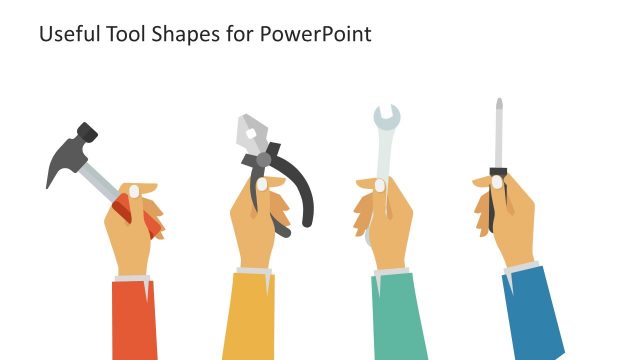
Useful Tool Shapes for PowerPoint
- Media Layout
- Other
- Concept Explanation Slide
- 16:9
- 100% Editable
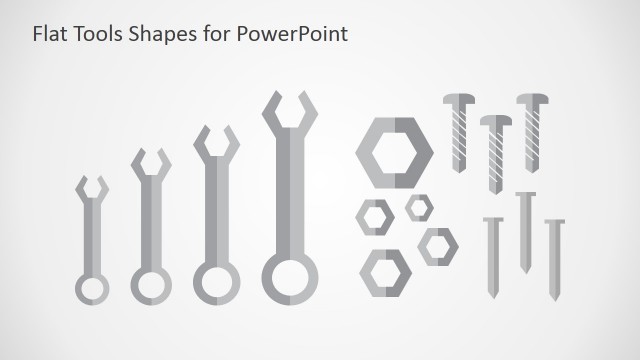
The Tool Shapes for PowerPoint slide from the Creative Light Bulb PowerPoint Shape template offers a clean, minimalist layout featuring editable shapes of common tools like a hammer and wrench. This slide is ideal for business presentations or training sessions focused on construction, DIY projects, or technology workshops, providing clear vector icons that enhance communication in corporate presentations and slide decks.
What’s on This Slide
The layout features four tool icons arranged horizontally. From left to right, there is a hammer, a wrench, pliers, and a screwdriver. Each icon is centered vertically and has a slight shadow for depth. The icons are minimalist, using a limited color palette of gray, black, and orange. Above the icons, there is a text placeholder aligned to the left, which contains the title 'Useful Tool Shapes for PowerPoint.' The overall composition is clean, with ample white space surrounding the icons, enhancing visual clarity and focus.
How to Use It
This layout serves as a visual representation of tools, suitable for presentations discussing construction, DIY projects, or technology. It can fit into a sequence that introduces concepts or ideas related to practical applications. This slide is effective for showcasing tools in a workshop or educational setting. It can also be used to illustrate the importance of specific tools in various tasks, making it relevant for training or instructional content.
Text Placeholders & Capacity
Keep your copy within these limits so it fits without resizing. The title slot is spacious, accommodating a longer phrase.
| Placeholder | Count | Max characters (approx.) |
|---|---|---|
| Slide title | 1 | 36 |
Slide Keywords
Download unlimited PowerPoint templates, charts and graphics for your presentations with our annual plan.
DOWNLOADReturn to Creative Light Bulb PowerPoint Shape.