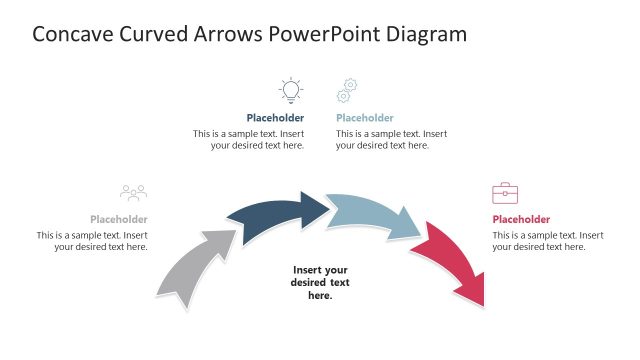
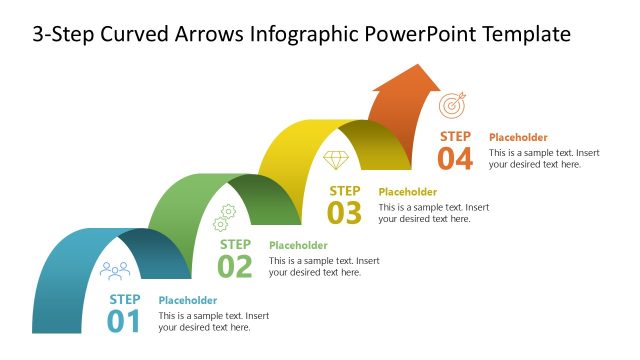
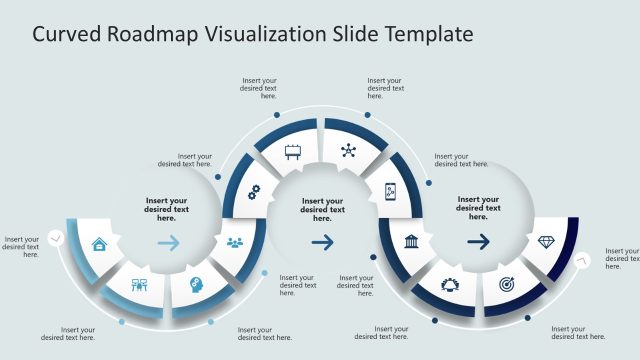
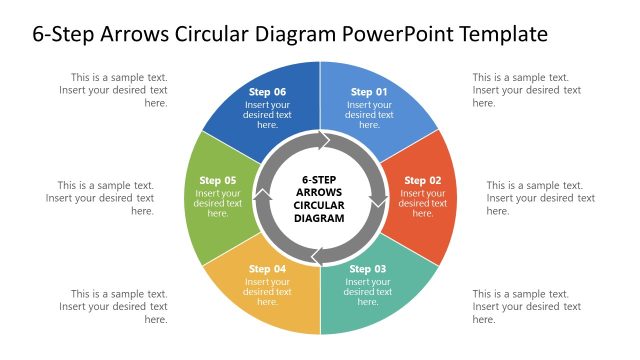
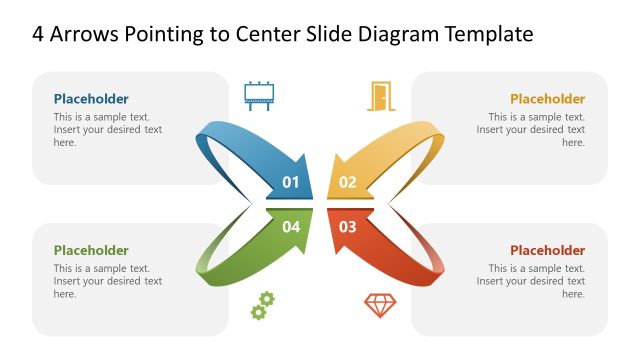
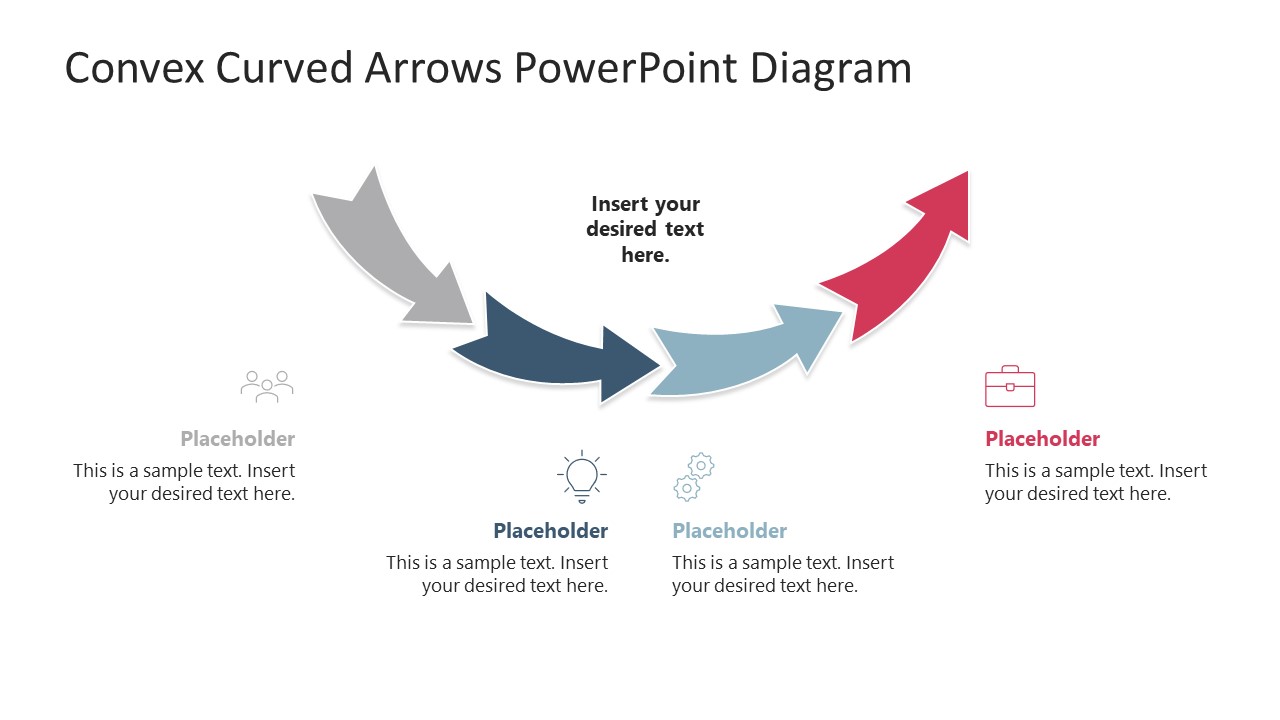
Present the four-step continuous business processes in the executive presentations with our Convex Curved Arrows PowerPoint Diagram. Arrow diagrams illustrate the series of connected steps in a progressive fashion. This PPT template features four arrow shapes arranged on a curved plane. At the end of the arrowhead is the base of the next arrow, which depicts how each step feeds into the next stages in industrial, educational, or business processes. SaaS product developers, in their key investor presentations, use the convex arrow diagram to highlight their feature prioritization framework. They explain the concept of development using the convex arrow diagram. Project directors use this layout to communicate the sequence of project milestones in their team presentations. This helps everyone align their activities with the project’s goals and objectives. Business analysts use the arrow diagram to illustrate the multi-step process improvement model in client presentations.
Operations managers share workflow optimization strategies in their stakeholder presentation, outlining a four-week plan in a single diagram. HR coordinators discuss the talent acquisition plan and recruitment process with business leaders in executive presentations. The Convex Curved Arrows PowerPoint Diagram is fully compatible with Google Slides and other versions of Microsoft PowerPoint. We allow users to modify the PPT components used in the design to accurately match their needs. The first slide has four arrows, while the second has five, and the third has six arrows in a convex curved pattern. Professionals use visual graphics and icons to make their content more engaging for the audience. Download the convex curved arrows PPT diagram template for your strategy presentation and describe your ideas with clarity.
What’s inside this template
Example presentation scenarios
- A project manager can present a milestone sequence by assigning each phase to the four-step convex arrow diagram and using the icon placeholders for ownership or deliverables.
- An operations manager can explain a workflow improvement plan with the five-step arrow arc, using the surrounding text blocks to clarify handoffs between teams.
- A product manager can describe a feature prioritization process with the six-step convex arrow layout, placing the main development concept in the center placeholder.
- An HR coordinator can show a recruitment process to executives by mapping sourcing, screening, interviewing, selection, and onboarding across the curved arrow flow.
Features
- 100% editable presentation template
- Compatible with Microsoft PowerPoint and Google Slides
- 16:9 aspect ratio slides
- Scalable vector shapes, icons and illustrations
- AI-Ready for Microsoft Copilot and Claude
- Instant access and download
Frequently asked questions
Q: How should a presenter explain a process with this curved arrow structure?
A: Start with the center text placeholder to name the overall process, then move left to right across the arrow arc. Keep each outer text block to one decision, action, or milestone. The arrows already imply progression, so the spoken explanation should focus on what changes from one stage to the next.
Q: Who is this template best suited for in a business presentation?
A: This template is best for presenters who need to show a repeatable flow, such as project managers, operations leads, product teams, or HR coordinators. The four-, five-, and six-step versions let the presenter match the diagram to the real number of stages instead of forcing a process into a fixed format.
Q: Why use convex curved arrows instead of a straight horizontal process line?
A: The convex arc creates a visual path that feels more dynamic than a flat row of boxes. Because each arrow feeds into the next, the diagram reinforces dependency and momentum. The surrounding icon placeholders help the audience scan stage meaning before reading the supporting text.


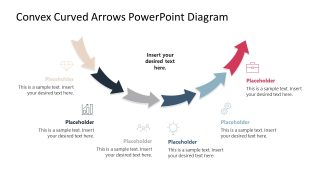
Convex Curved Arrows PowerPoint Diagram
3-slide presentation template with convex curved arrow diagrams for process steps and directional workflows
Convex Curved Arrows PowerPoint Diagram is a 3-slide diagram template for showing connected process stages. It includes four-arrow, five-arrow, and six-arrow convex arc layouts with icon-and-text placeholders around the main flow. It is built for business, project, operations, and strategy presenters using Microsoft PowerPoint or Google Slides.
- Category
- Diagrams
- Rating

 Loading...
- Aspect ratio
- 16:9
- Item ID
- 23685-01
- Colors
 Microsoft PowerPoint
  Microsoft Copilot
  Claude for PowerPoint
 Other formats supported
Subscribe today and get immediate
access to download our PowerPoint templates.