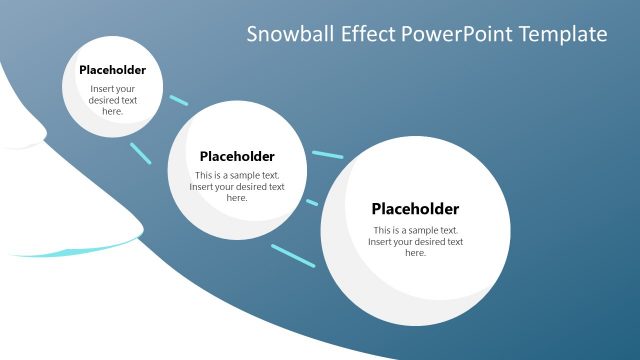
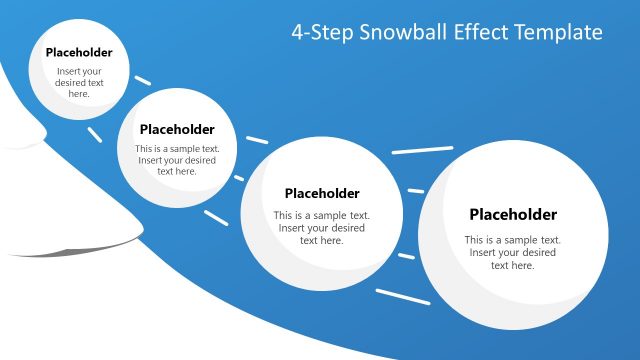
Slide 4 of 4 from Compounding Snowball Effect PowerPoint Template
Compounding Interest PowerPoint Template
Snowball Effect Slide Template Overview
- Diagram
- Arrow Sequence
- Process Slide
- 16:9
- 100% Editable
The Snowball Effect Slide Template from the Compounding Snowball Effect PowerPoint Template offers a clear visual process layout ideal for financial growth and strategic planning presentations. This slide uses editable shapes and numbered steps to illustrate cumulative progress effectively, making it a practical choice for business presentation slide decks and project milestone tracking.
What’s on This Slide
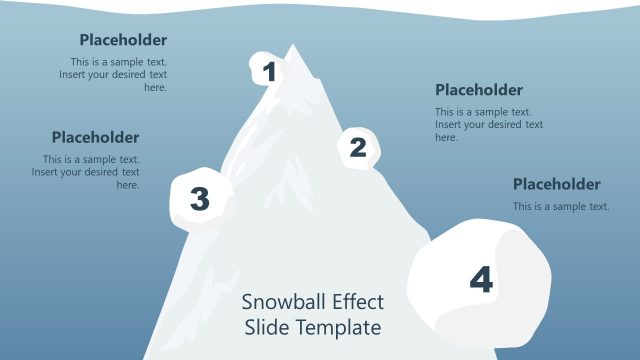
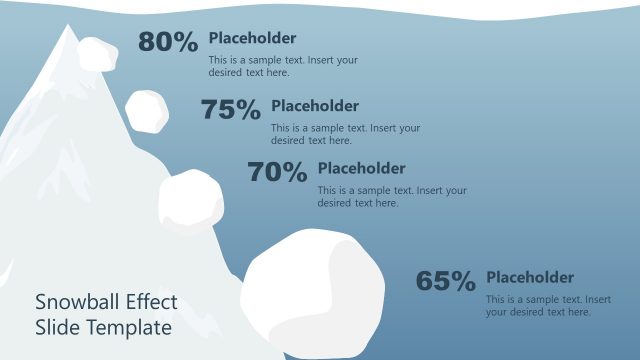
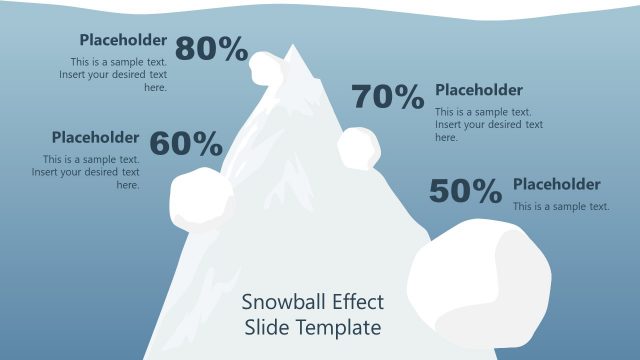
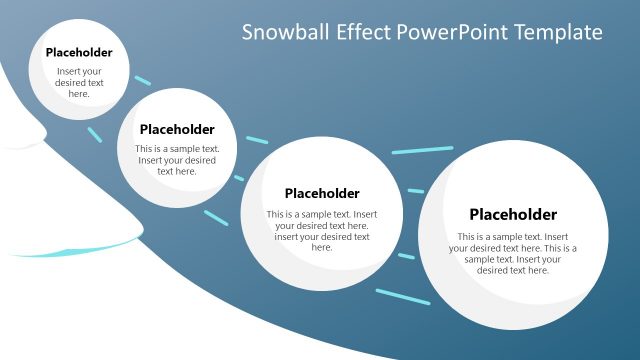
The layout features a mountain backdrop with a gradient blue background. Four numbered circles are positioned on the right side, each containing a text placeholder. The first three circles are smaller and arranged vertically, while the fourth circle is larger and placed at the bottom. Each circle has a corresponding text placeholder aligned to the left, indicating where to insert content. The title 'Snowball Effect Slide Template' is located at the bottom left, creating a clear visual hierarchy. The overall composition emphasizes the flow from top to bottom.
How to Use It
This layout serves as a step-by-step representation of a process, ideal for illustrating the snowball effect in various contexts. It fits within a presentation sequence that discusses compound effects or gradual growth. Real-world scenarios include financial growth, project milestones, or strategic planning phases. This structure effectively communicates progression and cumulative impact, making it suitable for educational and business presentations.
Text Placeholders & Capacity
Keep your copy within these limits so it fits without resizing. Node body slots are tight, roughly 10 words each.
| Placeholder | Count | Max characters (approx.) |
|---|---|---|
| Slide title | 1 | 30 |
| Item heading | 4 | 20 |
| Item body | 4 | 50 |
Slide Keywords
Download unlimited PowerPoint templates, charts and graphics for your presentations with our annual plan.
DOWNLOAD