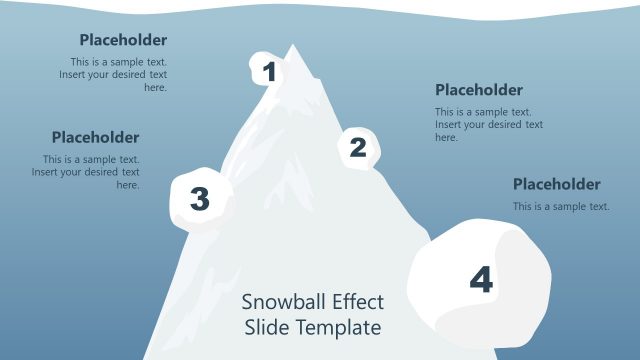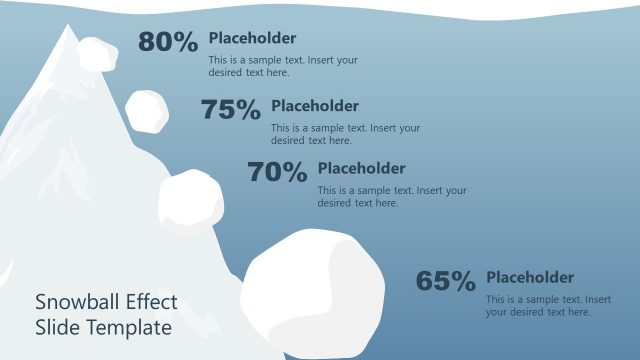
Slide 1 of 2 from Free 4-Step Snowball Diagram PowerPoint Template
Snowball Effect PowerPoint Diagram
4-Step Snowball Effect Template Overview
- Diagram
- Process Flow
- Process Slide
- 16:9
- 100% Editable
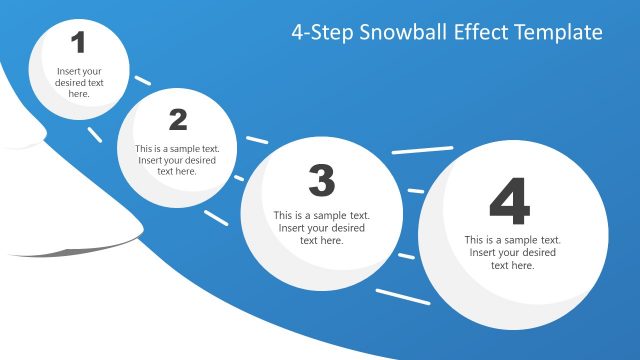
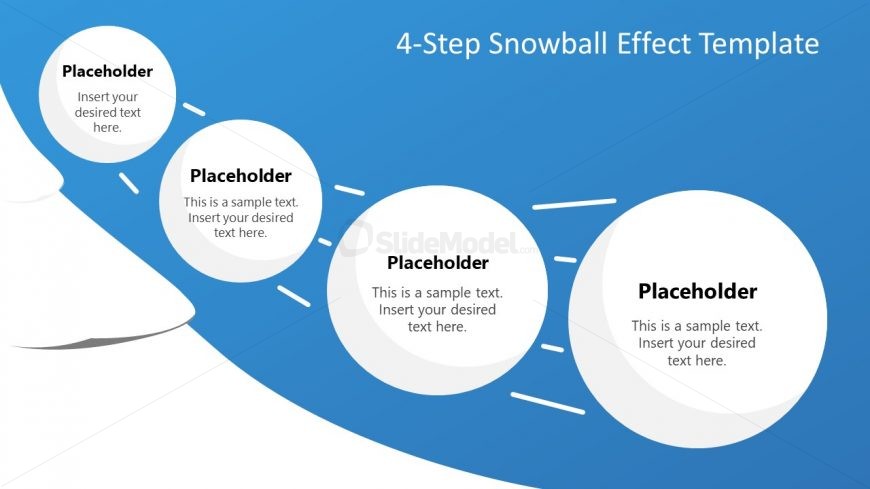
The 4-Step Snowball Diagram slide from the Free 4-Step Snowball Diagram PowerPoint Template offers a clear process flow layout ideal for illustrating project phases or marketing strategies. This slide uses editable shapes and vector icons arranged horizontally to visualize sequential steps, making it a practical choice for business presentations and slide decks that require a structured narrative.
What’s on This Slide
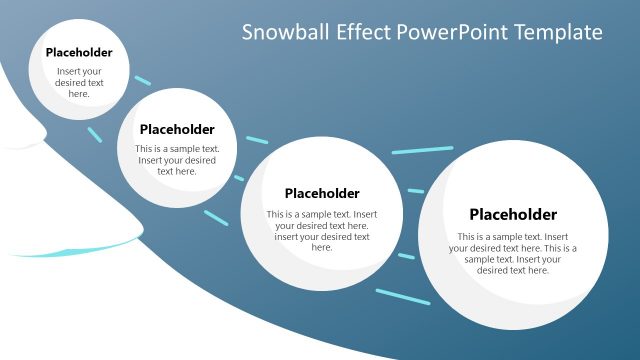
The layout features a flowing diagram with four circular nodes positioned horizontally across the center. Each node contains a text placeholder, aligned centrally, with a visual hierarchy emphasizing the text. Connecting arrows point from one node to the next, indicating progression. The background is a gradient of blue, creating contrast with the white nodes. The first node is slightly larger, suggesting it is the starting point. Additional text placeholders are positioned at the top left and bottom left, providing space for a title and supplementary information.
How to Use It
This layout serves as a sequential process diagram, ideal for illustrating steps in a workflow or strategy. It fits well in presentations discussing project phases, marketing strategies, or product development processes. This structure can be used to clearly communicate the progression of ideas or actions, making it suitable for business meetings, educational settings, or training sessions. It effectively guides the audience through a narrative, enhancing understanding of complex concepts.
Text Placeholders & Capacity
Keep your copy within these limits so it fits without resizing. Node text slots can hold about 10-12 words each.
| Placeholder | Count | Max characters (approx.) |
|---|---|---|
| Slide title | 1 | 30 |
| Item body | 4 | 50 |
Slide Keywords
Download unlimited PowerPoint templates, charts and graphics for your presentations with our annual plan.
DOWNLOAD