Slide 1 of 4 from Compounding Snowball Effect PowerPoint Template
4 Steps Compounding Snowball Effect Template
Snowball Effect Slide Template Overview
- Diagram
- Arrow Sequence
- Concept Explanation Slide
- 16:9
- 100% Editable
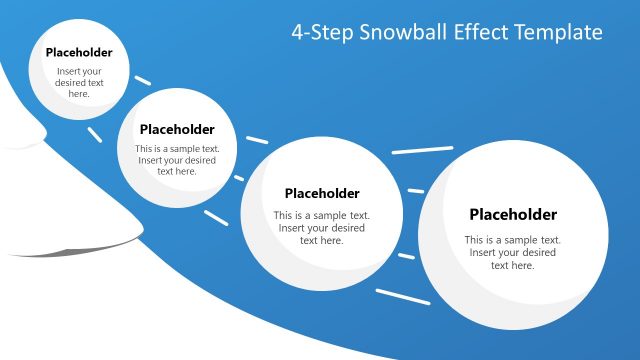
The Snowball Effect Slide Template from the Compounding Snowball Effect PowerPoint Template offers a clear visual layout ideal for financial presentations and growth strategy discussions. This slide uses editable shapes and vector icons to illustrate step-by-step progress, making it suitable for business presentations and educational content focused on gradual development and compounding results.
What’s on This Slide
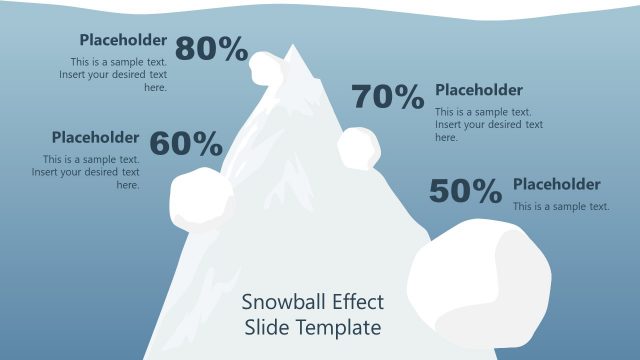
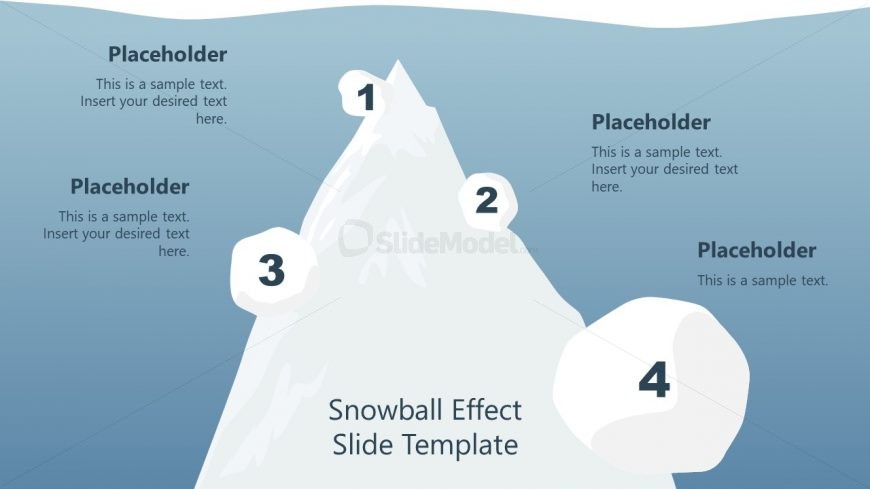
The slide features a mountain shape positioned centrally, with four numbered nodes placed along its slope. The first node is at the top, followed by the second and third nodes on the left side, and the fourth node represented by a snowball at the bottom right. Each node contains a text placeholder aligned to the left, with a larger placeholder at the bottom for the main content. The background gradient transitions from light blue at the top to darker blue at the bottom, enhancing the visual hierarchy of the elements. The overall layout emphasizes the upward flow of the nodes.
How to Use It
This layout serves as a visual representation of a step-by-step process or concept, ideal for illustrating the compounding snowball effect in financial contexts. It fits well at the beginning of a presentation to introduce key concepts or stages. Use it to explain how small actions can lead to significant outcomes over time. This structure is effective for business scenarios involving growth strategies, investment plans, or motivational presentations that highlight gradual progress.
Text Placeholders & Capacity
Keep your copy within these limits so it fits without resizing. Node labels can hold about 30 characters each, while the body paragraph can accommodate around 150 characters.
| Placeholder | Count | Max characters (approx.) |
|---|---|---|
| Item heading | 4 | 30 |
| Body paragraph | 1 | 150 |
Slide Keywords
Download unlimited PowerPoint templates, charts and graphics for your presentations with our annual plan.
DOWNLOAD