Slide 2 of 4 from Components Design Concept for PowerPoint
Component Design Container PowerPoint
Component Design Idea for PowerPoint
- Text Layout
- List Blocks
- Concept Explanation Slide
- 16:9
- 100% Editable
What’s on This Slide
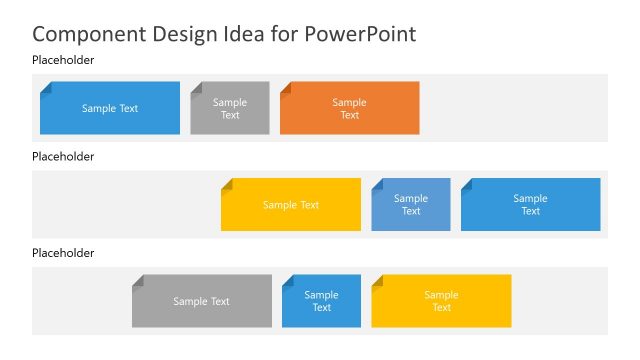
The layout features four groups of rectangular shapes arranged in a grid. Each group contains two to three shapes, with varying colors including blue, orange, yellow, and gray. The shapes have a folded corner design, indicating they are placeholders for text. The top section has two groups, while the bottom section mirrors this arrangement. The overall composition is balanced, with each group evenly spaced. Text placeholders are centrally aligned within each shape, allowing for clear visibility and organization of content.
How to Use It
This layout is designed for presenting multiple ideas or components in a structured format. It can be effectively used in business presentations to showcase product features, project components, or design concepts. The grid structure allows for easy comparison and organization of information. It fits well after an introductory slide and before detailed content, making it suitable for summarizing key points or concepts in a visually appealing manner.
Text Placeholders & Capacity
Keep your copy within these limits so it fits without resizing. Node body slots can hold around 50 characters each.
| Placeholder | Count | Max characters (approx.) |
|---|---|---|
| Item body | 8 | 50 |
Slide Keywords
Download unlimited PowerPoint templates, charts and graphics for your presentations with our annual plan.
DOWNLOADReturn to Components Design Concept for PowerPoint.