Slide 5 of 5 from Compass Shape for PowerPoint
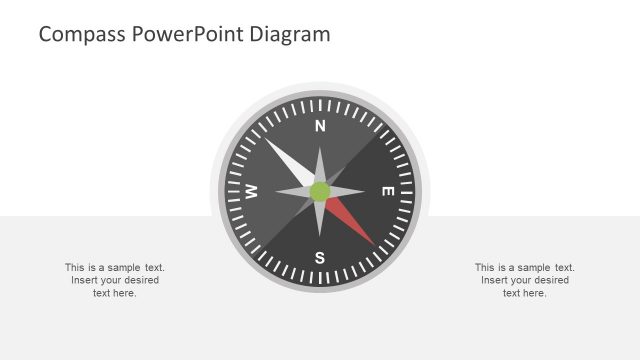
Magnetic Compass with Gray Style for PowerPoint
Compass Shape with Callouts for PowerPoint
- Diagram
- Other
- Context Slide
- 16:9
- 100% Editable
The Compass with Callouts slide from the Compass Shape for PowerPoint template offers a clear visual tool for navigation and strategic planning presentations. This slide template features editable shapes and text placeholders around a central compass graphic, ideal for illustrating direction, goals, or decision-making in business presentations or pitch decks. Its symmetrical design and clean layout support effective communication in corporate presentations and slide decks.
About This Slide
Create professional business presentations using this modern 3D Compass design. Ideal for metaphors referring new paths or strategies. The shapes are created 100% with PowerPoint objects, allowing the user to fully customize their appearance. The vectorial nature of the shapes also allow the user to edit this presentation template with their preferred presentation software as Google Slides, Keynote or any major version of PowerPoint.
What’s on This Slide
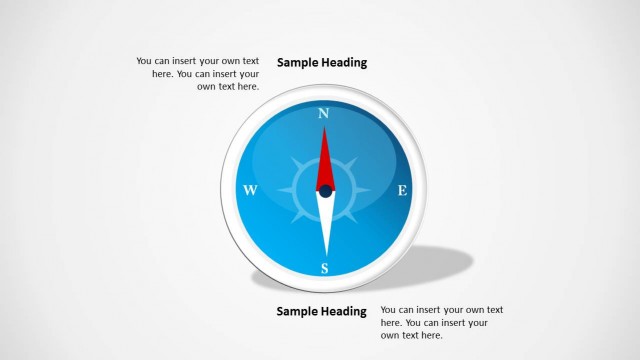
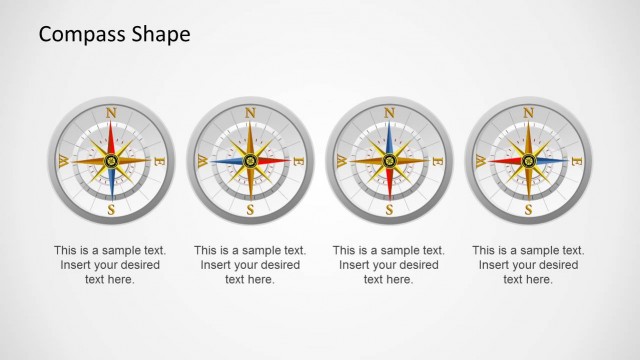
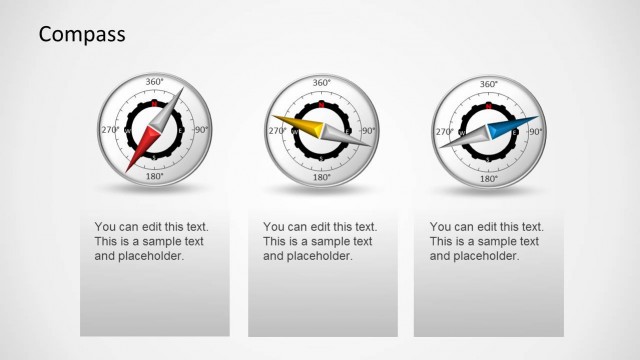
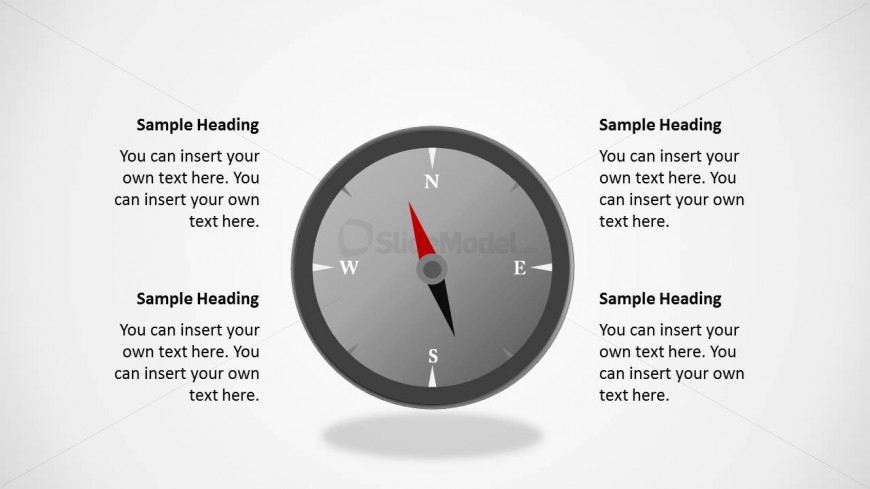
The slide features a central compass graphic with cardinal directions labeled: North, East, South, and West. The compass is circular and has a gray background with a red needle pointing North. Surrounding the compass are four text placeholders, each aligned vertically to the left and right of the compass. The placeholders are designed for headings and body text, providing space for detailed descriptions. The overall layout is symmetrical, emphasizing the compass as the focal point, with a clean white background enhancing visibility.
How to Use It
This layout serves as a visual representation of direction or navigation concepts, making it suitable for presentations on goals, strategies, or location-based topics. It fits well in a sequence where a summary or conclusion follows detailed discussions. Ideal for business meetings or educational settings, it can effectively convey information about navigation, decision-making, or project direction. The layout allows for customization of text to fit specific contexts, enhancing clarity and engagement.
Text Placeholders & Capacity
Keep your copy within these limits so it fits without resizing. Node body slots can hold roughly 20-25 words each.
| Placeholder | Count | Max characters (approx.) |
|---|---|---|
| Item heading | 4 | 20 |
| Item body | 4 | 100 |
Slide Keywords
Download unlimited PowerPoint templates, charts and graphics for your presentations with our annual plan.
DOWNLOADReturn to Compass Shape for PowerPoint.