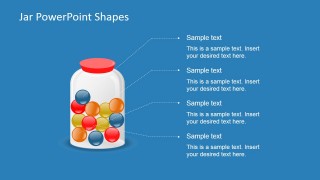
Colorful Balls in a Jar PowerPoint Shape is a creative design for PowerPoint presentations that you can use as an alternative to other bucketing slides. This presentation template contains jar shapes in PowerPoint with colorful balls inside. You can use this presentation template to illustrate a buckets system.
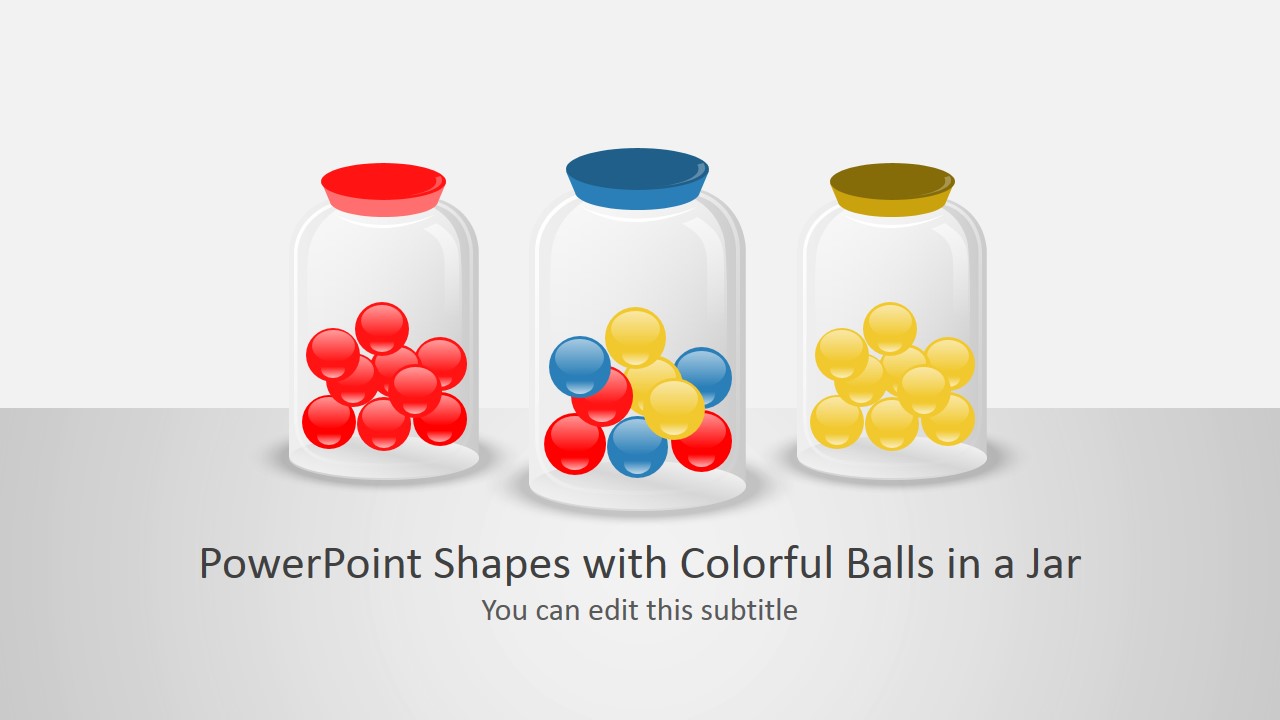
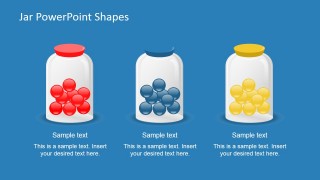
Inside this PowerPoint template you can find colorful balls organized in different ways. There is a jar containing only bags of a particular color while other jar illustrations contains balls with mixed colors.
What’s inside this template
Example presentation scenarios
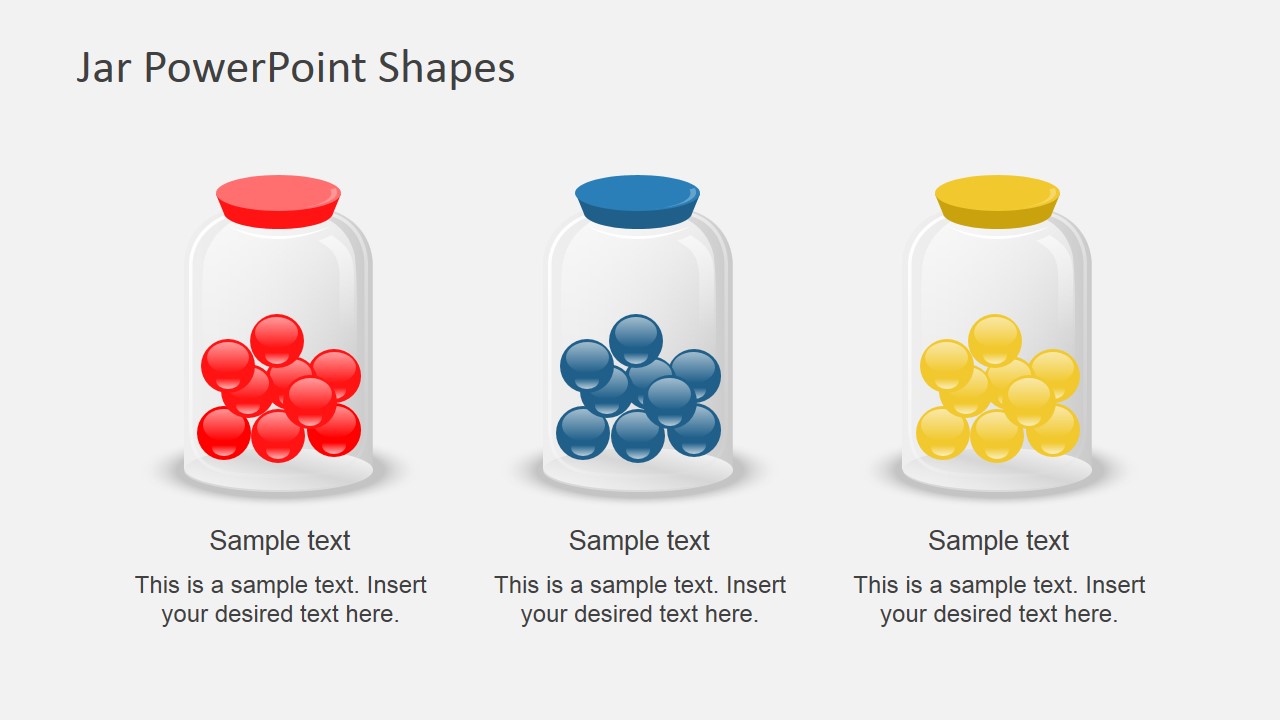
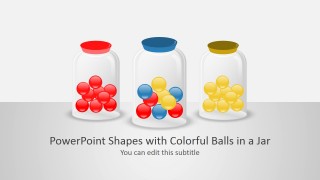
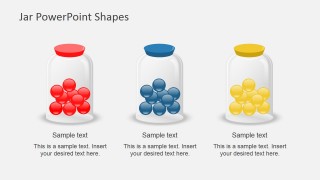
- A consultant can use the three-jar comparison layout to show how client initiatives are separated into distinct priority buckets.
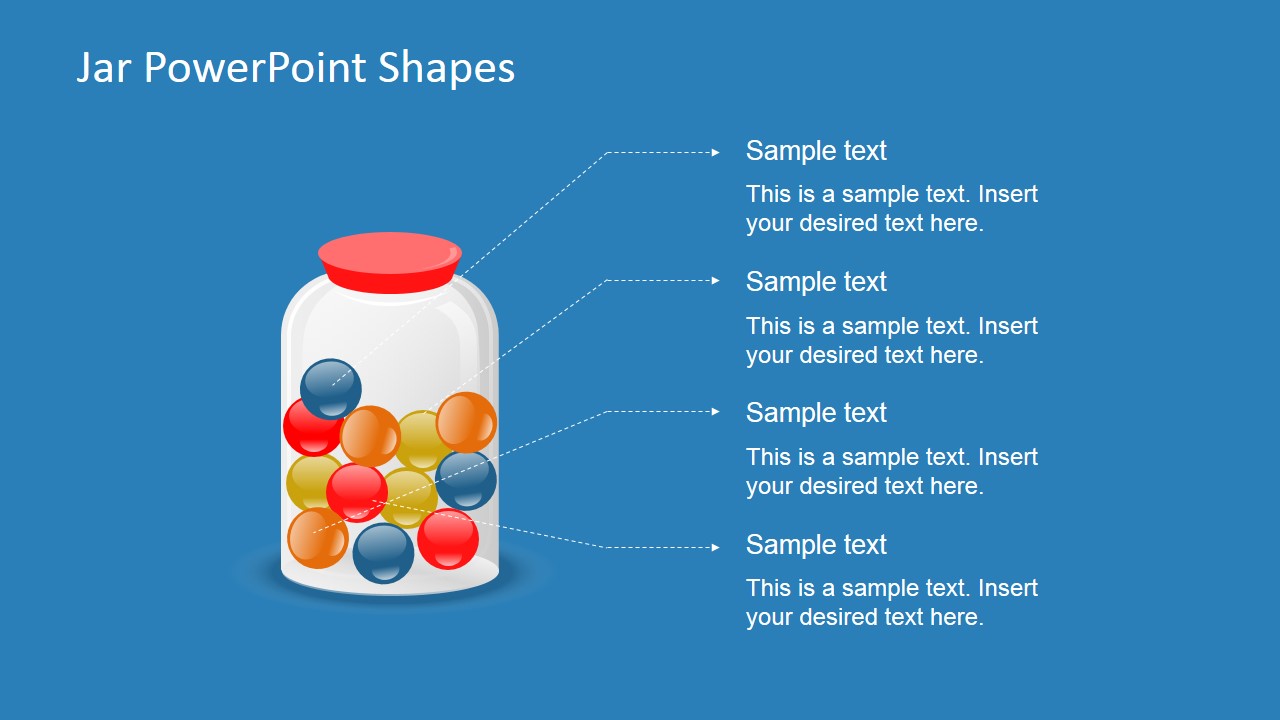
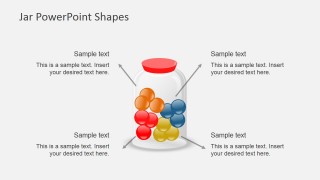
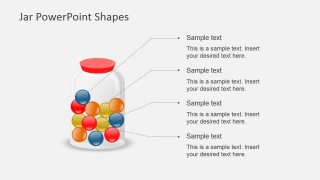
- A product manager can use the mixed-color jar callout slide to explain how feature requests, bugs, and ideas are grouped before roadmap planning.
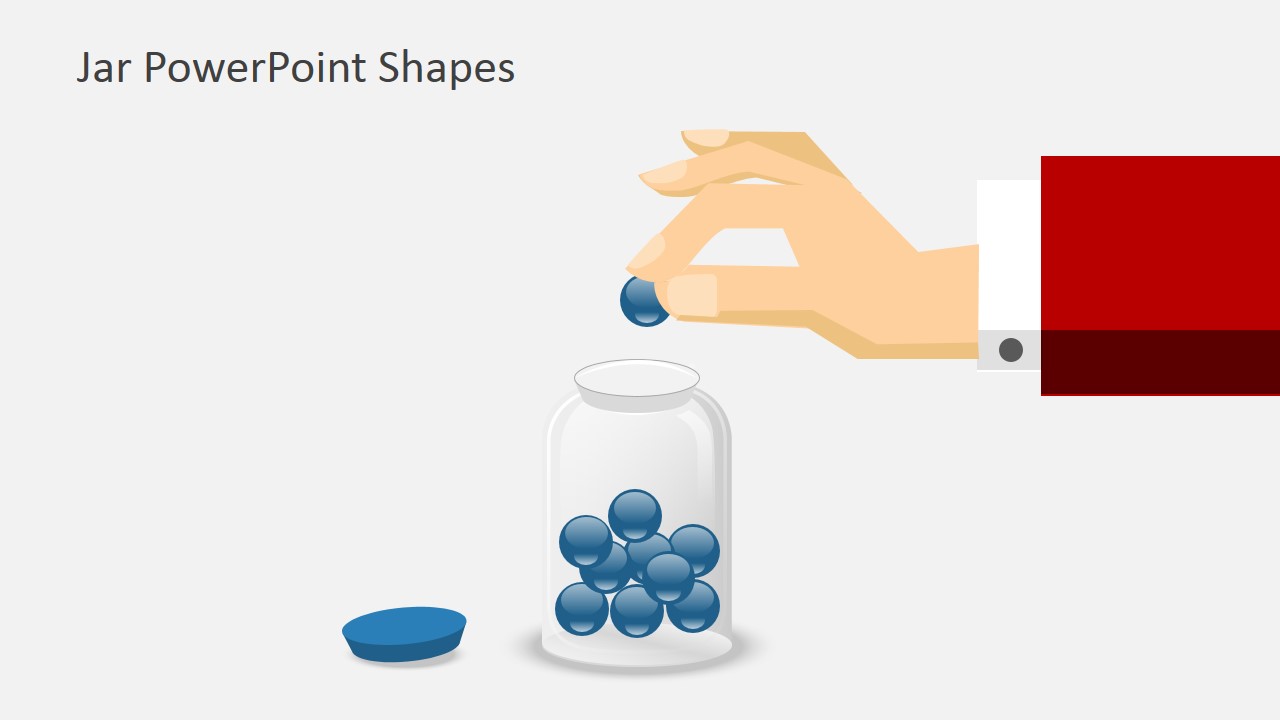
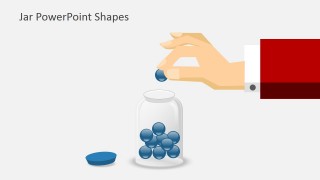
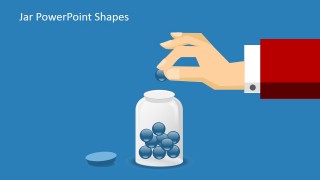
- An operations leader can use the hand-sorting illustration to show an intake process where incoming items are assigned to a category.
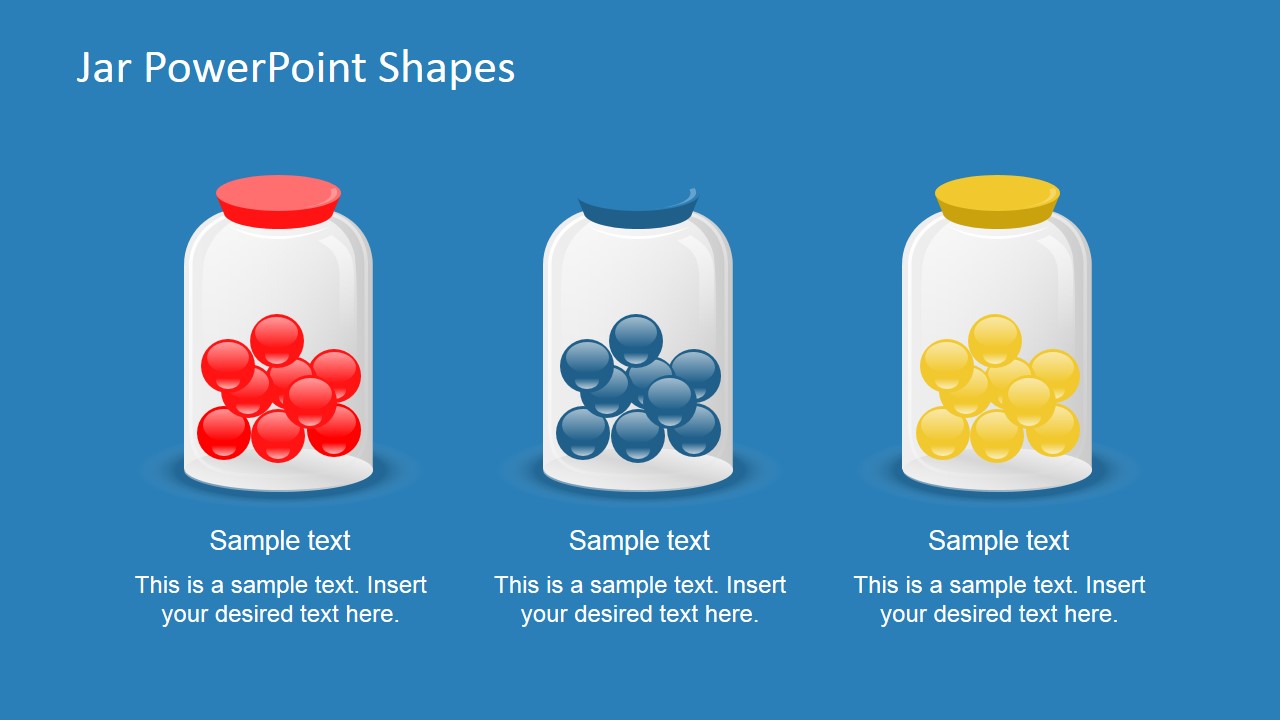
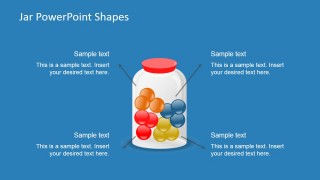
- A trainer can use the blue-background callout diagram to teach a classification framework and label each ball color as a different concept.
Features
- 100% editable presentation template
- Compatible with Microsoft PowerPoint and Google Slides
- Scalable vector shapes, icons and illustrations
- AI-Ready for Microsoft Copilot and Claude
- Instant access and download
Frequently asked questions
Q: How should a presenter explain the bucketing idea without making the jar metaphor feel too abstract?
A: Assign one meaning to each ball color before presenting the slide, then repeat that meaning consistently across the comparison and callout layouts. Use the three-jar slide for clean separation, the mixed-jar slide for overlap or combined intake, and the hand-sorting slide to explain the action that moves items into buckets.
Q: Who is this template best suited for, and what message does it communicate most clearly?
A: It fits consultants, product teams, analysts, trainers, and operations presenters who need to explain how items are classified. The jar shapes make the idea of buckets literal, so it works well for priority groups, customer segments, issue types, feature categories, or any workflow where many items must be sorted into understandable sets.
Q: Why use jars and colored balls instead of a standard table or list?
A: The jar metaphor turns classification into a visible action: balls can be grouped, mixed, or placed into a container. That helps an audience understand structure before reading details. The comparison jars show separation, the callout slides explain categories, and the hand illustration gives the process a human sorting moment.




Colorful Balls in a Jar PowerPoint Shape
9-slide presentation template with jar shapes, colorful balls, and bucketing diagrams for PowerPoint and Google Slides
Colorful Balls in a Jar PowerPoint Shape is a 9-slide presentation template for explaining bucketing, grouping, or organizing concepts. It includes three-jar comparisons, a mixed-color jar with callouts, a hand-sorting illustration, and title layouts. The deck is built for Microsoft PowerPoint and Google Slides with editable vector shapes.


 Loading...
 Microsoft PowerPoint
  Microsoft Copilot
  Claude for PowerPoint
 Other formats supported
Subscribe today and get immediate
access to download our PowerPoint templates.