Slide 1 of 3 from Clipboard Agenda PowerPoint Shapes
4 Steps Clipboard Design PowerPoint Slides
Clipboard Agenda PowerPoint Shapes
- Text Layout
- List Blocks
- Agenda Slide
- 16:9
- 100% Editable
The Clipboard Agenda Layout from the Clipboard Agenda PowerPoint Shapes template offers a structured design ideal for business presentations, project timelines, and meeting agendas. Featuring editable slides with color-coded sections and numbered indicators, this layout enhances clarity and flow in corporate presentations or training outlines. Its clear visual hierarchy supports effective communication in slide decks and pitch deck templates.
What’s on This Slide
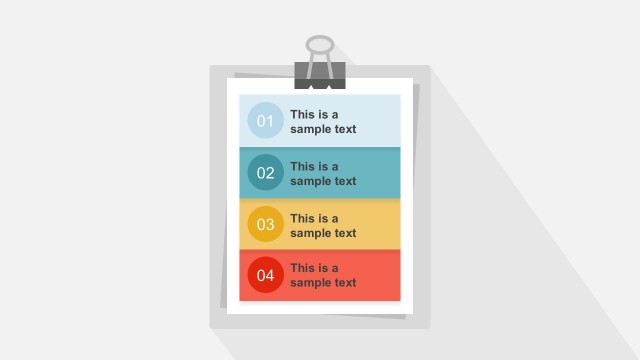
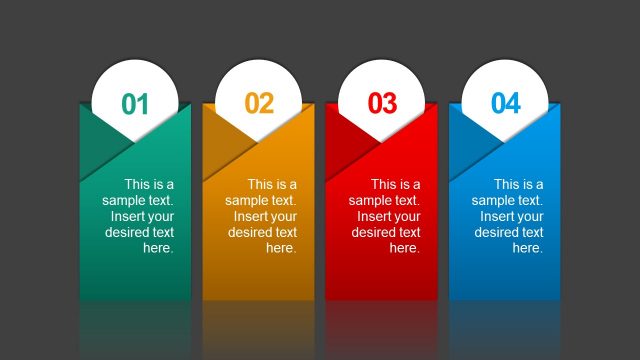
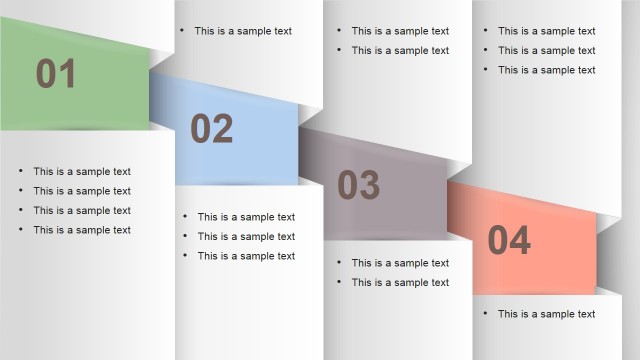
The layout features a clipboard holding four horizontal text sections, each with a different background color: light blue, teal, yellow, and red. Each section includes a number indicator positioned in a circle at the left end. The text placeholders are aligned centrally within each colored section, which are stacked vertically. The clipboard graphic is positioned on the left side, while the text sections extend to the right, creating a clear visual hierarchy. The overall background is a light gray, enhancing the visibility of the clipboard and text.
How to Use It
This layout serves as a structured agenda or step-by-step guide, ideal for presentations outlining key points or processes. It fits well at the beginning of a presentation to introduce topics or sections. In business contexts, it can be used for project timelines, meeting agendas, or training outlines. The clear numbering and color differentiation help to guide the audience through the content sequentially, making it suitable for both formal and informal presentations.
Text Placeholders & Capacity
Keep your copy within these limits so it fits without resizing. Each text slot can hold about 4-5 words comfortably.
| Placeholder | Count | Max characters (approx.) |
|---|---|---|
| Item body | 4 | 22 |
Slide Keywords
Download unlimited PowerPoint templates, charts and graphics for your presentations with our annual plan.
DOWNLOADReturn to Clipboard Agenda PowerPoint Shapes.