Slide 7 of 8 from Free Multi Option PowerPoint Slides
Envelop PowerPoint Shape Multi Option
Four Steps Process Diagram for Presentations
- Diagram
- Comparison Split
- Process Slide
- 16:9
- 100% Editable
The Four Steps Process Diagram slide from the Free Multi Option PowerPoint Slides template offers a clear visual layout for illustrating sequential phases in project management or product development. This slide uses distinct colored segments with editable shapes to enhance workflow explanations, making it a practical choice for business presentations and pitch deck templates requiring structured process visualization.
What’s on This Slide
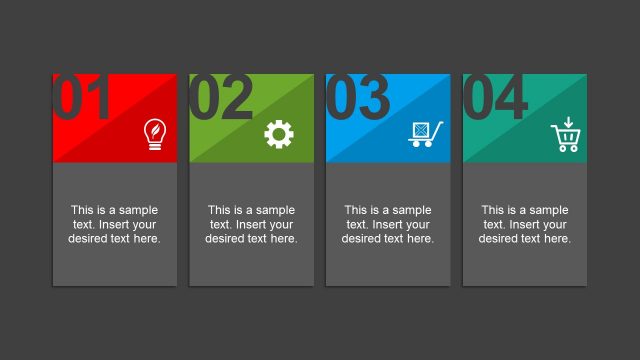
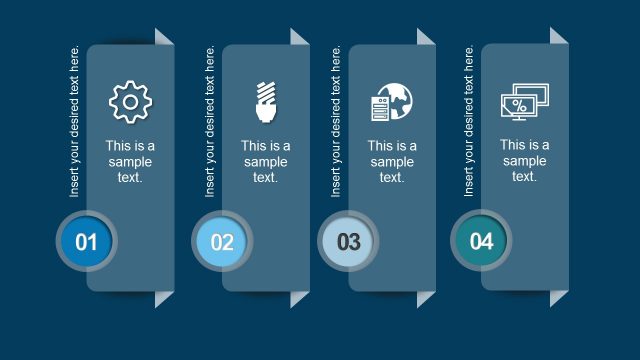
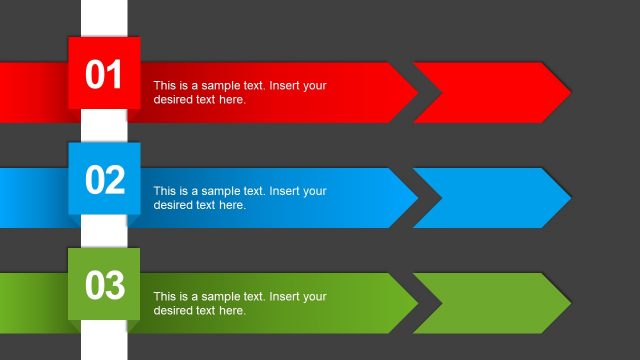
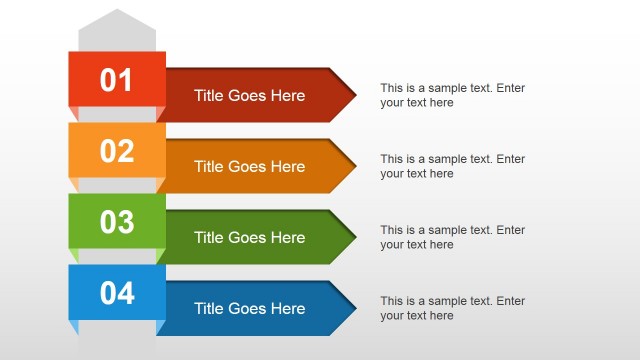
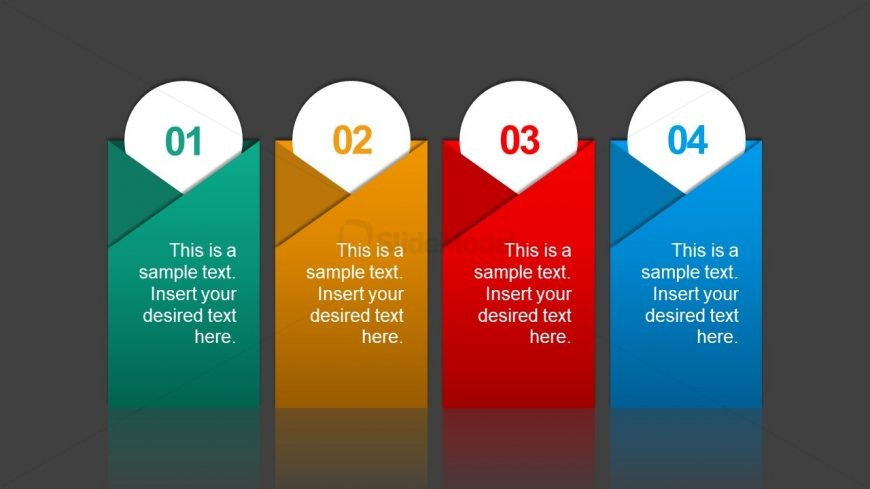
The layout features four vertical segments, each with a distinct color: green, orange, red, and blue. Each segment has a rounded top with a number label positioned centrally, while the main body contains a text placeholder aligned centrally. The segments are arranged in a row, separated by slight gaps. The background is dark gray, enhancing the visibility of the colors. Each segment has a triangular shape at the bottom, creating a dynamic visual flow. The text placeholders are consistent in size and centrally aligned within their respective segments.
How to Use It
This layout serves as a process diagram, ideal for outlining four distinct steps or phases in a presentation. It fits well in a sequence following an introduction or problem statement, providing clarity on a process or strategy. Suitable scenarios include project management updates, product development stages, or workflow explanations. Each segment can be used to highlight key points or actions, making it effective for business presentations.
Text Placeholders & Capacity
Keep your copy within these limits so it fits without resizing. Node body slots can accommodate roughly 10 words each.
| Placeholder | Count | Max characters (approx.) |
|---|---|---|
| Item heading | 4 | 2 |
| Item body | 4 | 50 |
Slide Keywords
Download unlimited PowerPoint templates, charts and graphics for your presentations with our annual plan.
DOWNLOADReturn to Free Multi Option PowerPoint Slides.