Slide 3 of 3 from Clipboard Agenda PowerPoint Shapes
6 Steps Clipboard List Corporate Slides
Clipboard Agenda PowerPoint Shapes
- Text Layout
- List Blocks
- Agenda Slide
- 16:9
- 100% Editable
The Clipboard Agenda Layout from the Clipboard Agenda PowerPoint Shapes template offers a structured format ideal for project updates and meeting agendas. This slide design uses editable shapes and numbered vector icons to clearly present step-by-step processes within a clean, professional slide deck. It integrates well into business presentations requiring a sequential agenda or checklist format, enhancing clarity and visual hierarchy.
What’s on This Slide
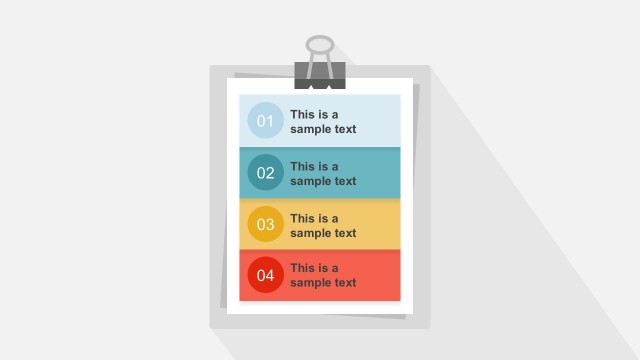
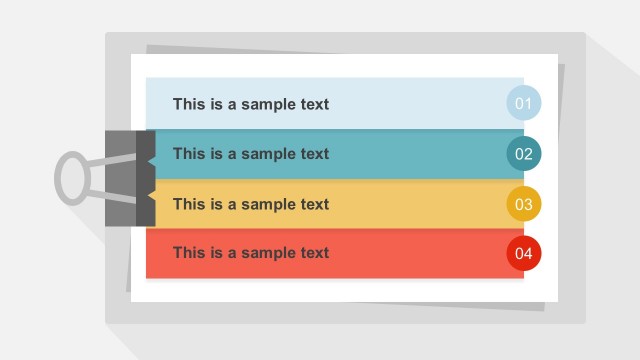
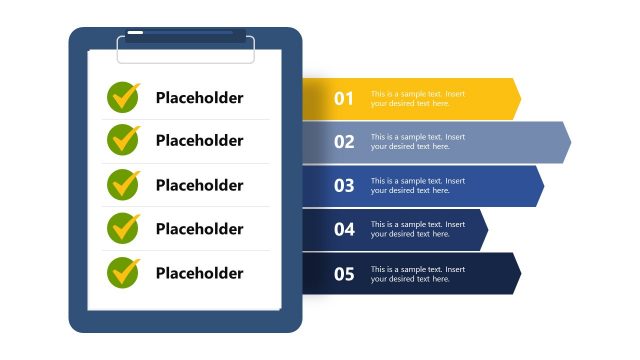
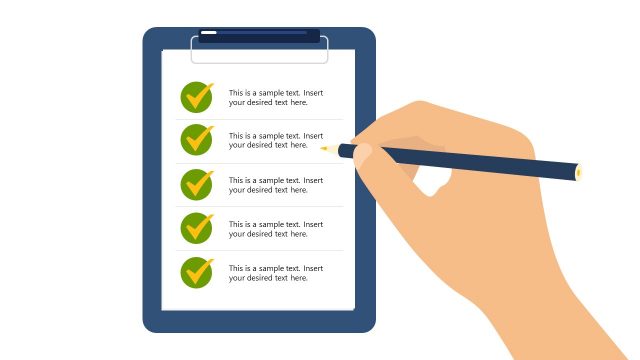
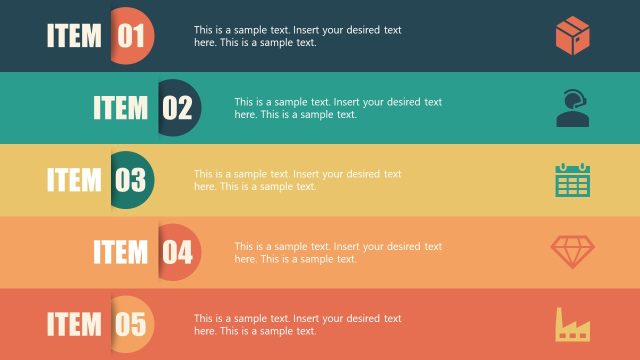
The layout features a clipboard design with a white background. It contains six horizontal segments stacked vertically. Each segment has a circular icon on the left, colored differently, with a number inside. The text placeholders are aligned to the right of the icons, displaying sample text. The third segment is highlighted in yellow, while the others are in shades of blue, teal, and red. The overall composition is clean and organized, with a clear visual hierarchy emphasizing the highlighted segment.
How to Use It
This layout serves as a sequential agenda or checklist format, ideal for outlining steps or topics in a presentation. It fits well in a presentation sequence where a summary or agenda is needed, particularly after introducing a topic. Real-world scenarios include project updates, meeting agendas, or step-by-step processes, allowing for clear communication of key points in a structured manner.
Text Placeholders & Capacity
Keep your copy within these limits so it fits without resizing. Node body slots can accommodate roughly 20 words each.
| Placeholder | Count | Max characters (approx.) |
|---|---|---|
| Item heading | 6 | 2 |
| Item body | 6 | 20 |
Slide Keywords
Download unlimited PowerPoint templates, charts and graphics for your presentations with our annual plan.
DOWNLOADReturn to Clipboard Agenda PowerPoint Shapes.