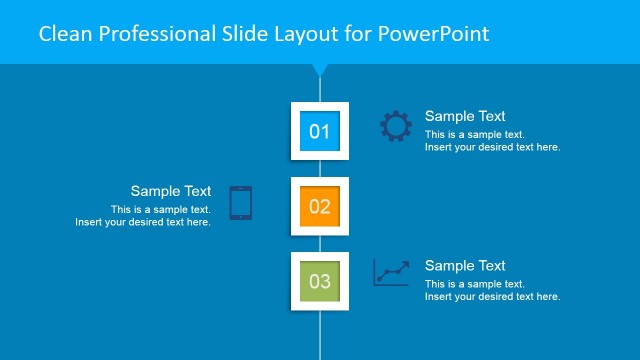
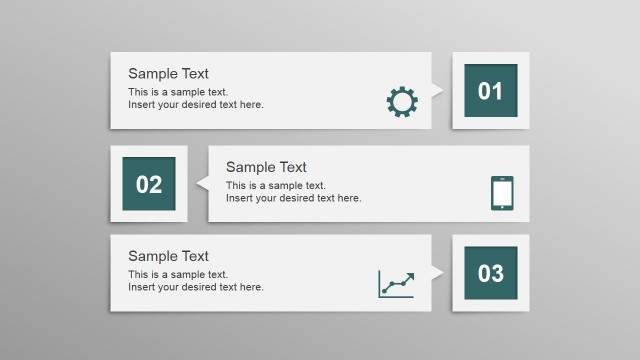
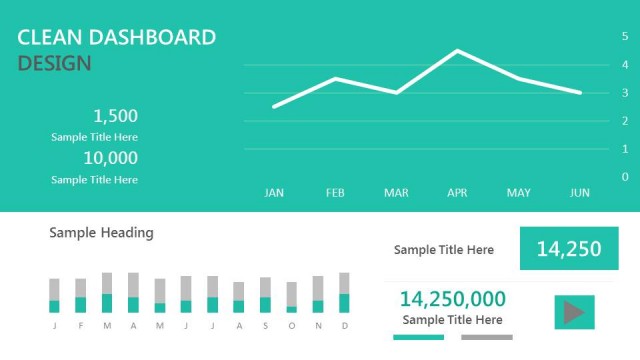
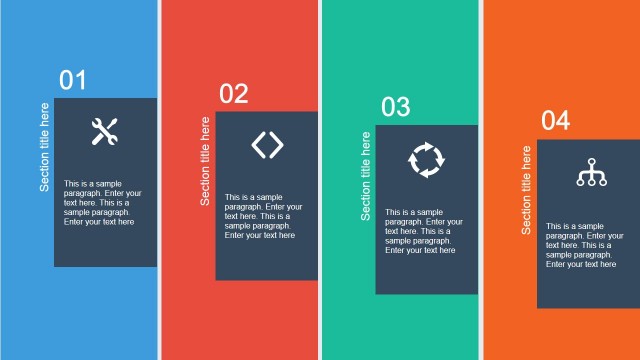
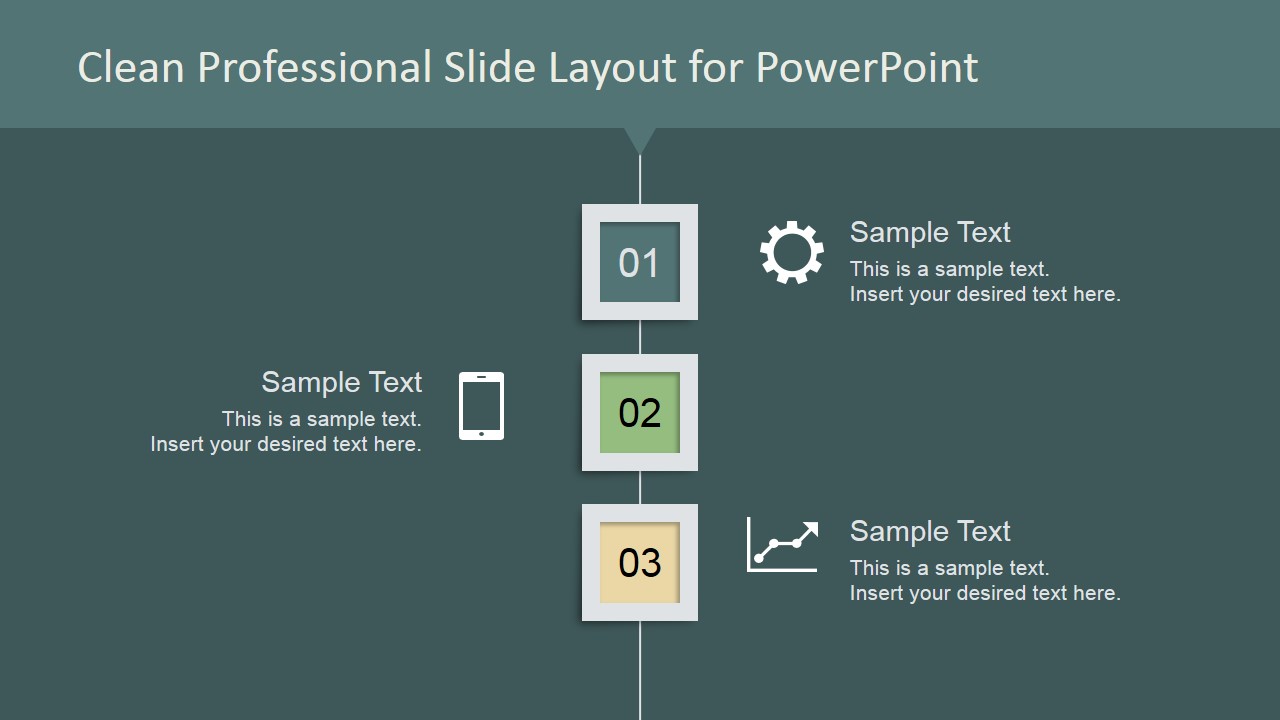
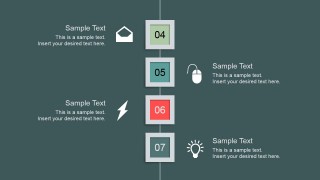
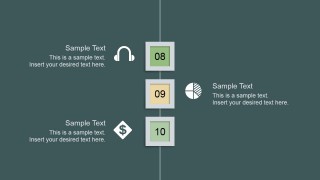
Clean Professional Vertical Layout for PowerPoint is a creative presentation design containing squared elements in a vertical path. You can use this presentation idea to make creative agenda slides for Microsoft PowerPoint. It has space to add up to 10 topics or concepts but easily you can update it to meet your presentation needs. If you only require to present 3 topics or key concepts then you can keep only the first slide. This vertical layout design for PowerPoint has a green palette design but we have used Theme Colors feature in PowerPoint so you can easily switch the current palette to any other color palette.
What’s inside this template
Example presentation scenarios
- A project manager can present a kickoff agenda by placing workstreams in the numbered vertical path and using the editable callouts to explain the first three discussion points.
- A trainer can outline a 10-part lesson plan across the three vertical sequence slides, pairing each topic with a relevant icon from the icon library.
- A consultant can summarize implementation milestones for a client by using the 01 to 10 step blocks as a high-level roadmap and adding concise notes beside each stage.
- A team leader can organize a workshop run of show by assigning each numbered block to a segment and using the alternating text areas to keep the agenda easy to scan.
Features
- 100% editable presentation template
- Compatible with Microsoft PowerPoint and Google Slides
- 16:9 aspect ratio slides
- Scalable vector shapes, icons and illustrations
- AI-Ready for Microsoft Copilot and Claude
- Instant access and download
Frequently asked questions
Q: How should a presenter structure the message with this vertical agenda layout?
A: Use the numbered blocks as the main speaking order and keep each adjacent text callout to one clear idea. The design works best when the presenter names the topic in the callout heading, adds a short explanation beneath it, and uses the icon only as a quick visual cue rather than a decorative extra.
Q: Who is this template best suited for in a business presentation?
A: This template fits presenters who need to make a list feel ordered and easy to follow, such as project managers, trainers, consultants, and team leads. It is strongest for agendas, process walkthroughs, workshop plans, and concept lists where the audience benefits from seeing the full sequence broken into numbered parts.
Q: Why does the centered vertical path improve communication?
A: The central line gives the audience a simple path to follow from one topic to the next, while the alternating callouts reduce crowding around the numbers. The stacked square markers also create a visual metaphor for progress, helping presenters show a planned sequence without needing a full timeline or detailed roadmap.



Clean Professional Vertical Layout for PowerPoint (Green)
4-slide green vertical agenda presentation template with numbered process steps and business icons
This 4-slide presentation template shows a clean green vertical agenda for numbering up to 10 topics. It includes a central vertical path, stacked step blocks, alternating text callouts, and a separate icon library. Business presenters can use it for agendas, process overviews, or concept lists in Microsoft PowerPoint and Google Slides.
- Category
- Text & Tables
- Rating


 Loading...
- Aspect ratio
- 16:9
- Item ID
- 6758-02
- Colors
 Microsoft PowerPoint
  Microsoft Copilot
  Claude for PowerPoint
 Other formats supported
Subscribe today and get immediate
access to download our PowerPoint templates.