Slide 2 of 17 from Circles Company Profile PowerPoint Template
Editable Table of Contents Slide – Company Profile Presentation Layout
Table of Contents Slide for Company Profile
- Text Layout
- List Blocks
- Agenda Slide
- 16:9
- 100% Editable
The Table of Contents slide from the Circles Company Profile PowerPoint Template offers a clear agenda layout ideal for business presentations. This slide template organizes key topics into two columns with numbered sections and editable shapes, enhancing navigation in corporate presentations or pitch deck templates. Its light background and structured design support readability and professional communication in strategic presentations and project outlines.
What’s on This Slide
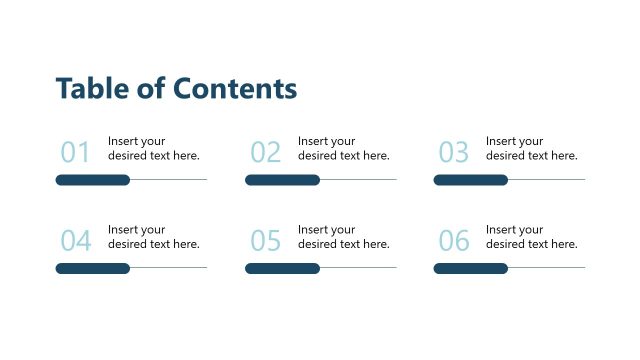
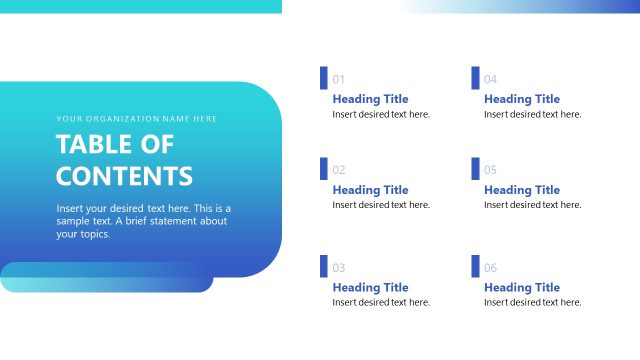
The layout features a title at the top center labeled 'Table of Contents.' Below, there are six numbered sections arranged in two columns. Each section includes a number on the left, followed by a text placeholder aligned to the right. The placeholders are evenly spaced and indicate where content can be inserted. Circular shapes in varying sizes are positioned in the top left and bottom right corners, contributing to the overall design. The background is light, enhancing readability and focus on the content.
How to Use It
This layout serves as a navigation aid within a presentation, outlining key sections for the audience. It is typically used early in a presentation to provide an overview of topics to be covered. This structure is beneficial for business scenarios such as company profiles, project overviews, or strategic plans, where clarity and organization are essential for guiding the audience through the content.
Text Placeholders & Capacity
Keep your copy within these limits so it fits without resizing. Node labels can hold about 30 characters each, while body text can accommodate around 50 characters.
| Placeholder | Count | Max characters (approx.) |
|---|---|---|
| Slide title | 1 | 30 |
| Item heading | 6 | 30 |
| Item body | 6 | 50 |
Slide Keywords
Download unlimited PowerPoint templates, charts and graphics for your presentations with our annual plan.
DOWNLOADReturn to Circles Company Profile PowerPoint Template.