Slide 2 of 13 from Brand Identity PowerPoint Template
Slide for Table of Contents – Brand Identity Presentation Template
Table of Contents Slide for Presentations
- Text Layout
- List Blocks
- Agenda Slide
- 16:9
- 100% Editable
The Table of Contents Layout from the Brand Identity PowerPoint Template offers a clean, organized agenda slide ideal for business presentations and project overviews. This slide template features editable shapes and numbered sections arranged for clear topic navigation, supporting effective communication in corporate presentations and pitch decks.
What’s on This Slide
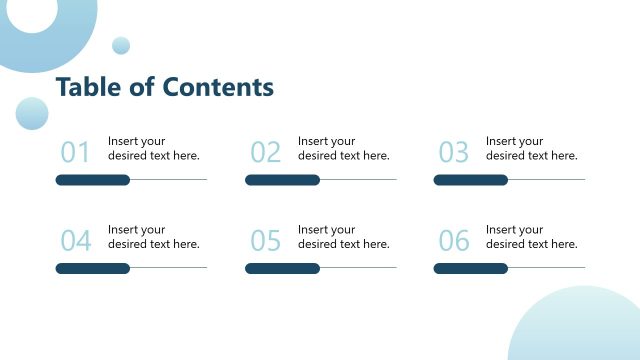
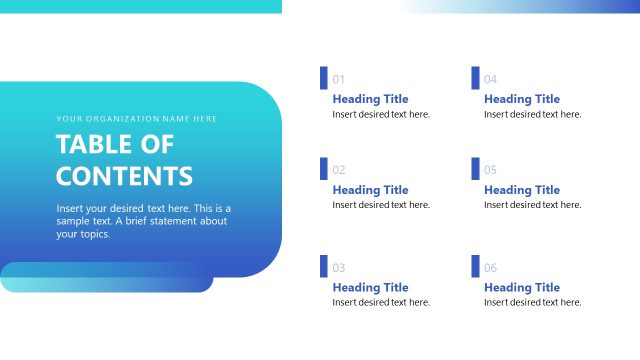
The layout features a title at the top center labeled 'Table of Contents.' Below, there are six numbered sections arranged in two vertical groups of three. Each section includes a number on the left and a placeholder for text on the right. The text placeholders are aligned left, with a horizontal line extending to the right of each number. The overall composition is clean and organized, with a clear visual hierarchy. The background is light, allowing for easy readability of the text and numbers.
How to Use It
This layout serves as a structured overview of presentation topics, ideal for guiding the audience through the content. It fits early in a presentation sequence, following an introduction slide. This layout is suitable for business meetings, educational lectures, and project briefings where a clear agenda is necessary. It helps in setting expectations and providing a roadmap for the discussion ahead.
Text Placeholders & Capacity
Keep your copy within these limits so it fits without resizing. Node body slots can hold about 8-10 words each.
| Placeholder | Count | Max characters (approx.) |
|---|---|---|
| Slide title | 1 | 30 |
| Item heading | 6 | 25 |
| Item body | 6 | 50 |
Slide Keywords
Download unlimited PowerPoint templates, charts and graphics for your presentations with our annual plan.
DOWNLOADReturn to Brand Identity PowerPoint Template.