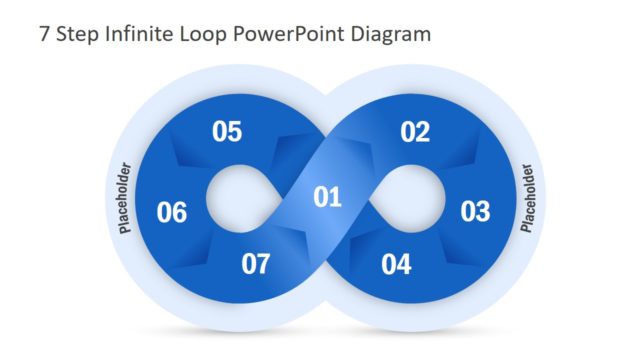
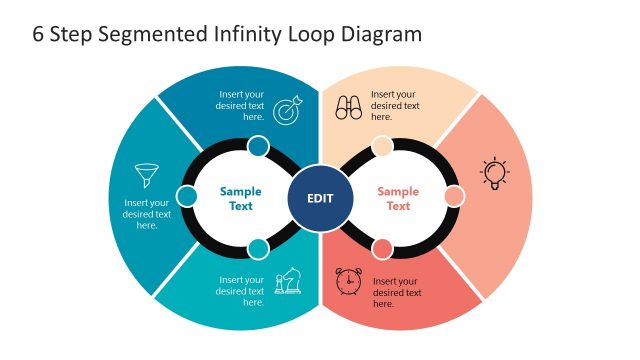
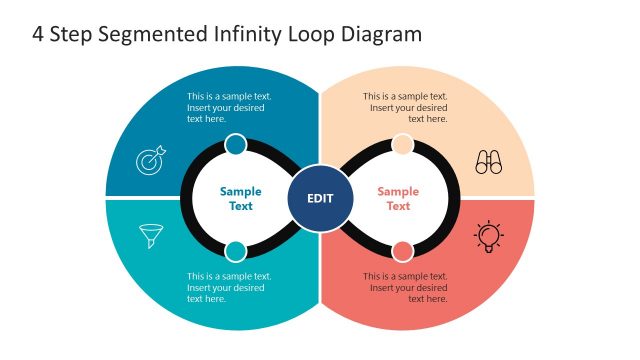
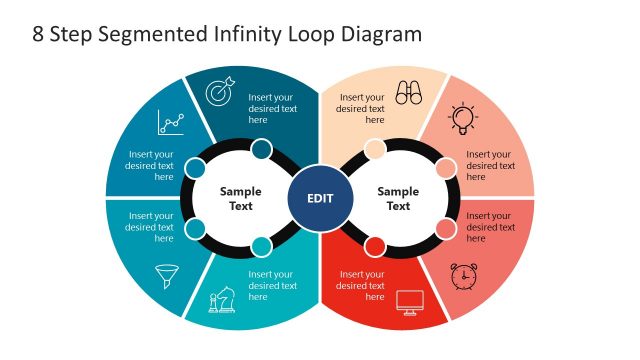
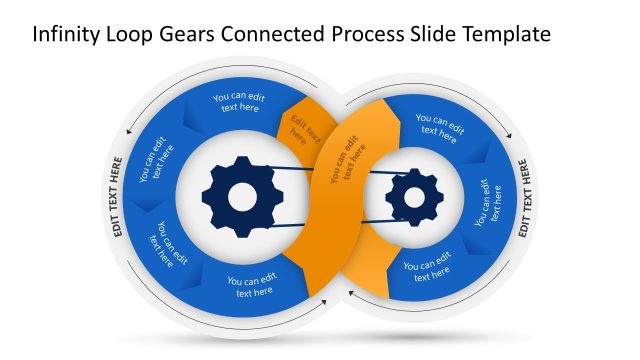
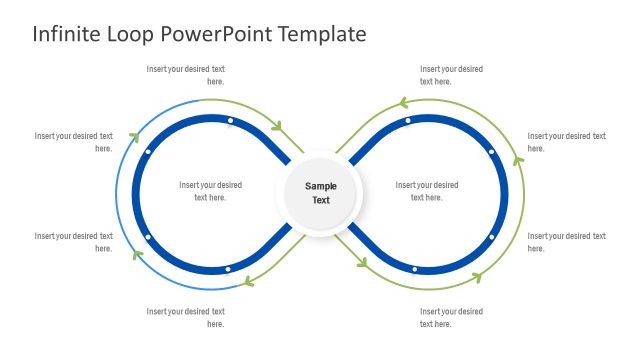
The Chained Infinite Loop PowerPoint Diagram is a multi-stage template for continuous cycle presentations. The template displays three parts infinity loop with gradient color shades. A three-part infinity loop depicts a chain of connected processes. The chevron icons in the gradient-shaded loop represent a direction of process flow. This PowerPoint diagram is a process cycle diagram that shows a connection between each segment. By visualizing the repetitive process, the infinity loop organizes a continuous sequence of stages for business presentations. The PowerPoint template with three pieces of infinity loop gives an appealing and creative look of the constant process cycle.
The infinity loop diagram has many uses in presentations, such as ongoing business operations. A quality assurance and control process in product development is an excellent example of an infinite loop. Users can use the Chained Infinite Loop presentation diagram for PowerPoint and Google Slides to demonstrate step-by-step quality checks. This diagram is also helpful in giving an overview of marketing efforts. The PowerPoint presentation of chained infinity provides a visual guide of how information flows through an ongoing process.
As an easily recognizable symbol of continuity, the infinity symbol lets you present a range of presentation topics in PowerPoint. You can explain a sequence of activities in business, research, education, and other industries. With additional chained infinite segment, the infinite loop diagram with chained segments helps include more information. The chained infinite loop PowerPoint contains four editable slides and can be used to represent a process diagram. Alternatively, you can download other endless loop slides for presentations. For detailed presentations and focused discussion, use the additional three slides. Each of these slides assists in focusing on one segment with gray color. This is a fully customizable PowerPoint template where users can change colors and edit text according to presentation needs.
What’s inside this template
Example presentation scenarios
- An operations manager can explain an ongoing business workflow by using the full-color chained infinity loop to show how three recurring stages feed into one another.
- A quality assurance lead can present inspection, correction, and feedback activities with the segment focus slides to discuss each stage without losing the whole cycle.
- A marketing strategist can map campaign planning, execution, and measurement with the directional chevrons and editable text lists inside each loop segment.
- A consultant can introduce a client process improvement model by showing the complete loop first, then using the gray segment variations to guide a step-by-step discussion.
Features
- 100% editable presentation template
- Compatible with Microsoft PowerPoint and Google Slides
- 16:9 aspect ratio slides
- Scalable vector shapes, icons and illustrations
- AI-Ready for Microsoft Copilot and Claude
- Instant access and download
Frequently asked questions
Q: How should a presenter explain the three-part infinity loop without making it feel repetitive?
A: Start with the full-color overview to define the three stages and the overall flow. Then move to the focus slides to discuss one segment at a time while the remaining loop stays visible. This keeps the audience oriented and makes the repeated cycle feel intentional rather than circular or redundant.
Q: For what type of process message is this template the best fit?
A: This template is best for presenters who need to show a recurring three-stage system, such as quality checks, operational feedback, campaign optimization, or learning cycles. It works well when no stage is the final endpoint and each part sends information or work back into the next cycle.
Q: Why use a chained infinity symbol instead of a standard circular process diagram?
A: The chained infinity metaphor communicates continuity and connection at the same time. Unlike a basic circle, the linked loops make each stage feel distinct while still part of one uninterrupted system. The chevrons add direction, and the gray focus variants help the presenter zoom into one segment without breaking the cycle.


Chained Infinite Loop PowerPoint Diagram
4-slide presentation template for three-segment infinite loop process diagrams and chain cycle flows
The Chained Infinite Loop PowerPoint Diagram is a 4-slide process diagram template for showing recurring workflows. It includes a three-segment chained infinity loop, directional chevrons, text callouts, and segment focus variants with gray emphasis. It is designed for business, operations, quality, and marketing presenters in Microsoft PowerPoint and Google Slides.
- Category
- Process Diagrams
- Rating

 Loading...
- Aspect ratio
- 16:9
- Item ID
- 8428-01
- Colors
 Microsoft PowerPoint
 Microsoft Copilot
 Claude for PowerPoint
Other formats supported
Subscribe today and get immediate
access to download our PowerPoint templates.