Slide 4 of 7 from Center of Excellence PowerPoint Template
Editable Center of Excellence PPT Template
Center of Excellence Diagram for Presentations
- Diagram
- Circular Cycle
- Strategic Analysis Slide
- 16:9
- 100% Editable
The Center of Excellence Diagram slide from the Center of Excellence PowerPoint Template visually organizes key focus areas in a circular layout, ideal for strategic planning and organizational development presentations. This slide template includes editable shapes and vector icons arranged around a central node, supporting clear communication of project prioritization and business presentation goals within a corporate presentation or pitch deck template.
What’s on This Slide
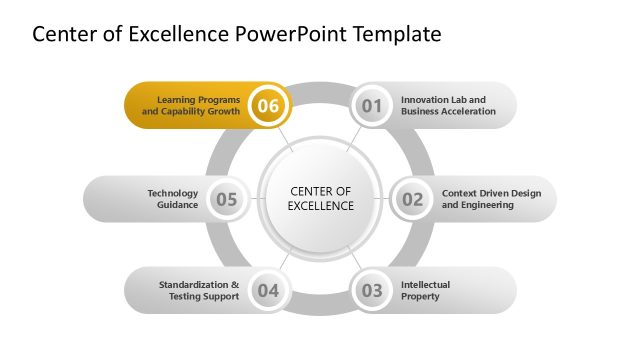
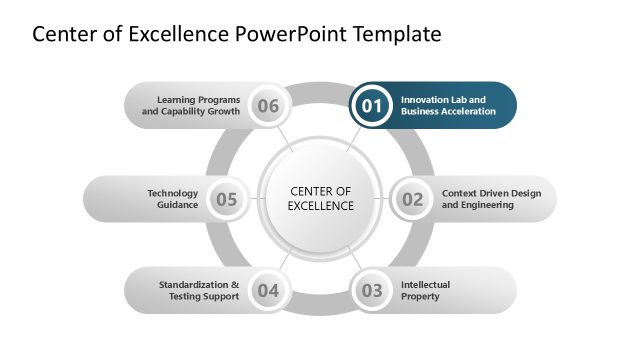
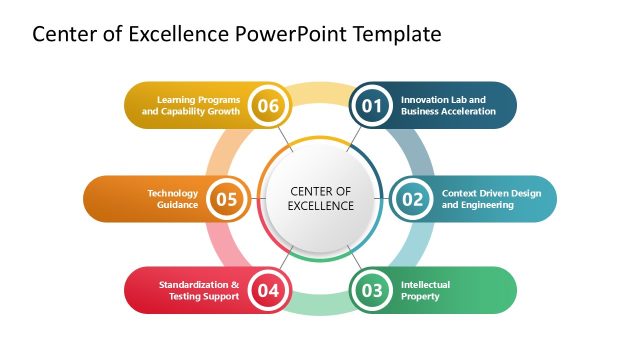
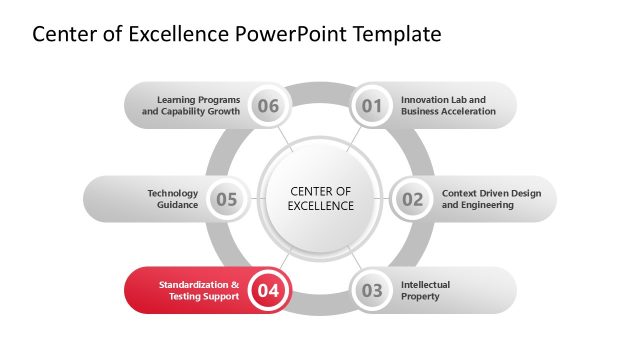
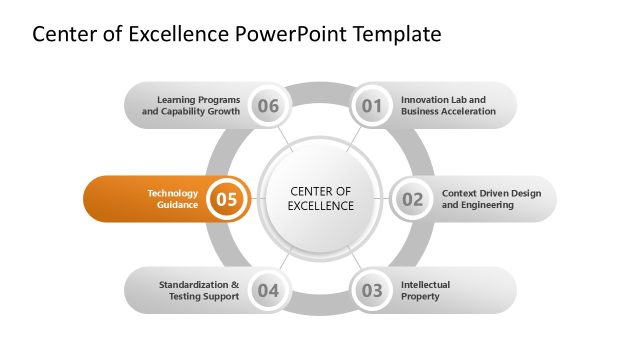
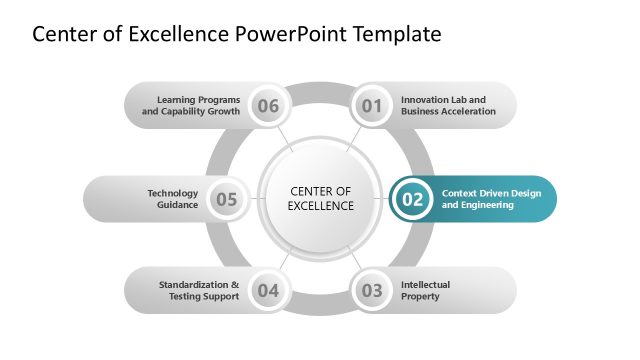
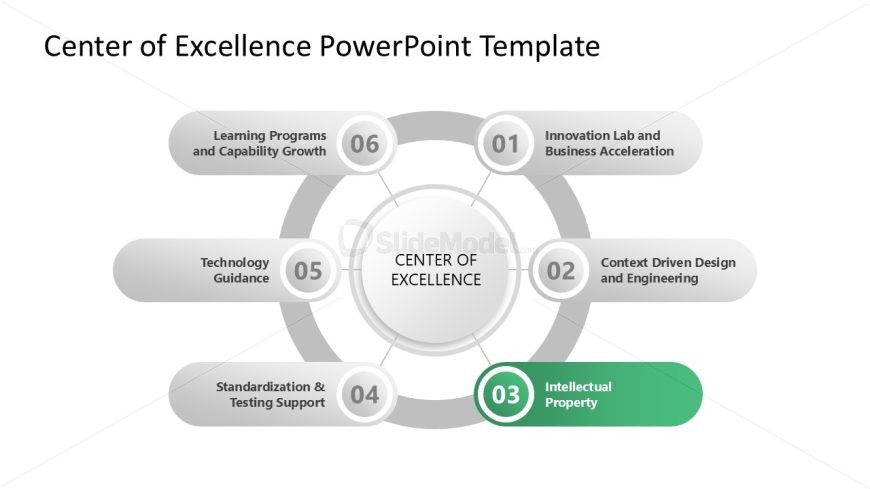
The layout features a central circular node labeled 'CENTER OF EXCELLENCE' surrounded by six oval nodes. These nodes are arranged in a circular pattern, with each node containing a title and a number. The node for 'Intellectual Property' is highlighted in green, indicating its significance. The other nodes include 'Innovation Lab and Business Acceleration,' 'Context Driven Design and Engineering,' 'Technology Guidance,' 'Standardization & Testing Support,' and 'Learning Programs and Capability Growth.' Text placeholders are present for titles and node labels, aligned centrally within each shape. The background is white, providing contrast to the shapes.
How to Use It
This layout serves as a circular diagram to illustrate the components of a Center of Excellence. It fits well in a presentation sequence after introducing the concept and before detailing individual components. This structure is useful for business scenarios like strategic planning, organizational development, or presenting a framework for excellence. Each node can represent a different focus area or initiative, making it suitable for discussions on resource allocation or project prioritization.
Text Placeholders & Capacity
Keep your copy within these limits so it fits without resizing. Node labels can accommodate roughly 6-8 words each.
| Placeholder | Count | Max characters (approx.) |
|---|---|---|
| Item heading | 6 | 40 |
| Slide title | 1 | 50 |
Slide Keywords
Download unlimited PowerPoint templates, charts and graphics for your presentations with our annual plan.
DOWNLOADReturn to Center of Excellence PowerPoint Template.