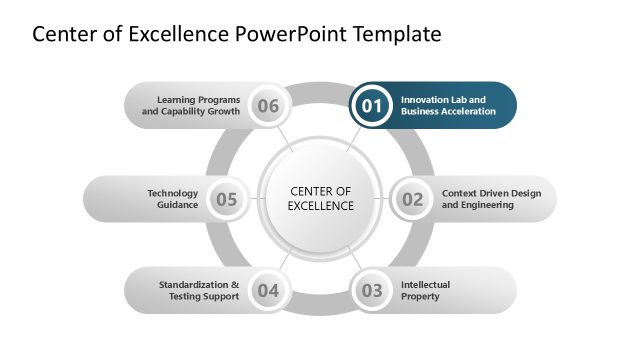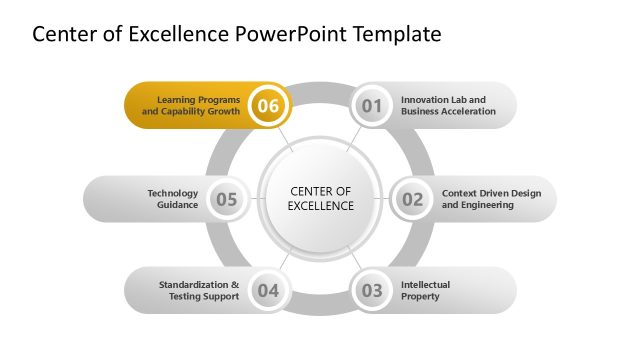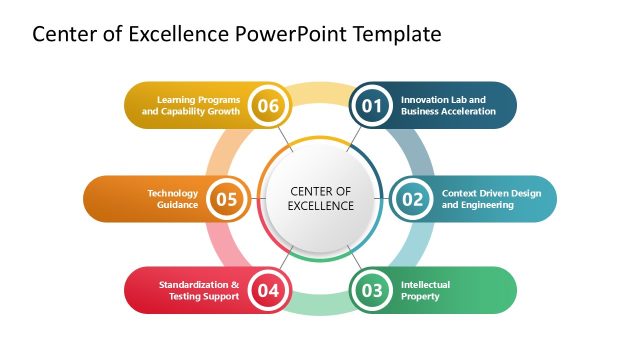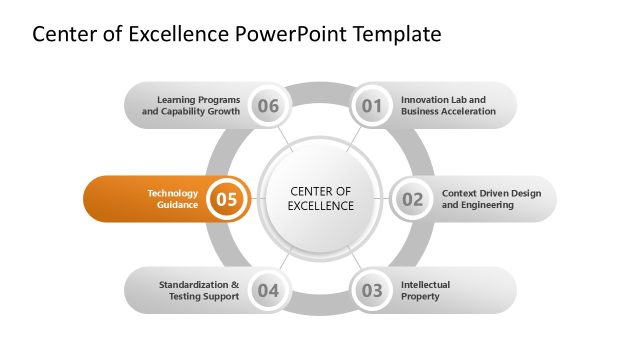
Slide 5 of 7 from Center of Excellence PowerPoint Template
Customizable Center of Excellence PPT Template
Center of Excellence Diagram for Presentations
- Diagram
- Circular Cycle
- Strategic Analysis Slide
- 16:9
- 100% Editable
The Center of Excellence Diagram from the Center of Excellence PowerPoint Template offers a clear circular cycle layout ideal for strategic initiative presentations. This slide template uses editable shapes and vector icons to visualize organizational capabilities and process interconnections effectively, making it suitable for corporate presentations and business presentation slide decks.
What’s on This Slide
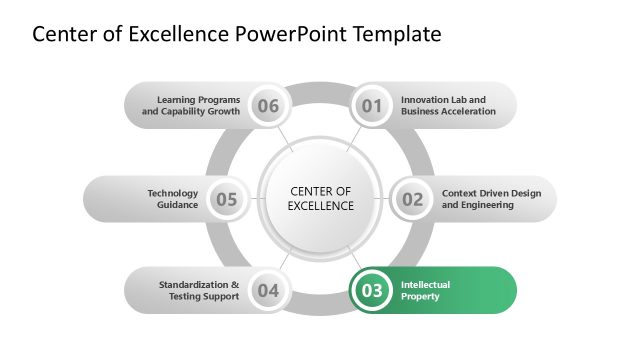
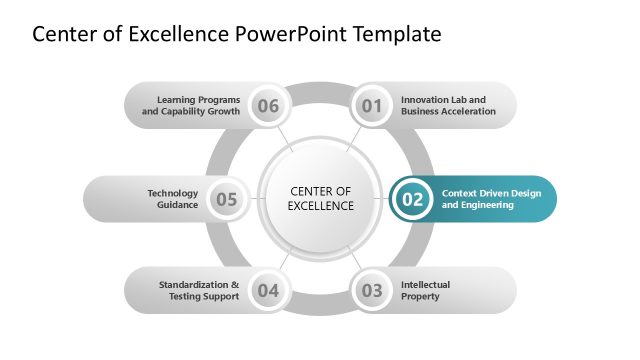
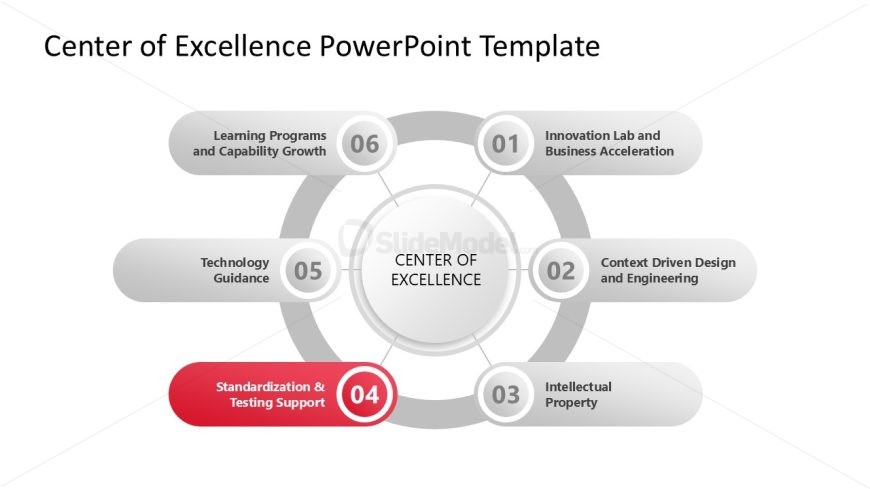
The layout features a central circle labeled 'CENTER OF EXCELLENCE' surrounded by five elliptical nodes. These nodes are positioned at equal intervals, with one node highlighted in red. Each node contains a title and a number, indicating a sequence. The background is white, providing contrast to the gray and red elements. Text placeholders exist within the nodes, aligned centrally. The overall composition is circular, emphasizing interconnectedness among the elements. The visual hierarchy is clear, with the central circle being the focal point.
How to Use It
This layout serves as a process flow diagram, illustrating the components of a Center of Excellence. It fits well in a presentation sequence that discusses organizational strategies or frameworks. This structure is useful for business scenarios such as presenting a strategic initiative or outlining key capabilities. It can also be employed to visualize relationships among various functions within an organization, enhancing understanding of their interdependencies.
Text Placeholders & Capacity
Keep your copy within these limits so it fits without resizing. Node labels can hold about 5-7 words each.
| Placeholder | Count | Max characters (approx.) |
|---|---|---|
| Item heading | 5 | 40 |
| Slide title | 1 | 50 |
Slide Keywords
Download unlimited PowerPoint templates, charts and graphics for your presentations with our annual plan.
DOWNLOADReturn to Center of Excellence PowerPoint Template.