Slide 5 of 10 from Business Success Story PowerPoint Template
Implementation & Process PowerPoint Slide
Implementation and Process Slide Overview
- Diagram
- Process Flow
- Process Slide
- 16:9
- 100% Editable
What’s on This Slide
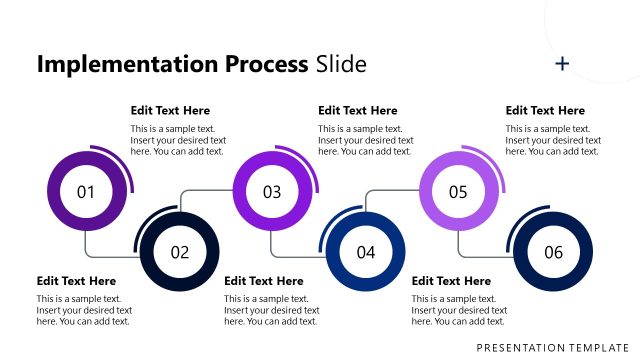
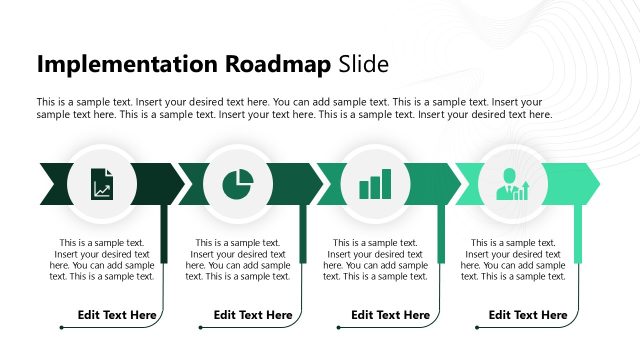
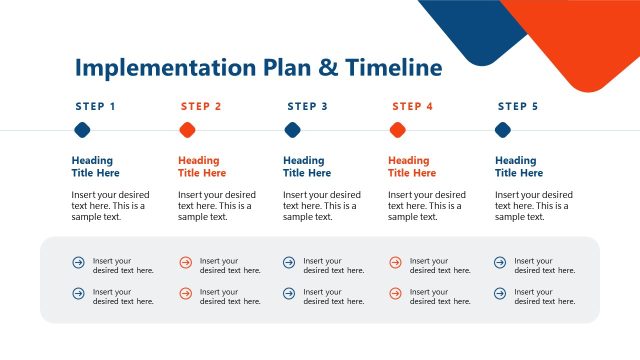
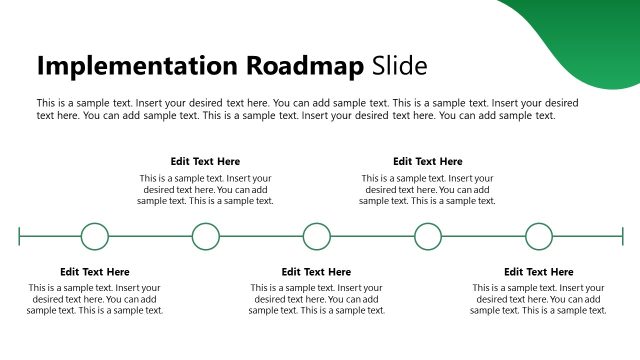
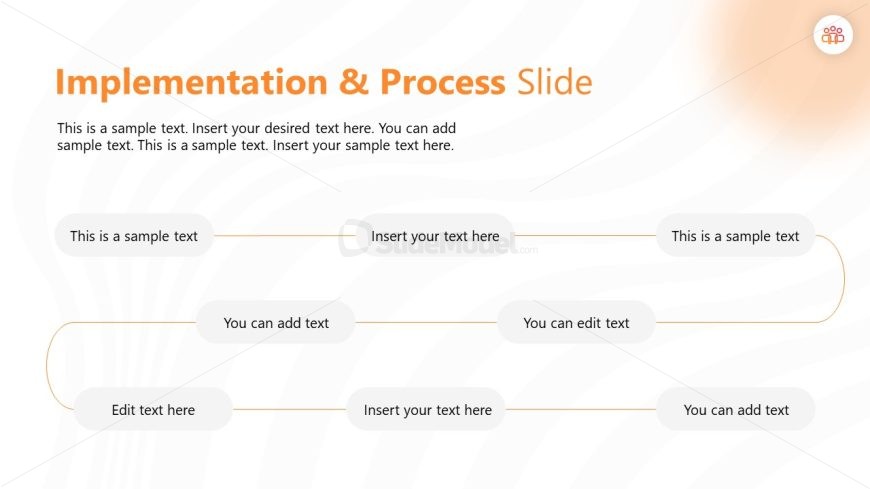
The layout features a title at the top center, with the text 'Implementation & Process Slide' prominently displayed. Below, there are five text placeholders arranged in a flowing manner, with two on the top row and three on the bottom. Each placeholder is rounded and connected by thin lines, indicating a flow or sequence. The placeholders vary in size but maintain a consistent style. The background has a subtle wave pattern in light colors, enhancing visual interest without overwhelming the text. The overall composition is clean and organized.
How to Use It
This layout serves to illustrate a process or implementation steps in a sequential manner. It is suitable for presentations that require a clear depiction of stages or phases in a project. This slide fits well after a problem or challenge slide, providing a logical progression toward solutions. It can be used in business contexts such as project management, strategy implementation, or operational workflows, helping audiences understand complex processes in a simplified format.
Text Placeholders & Capacity
Keep your copy within these limits so it fits without resizing. Node slots can accommodate concise text, roughly 5-6 words each.
| Placeholder | Count | Max characters (approx.) |
|---|---|---|
| Slide title | 1 | 40 |
| Item body | 5 | 30 |
Slide Keywords
Download unlimited PowerPoint templates, charts and graphics for your presentations with our annual plan.
DOWNLOADReturn to Business Success Story PowerPoint Template.