Slide 1 of 5 from Business Strategy Diagram for PowerPoint
6092-01-business-strategy-diagram-1
Business Strategy Diagram for PowerPoint
- Diagram
- Other
- Strategic Analysis Slide
- 16:9
- 100% Editable
The Business Strategy Diagram slide from the Business Strategy Diagram for PowerPoint template offers a clear visual layout for corporate presentations. It uses editable shapes arranged around a central node to illustrate key strategic elements, making it suitable for business strategy presentations and internal analysis discussions. This slide layout supports effective communication of complex relationships in a concise format within slide decks and pitch deck templates.
What’s on This Slide
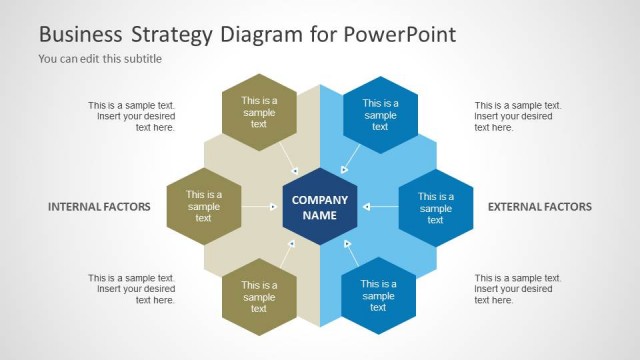
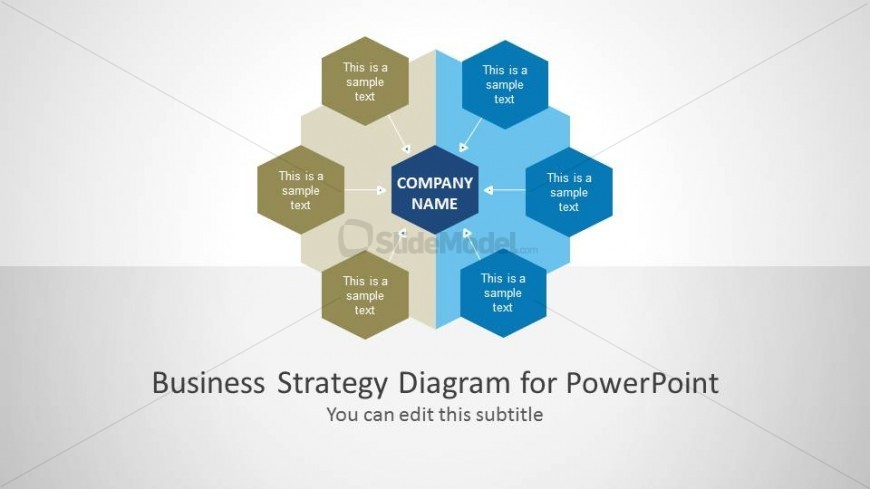
The slide features a central hexagon labeled 'COMPANY NAME' surrounded by six smaller hexagons. These smaller hexagons are arranged in a circular pattern, with three in a light color and three in a darker color. Each hexagon contains a text placeholder aligned centrally, allowing for easy editing. Connecting arrows point from the central hexagon to each surrounding hexagon, indicating a relationship. The background is a light gradient, enhancing the visual hierarchy. The bottom of the slide includes a title placeholder and a subtitle placeholder, both centered.
How to Use It
This layout serves as a strategic overview, ideal for presenting internal and external factors affecting a business. It fits well at the beginning of a presentation to introduce key concepts or themes. The central node represents the company, while surrounding nodes can detail various strategic elements. This structure is useful in business meetings, strategy sessions, or educational contexts where a clear visual representation of relationships is needed.
Text Placeholders & Capacity
Keep your copy within these limits so it fits without resizing. Node labels can accommodate roughly 3-5 words each.
| Placeholder | Count | Max characters (approx.) |
|---|---|---|
| Slide title | 1 | 30 |
| Subtitle | 1 | 50 |
| Item heading | 6 | 20 |
Slide Keywords
Download unlimited PowerPoint templates, charts and graphics for your presentations with our annual plan.
DOWNLOADReturn to Business Strategy Diagram for PowerPoint.